
Joining or Creating a Clan in Diablo IV
Diablo IV features an engaging clan system that enhances the multiplayer experience by allowing players to collaborate in various Player vs. Environment (PvE) and Player vs. Player (PvP) activities. If you’re looking to join or create a clan, follow this step-by-step guide to get started.
Accessing the Clan System
1. Open the Menu: Begin by accessing the in-game menu. If you’re on a keyboard, simply press the “N” key to open the Clan Tab directly.
Creating a Clan
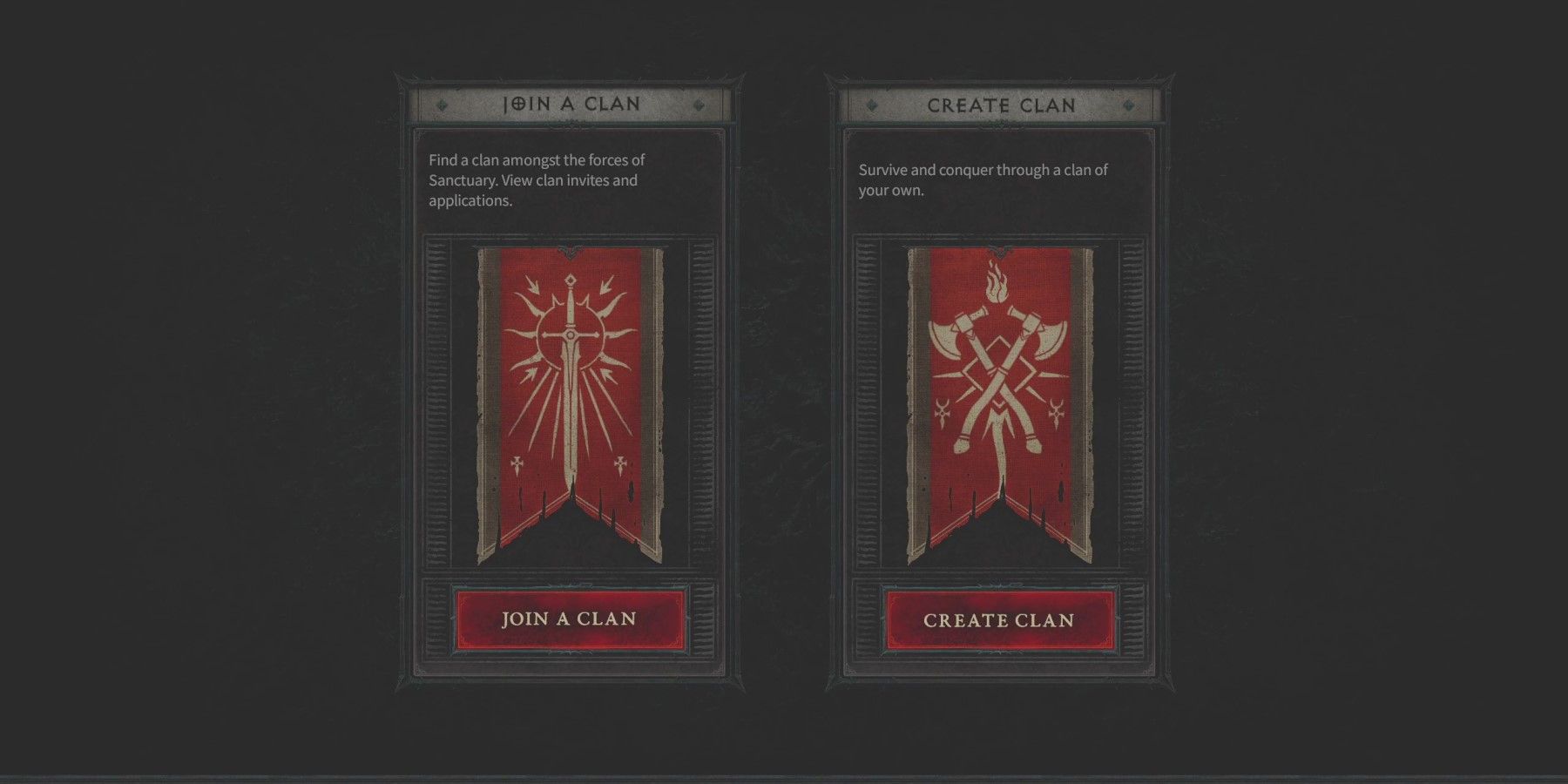
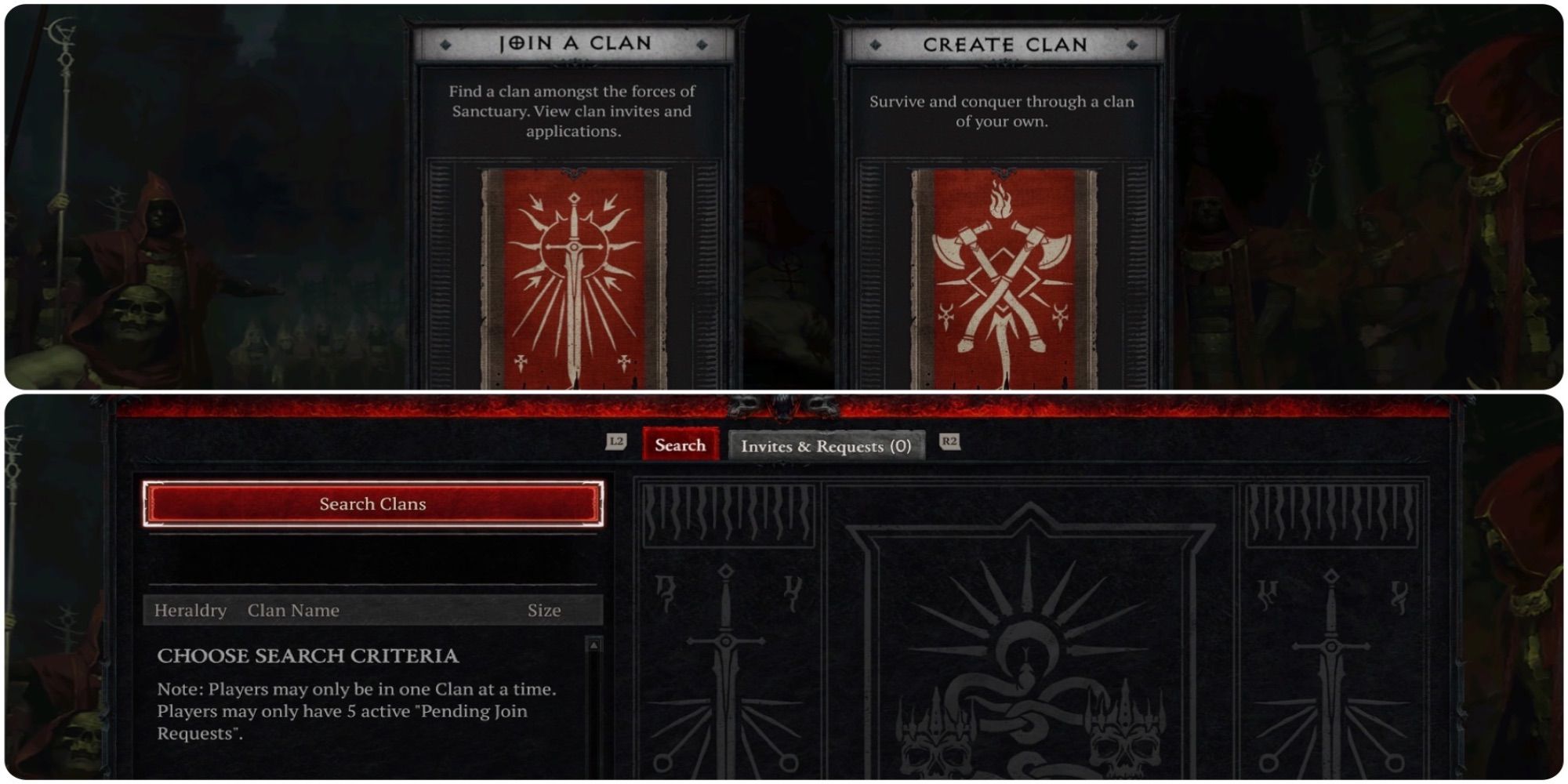
1. Select “Create Clan”: In the Clan Tab, look for and select the “Create Clan” option to initiate the clan creation process.
2. Fill Out Clan Information:
– Clan Name: Choose a unique and catchy name for your clan. This name can be up to 24 characters long.
– Clan Tag: This tag serves as a shorter identifier for your clan, with a maximum length of 6 characters. It’s prominently displayed to help others easily recognize your clan.
– Description and Label: Optionally, provide a brief description of your clan’s focus or activities to attract like-minded players.
3. Set Clan Permissions: Manage various roles within your clan by configuring permissions for different ranks, including recruits, members, officers, and leaders. This determines what actions individuals can take within the clan.
| Clan Permission | Minimum Rank Required to Access |
|————————————-|————————————-|
| Set Message of the Day | Officer or Clan Leader |
| Process Clan Applications | Officer or Clan Leader |
| Promote Members | Officer or Clan Leader |
| Demote Members | Officer or Clan Leader |
| Remove Members | Member, Officer, or Clan Leader |
| Ban and Unban Members | Officer or Clan Leader |
| Invite New Members | Recruit, Member, Officer, or Leader |
| Speak in Clan Voice Chat | Recruit, Member, Officer, or Leader |
| Mute Members | Member, Officer, or Clan Leader |
Joining a Clan
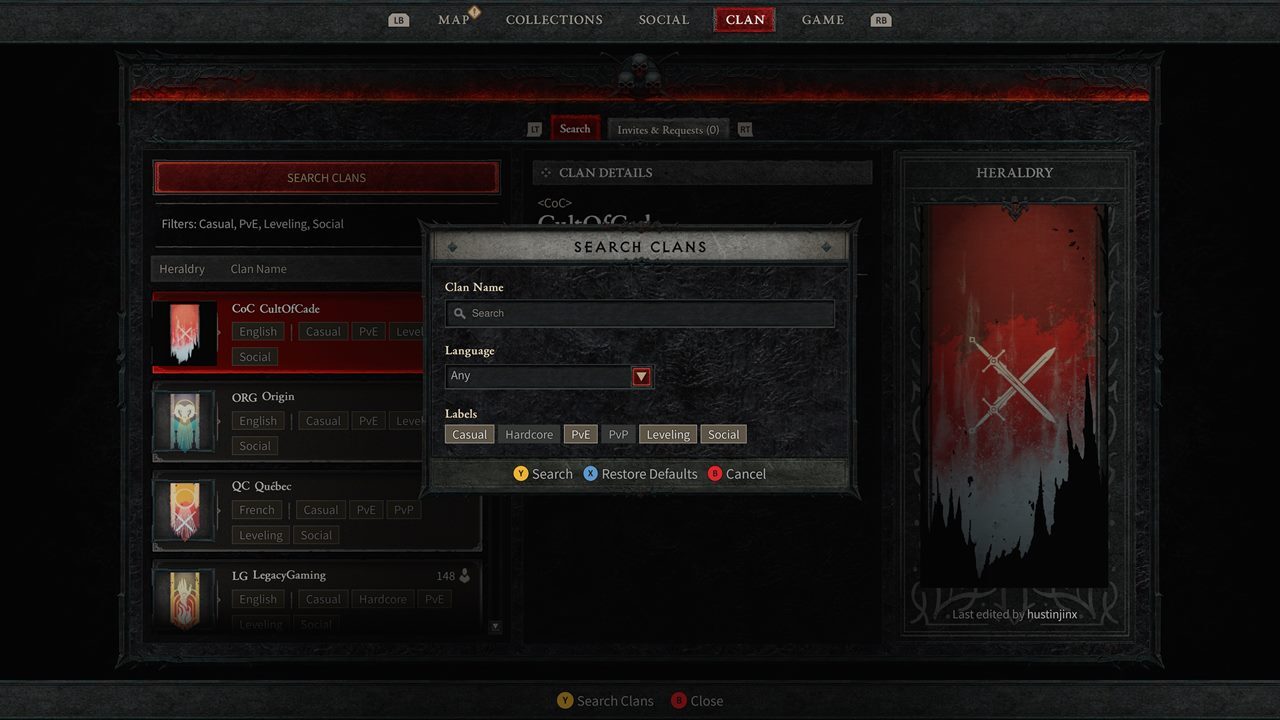
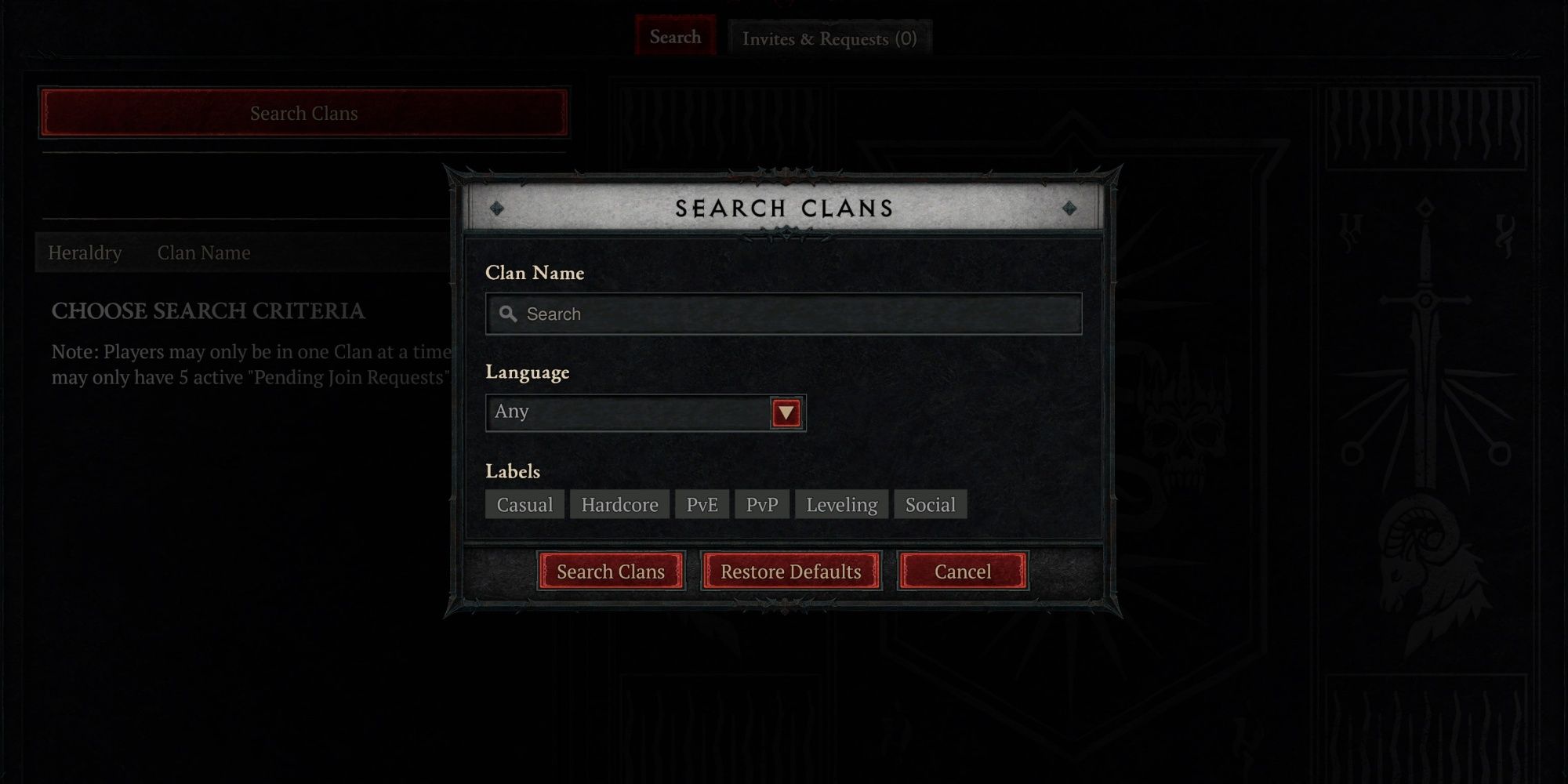
1. Search for Clans: Navigate to the Clan Tab to conduct a search for existing clans. You can either search by name specifically or browse through the listed clans.
2. Apply to Join: Once you find a clan that piques your interest, apply to become a member. Depending on the clan’s settings, you may be accepted immediately if it is open to new members, or your application will need approval from an officer or leader.
3. Await Approval: If your application is pending, simply wait for a response from the clan’s officers or leaders regarding your membership status.
Managing Clan Activities
Upon joining or creating a clan, you can actively participate in a range of activities alongside your fellow clan members, including organizing group PvE adventures or engaging in PvP combat. Utilize the Clan Chat for coordination, to plan strategies, and keep up with clan announcements.
Key Points to Remember
– No Cost or Level Requirement: Creating a clan in Diablo IV is entirely free and can be accomplished at any level.
– Understanding Clan Roles: Being aware of the functionalities associated with different clan roles is vital for effective clan management and interaction.
By following these organized steps, you can easily create or join a clan in Diablo IV, enhancing your gaming experience as you connect with other players for thrilling multiplayer activities. Happy gaming!

Leave a Reply