
Guide to Using the In-Game Store in Farming Simulator 22
Farming Simulator 22 provides players with a robust in-game store that facilitates the buying and selling of essential farming items. This comprehensive guide will walk you through how to effectively utilize the store for your farming endeavors.
Accessing the Store
There are multiple ways to access the in-game store:
1. Keyboard Shortcuts: On PC, you can quickly open the store by pressing the P key. For console players, simply navigate to the menu to access the store.
2. In-Game Interaction: Alternatively, you can approach a physical store location within the game world. Interact with it by pressing the appropriate interaction button (e.g., R on PC).
Buying Items
The store is organized into clear categories to streamline your shopping experience. Here’s a breakdown of the available sections:
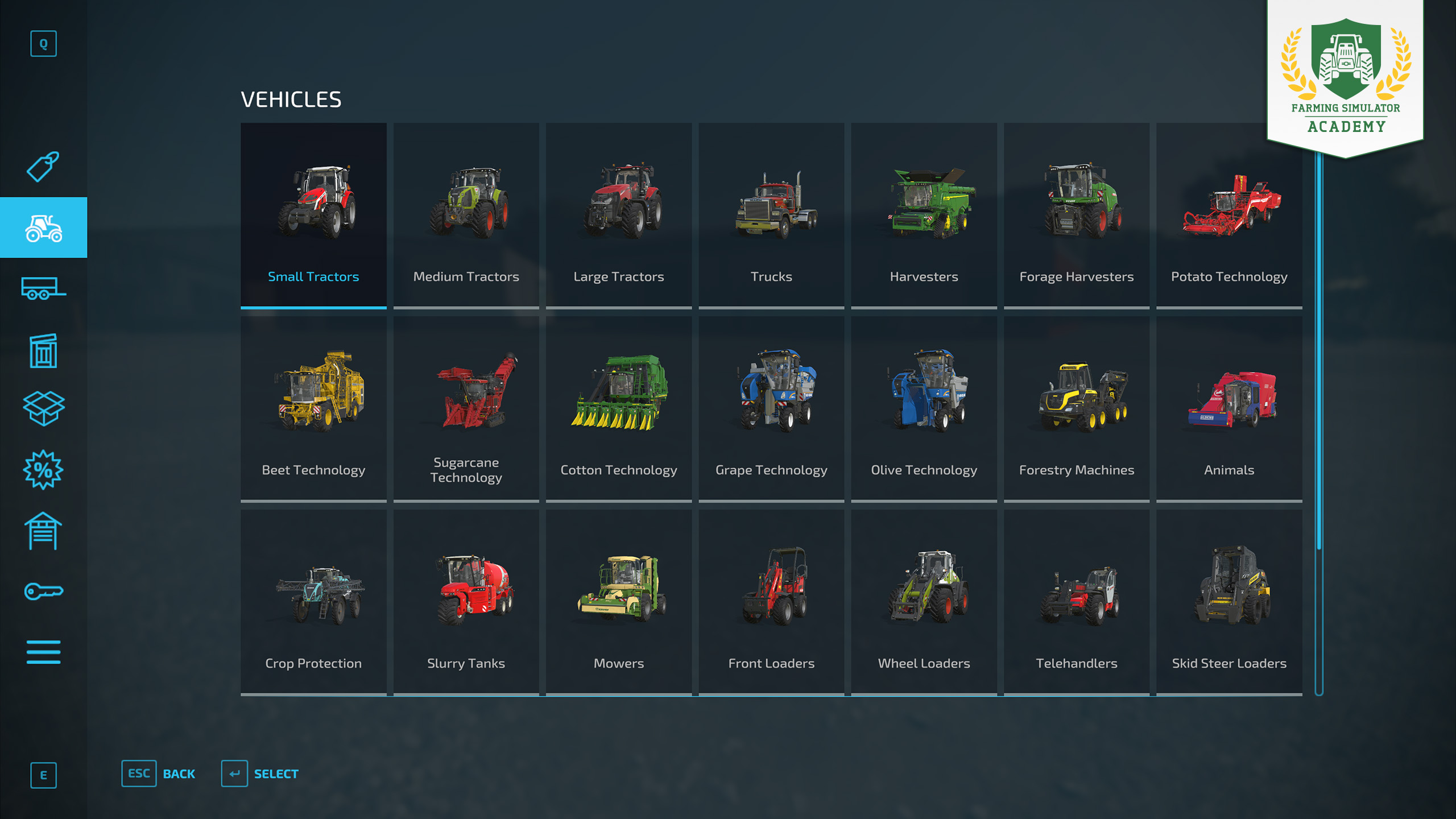
– Vehicles: This category includes everything from tractors to combine harvesters.
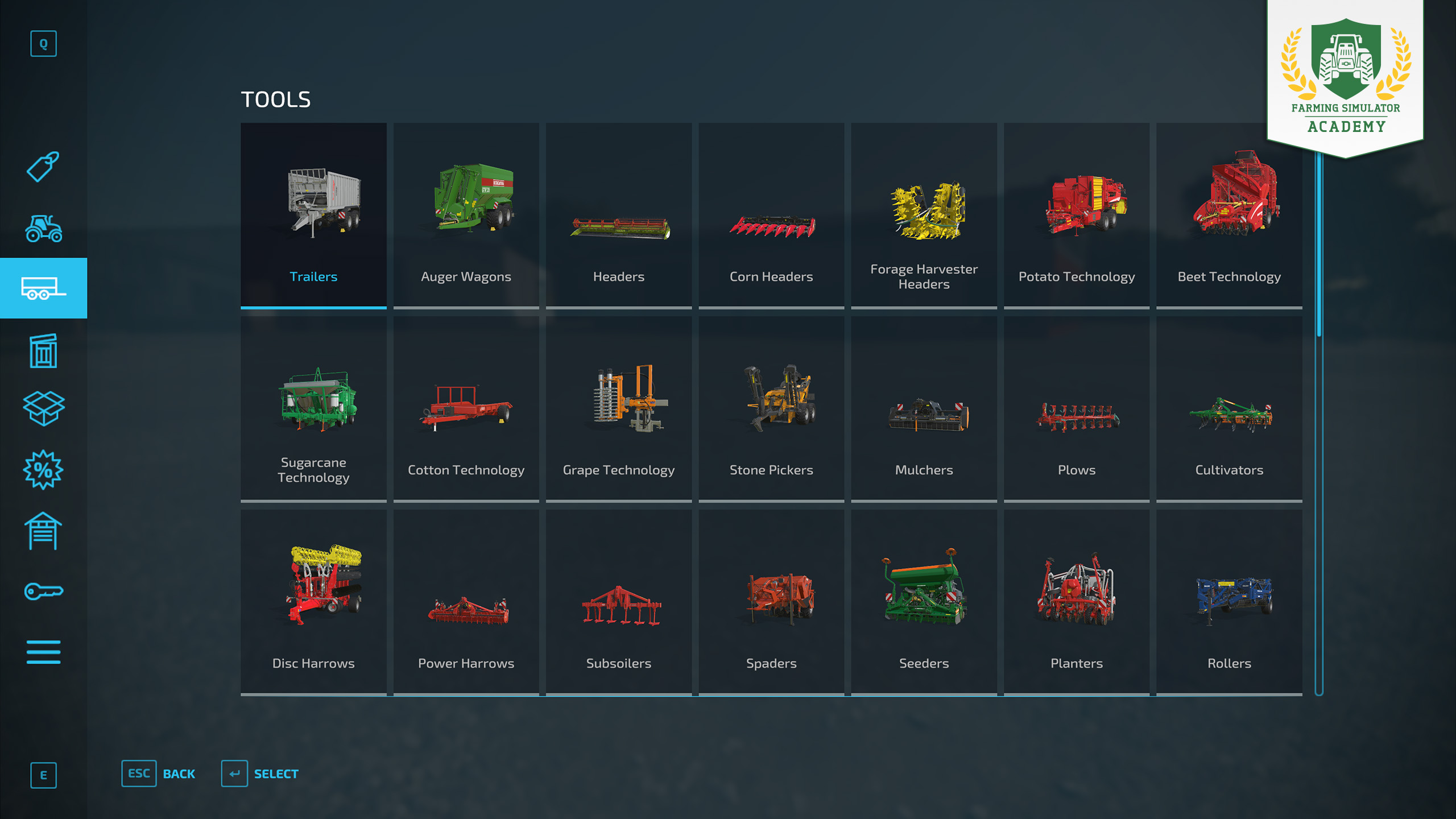
– Trailers: Essential for transporting goods across your farm.
– Objects: This includes various items such as pallets and bales that are integral to farming operations.
– Packs: Offers bundles of materials like crop seeds, fertilizers, and livestock, making it easier to stock up.
– Used Equipment: A cost-effective option for acquiring machinery that is still functional but has been previously owned.
Customization Options
When purchasing vehicles, you have the opportunity to customize them. Modifications such as changing tires can significantly affect the vehicle’s performance and efficiency, allowing for tailored solutions that meet your farming needs.
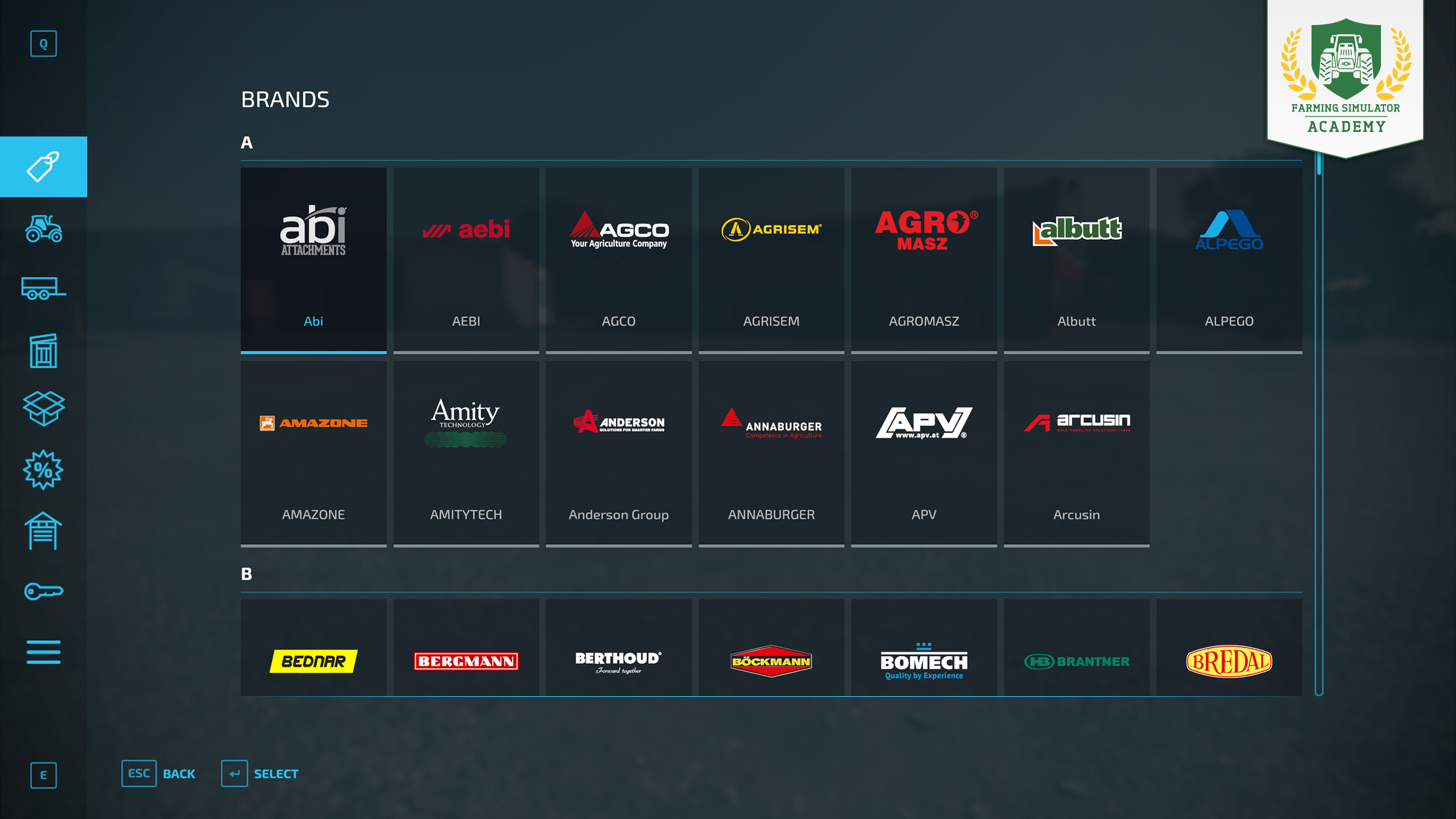
Buying by Brand
If you have preferences for certain manufacturers, the in-game store allows you to browse equipment by specific brands. This helps in selecting items that you are familiar with or trust.
Selling Items
Selling Equipment
Should you need to sell items, the process is straightforward:
– Visit the store and select the equipment you wish to sell.
– Confirm your sale to complete the transaction.
Price Considerations
Be attentive to the selling price; it can significantly impact your finances. Generally, used equipment will sell for less than new items, so strategize your selling to maximize profits.
Leasing and Repairs
Leasing Equipment
If you need a piece of equipment temporarily, consider leasing it. This allows you to use machinery for a specified period without the commitments of ownership.
Repairs
Regularly check the condition of your equipment. You can repair damaged items to restore their performance, which can be vital for maintaining efficiency on your farm.
Packs and Seeds
Packs
Packs are convenient bundles that can include crop seeds, fertilizers, or even animals. These can save you time and effort in gathering individual items.
Seeds
Seeds are foundational for crop planting. You can buy them either in bulk packs or individually, depending on your specific planting plans.
Tips for Using the Store
– Budget Management: Keep a close watch on your finances to ensure you can afford all necessary purchases without overextending yourself.
– Used Equipment: Consider investing in used equipment for significant savings, but also assess their condition carefully.
– Customization: Take time to explore customization options for vehicles—this can lead to better performance and reduce operational costs in the long run.
By employing these strategies, you can effectively manage your purchasing and selling in Farming Simulator 22, thereby enhancing your gameplay experience and ensuring the successful expansion of your farm. Make the most of the in-game store to build a thriving agricultural empire!


Leave a Reply