
To effectively leverage the in-game map in Farming Simulator 22 for optimal farming layout and field expansions, adhere to the outlined steps below:
1. Accessing the Map
– Open the Map: Begin by pressing the designated view button on your controller (typically “Back” on Xbox) or the corresponding key on your keyboard (default is “M” for PC users).
– Switch Map Views: While the map is open, you can cycle through different views by holding the “LB” button on Xbox or the “View” button on PC to get a comprehensive perspective of your farm and surrounding areas.
2. Understanding Map Layers
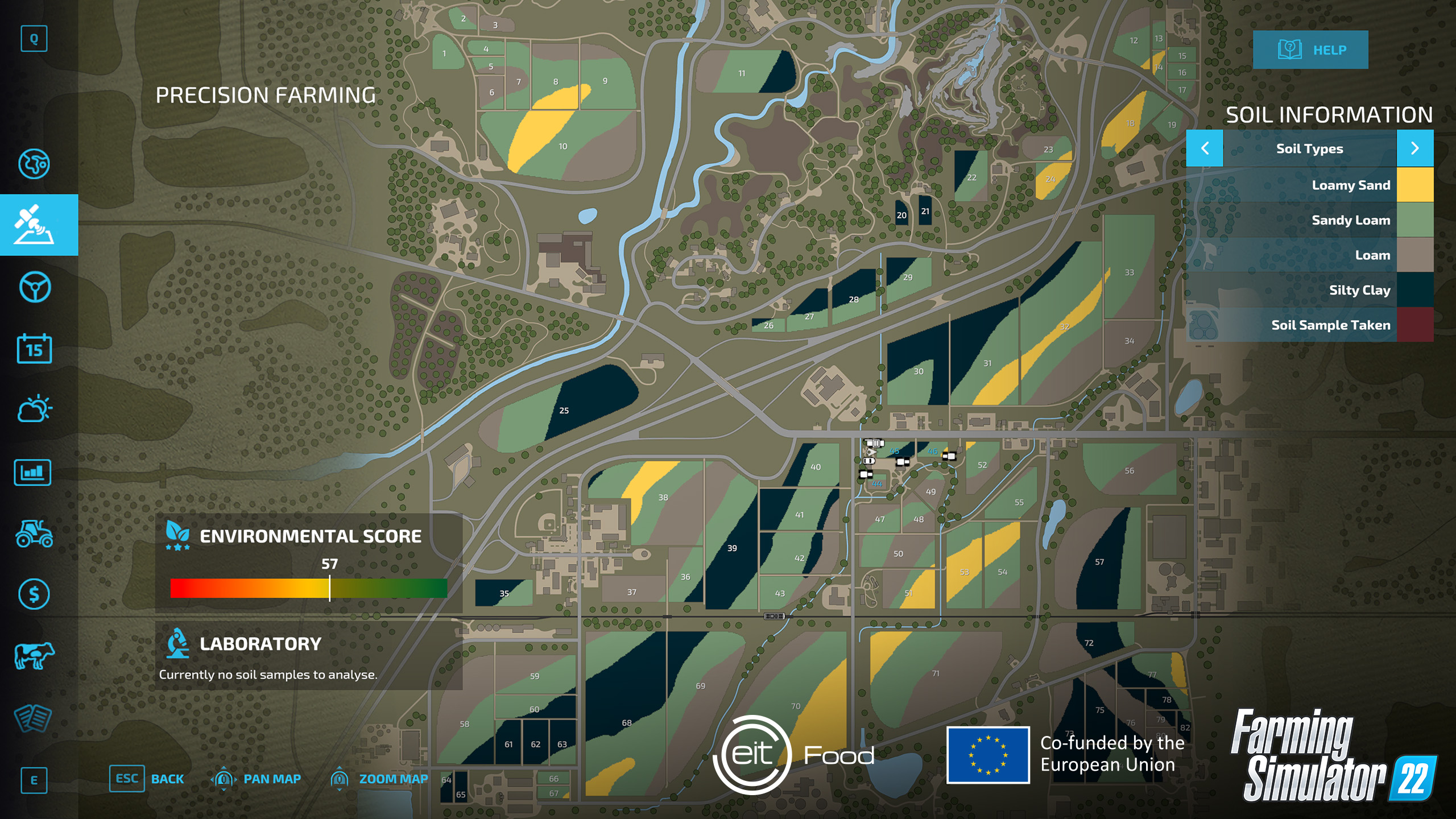
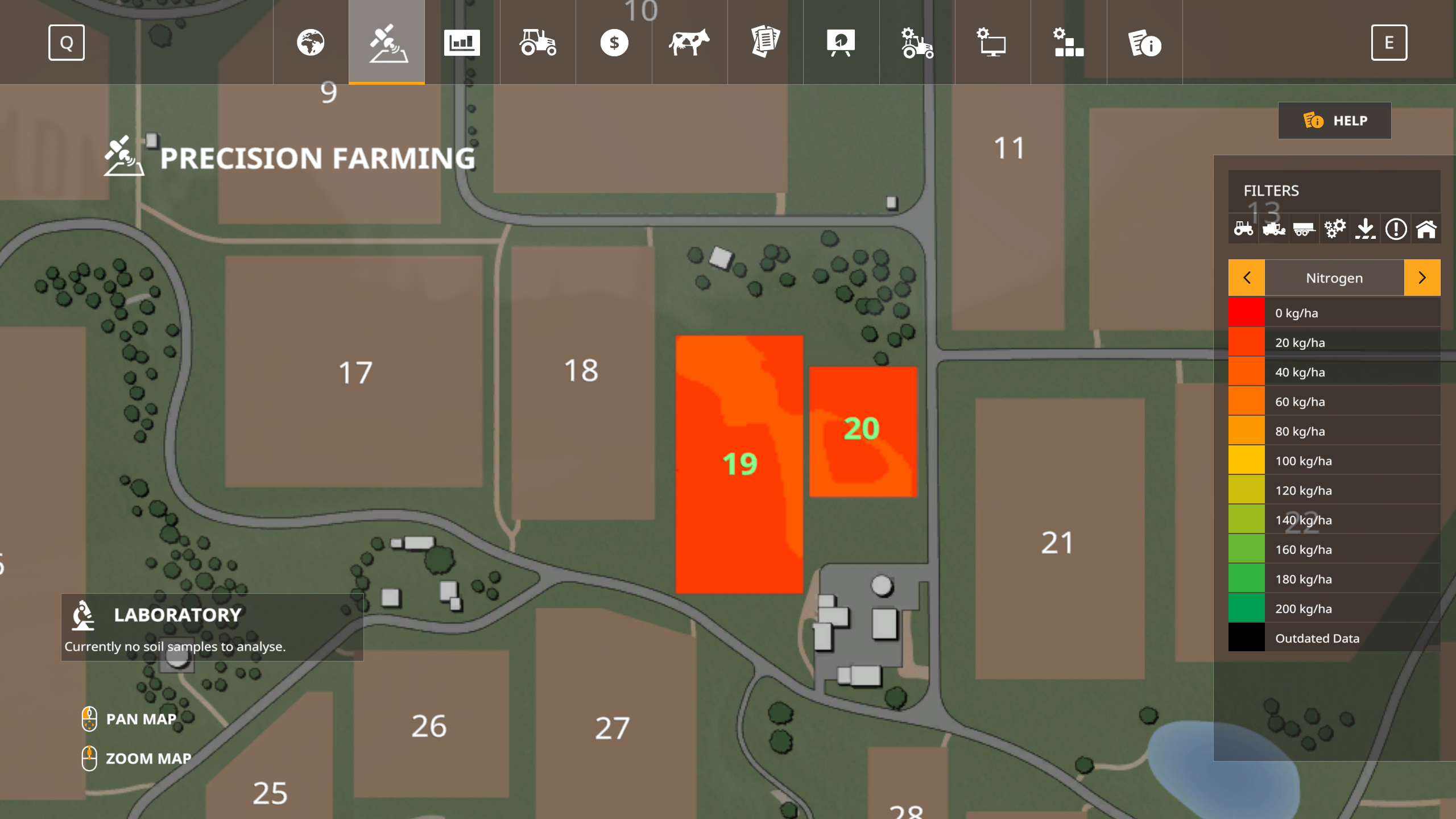
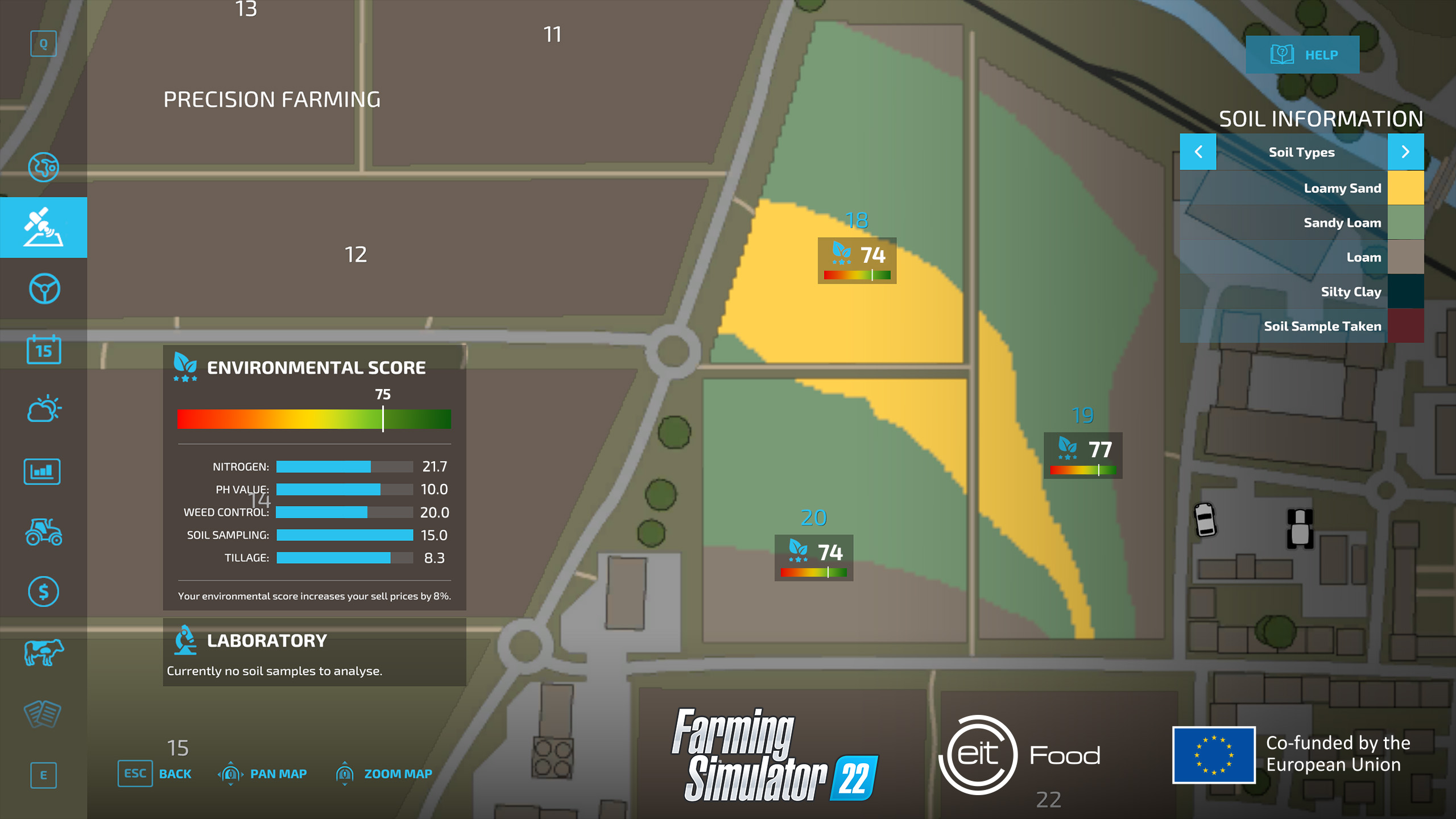
– The in-game map is equipped with several useful layers:
– Field Boundaries: Clearly defined areas that will guide you in planning your field expansions and layouts.
– Field Types: Various colors represent different crop types or states of field cultivation (e.g., plowed, fertilized).
– Terrain and Obstacles: Details about the landscape that will help inform your decisions regarding equipment routes and site placements for farm structures.
3. Planning Field Expansions
– Identify Potential Fields: Investigate unowned or uncultivated sections of land on the map, marked by clear boundaries, to assess options for field expansion.
– Analyze Terrain: Use the terrain details to recognize challenging areas that may need additional resources for preparation, such as those with steep inclines or heavy vegetation.
– Consider Resource Access: Make certain that potential extensions are convenient for equipment access and close to necessary resources like water sources and fertilizer storage.
4. Visualizing Farm Layout
– Position Buildings and Equipment: Utilize the map to strategize placements for structures such as silos and barns, ensuring they’re appropriately located for efficient farm operation.
– Plan Crop Rotation: The map allows you to visualize the distribution of crops across various fields, making it easier to design effective crop rotation strategies for improved yield.
5. Utilizing AI Workers
– Assigning Tasks: You can easily allocate jobs to AI workers via the map. This includes tasks like planting, harvesting, and cultivating, with clear navigation to destinations.
– Monitoring Progress: Track the movements and completion of work by your AI employees directly on the map, which aids in maintaining productivity and scheduling.
6. Strategic Planning
– Market Price Monitoring: Regularly review market price information either displayed on the map or in the game’s UI. This data helps you decide which crops to plant for maximum profitability.
– Seasonal Planning: The map can assist in planning through different seasons by indicating which fields are ready for sowing or harvesting based on crop maturation timelines.
Additional Tips
– Adapt Farm Layout Regularly: Stay flexible and update your farm layout in response to changing weather conditions and market demands.
– Identify Accessibility Issues: Use the map to find areas that are harder to reach, ensuring you can optimize your field operations and resource management effectively.
By diligently following these steps, you can enhance your overall management and planning in Farming Simulator 22, fostering a more streamlined and profitable farming experience. For further insights and guidance on map utilization and customization, consider exploring YouTube tutorials or participating in discussions on forums such as GIANTS Software’s community platforms.

Leave a Reply