
Final Fantasy VII Rebirth: Upgrading and Customizing Weapons Guide
Upgrading and customizing weapons in Final Fantasy VII Rebirth is essential for optimizing your character’s performance in battles. This guide provides a comprehensive overview of the weapon upgrade system and effective management of weapon abilities to help you maximize your weapon potential.
Upgrading Weapons
1. Gaining Experience:
The foundation for improving your weapons lies in earning Skill Points (SP). You can accumulate SP in the following ways:
– Leveling Up: As your characters gain experience and level up, they earn SP proportional to their new level.
– Completing Quests: Engaging in side quests and main missions rewards you with SP, contributing to your overall weapon upgrades.
– Defeating Enemies: Every battle contributes to your SP accumulation, so stay active in combat for consistent upgrades.
2. Viewing Upgrades:
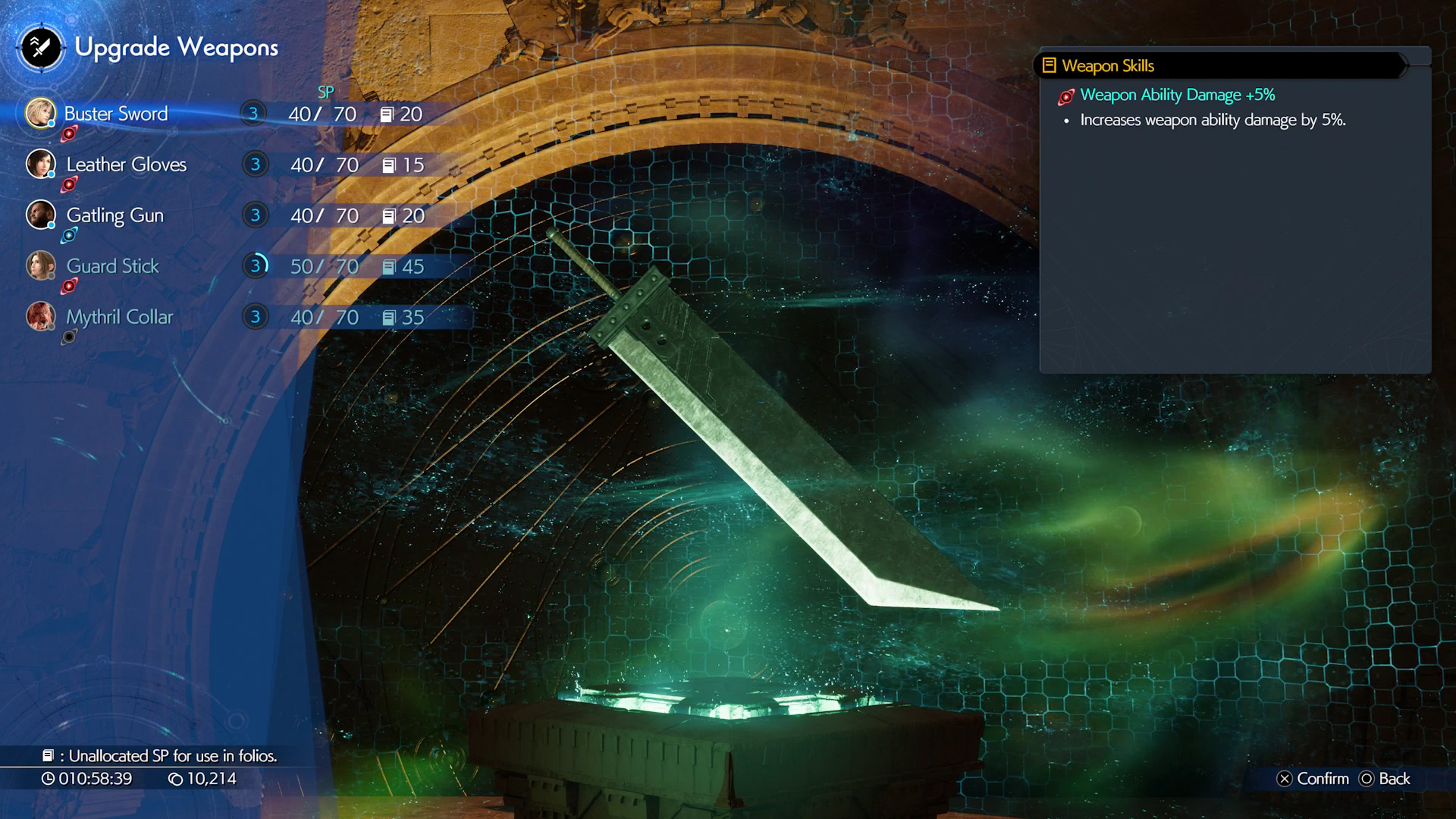
To check your weapon upgrades, pause the game and select the Upgrade Weapons option from the menu. This will open a screen where:
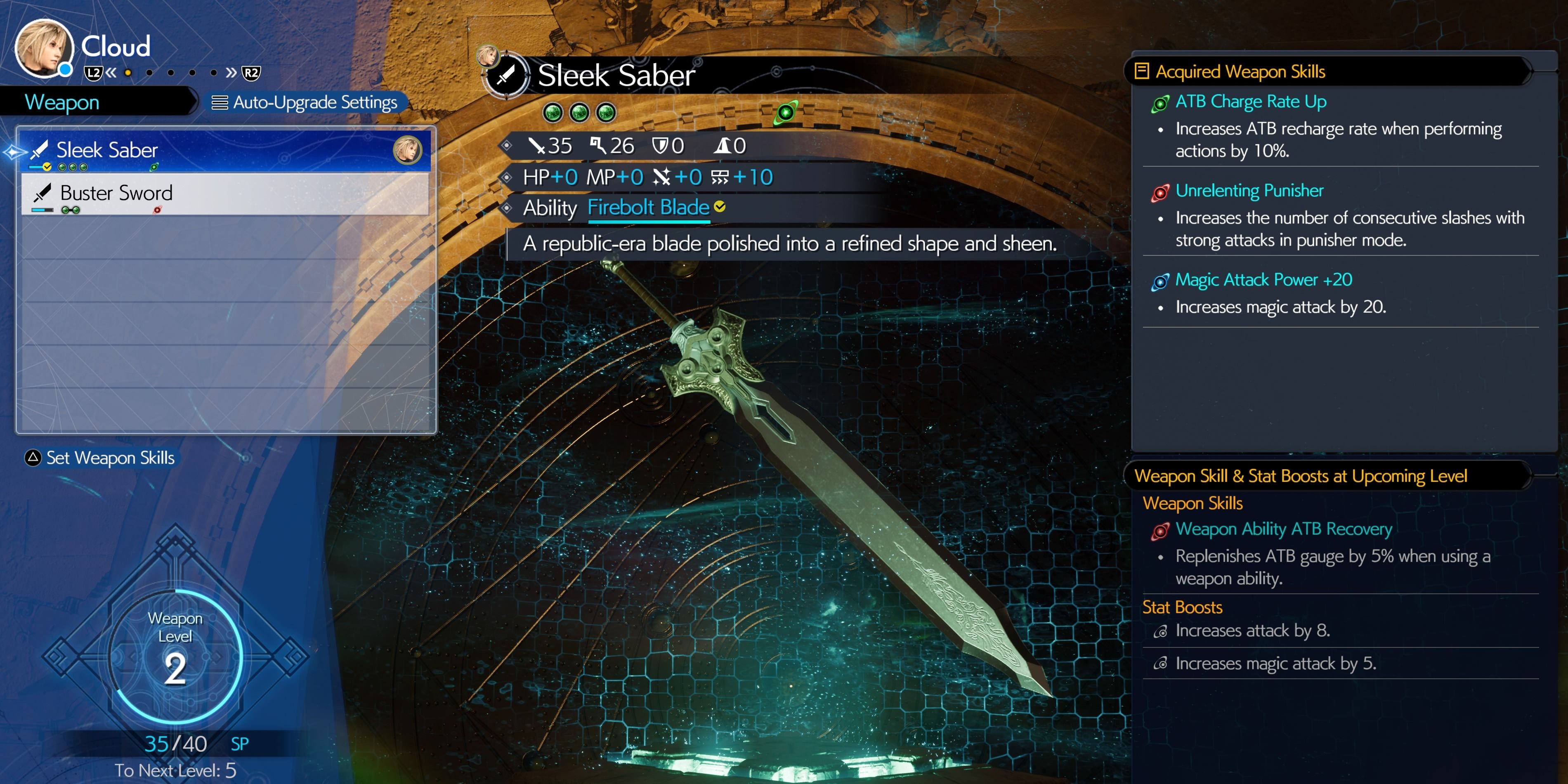
– You can view your current weapon level.
– Access acquired skills and upcoming upgrades.
3. Automatic Upgrades:
In Final Fantasy VII Rebirth, the upgrade system is streamlined; weapon upgrades happen automatically based on the SP you have collected. You do not need to manually allocate points. Once your SP reaches a certain threshold, your weapon level increases, unlocking new skills and granting stat boosts without further effort.
Customizing Weapon Abilities
1. Proficiency and Abilities:
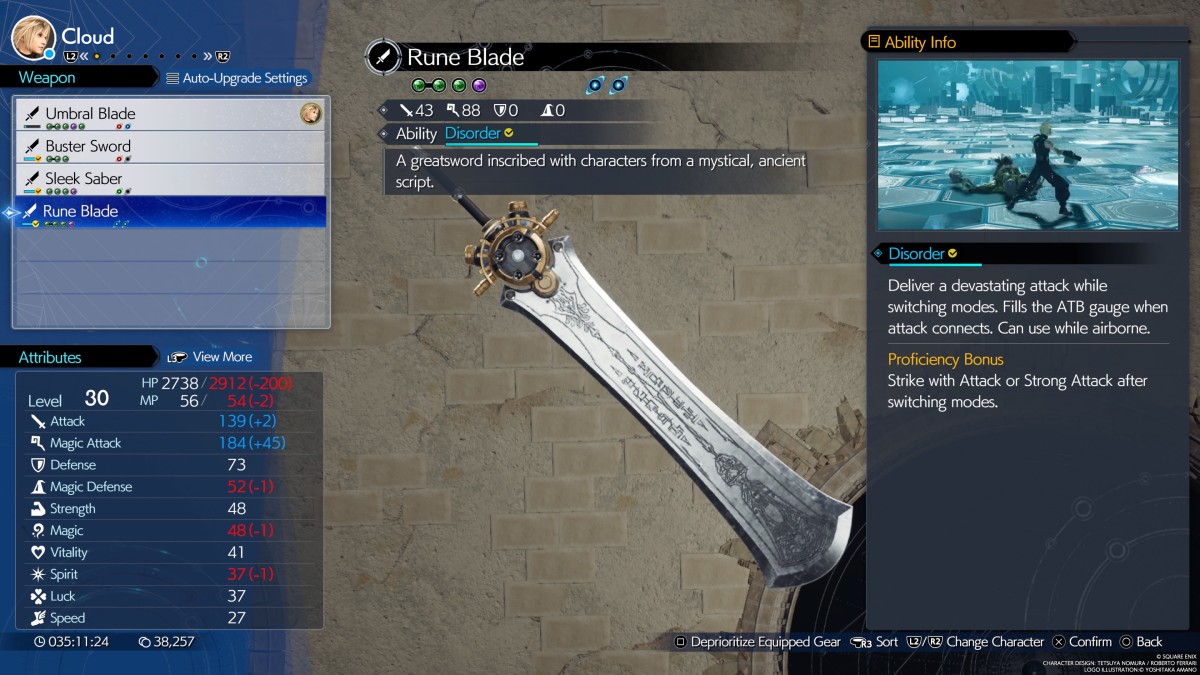
Every weapon offers unique abilities that can be unlocked through regular combat usage. As you use a weapon more frequently:
– Your proficiency with that weapon increases.
– Eventually, you can unlock the ability associated with the weapon, allowing you to use it even after switching to different equipment.
2. Equipping Skills:
Once you’ve unlocked weapon abilities:
– Access the Upgrade Weapons menu.
– Select the weapon and press Triangle to equip a skill.
– You can also manage these skills through the Materia & Equipment menu to further tailor your character’s build.
3. Auto-Upgrade Settings:
For those seeking convenience, the Auto-Upgrade Settings allow for effortless management of weapon upgrades. By pressing Start while viewing a weapon, you can choose from three options:
– Balanced: Equips a mix of skills that enhance both defense and offense.
– Prioritize Attack: Focuses on skills that increase offensive capabilities.
– Prioritize Defense: Selects skills that bolster your character’s defensive stats.
Additional Tips
– Utilizing Weapons Effectively: To make the most out of your weapons, consistently utilize them in combat—especially their associated abilities. This not only helps in learning the ability but also ensures its availability on other weapons later on.
– Stat Boosts: Take note that stat boosts gained from weapon upgrades are universal. For instance, if a weapon provides a boost to attack, that increase remains applicable even if you switch to another weapon in your inventory.
By following this guide and understanding the mechanics of weapon upgrades and customization in Final Fantasy VII Rebirth, you will enhance your gameplay experience and better utilize your arsenal. Always remember to experiment with different weapons and abilities to find the best combination that suits your play style!

Leave a Reply