
Utilizing Real-Time Maps for Navigation in Flight Simulators
Introduction to Real-Time Maps
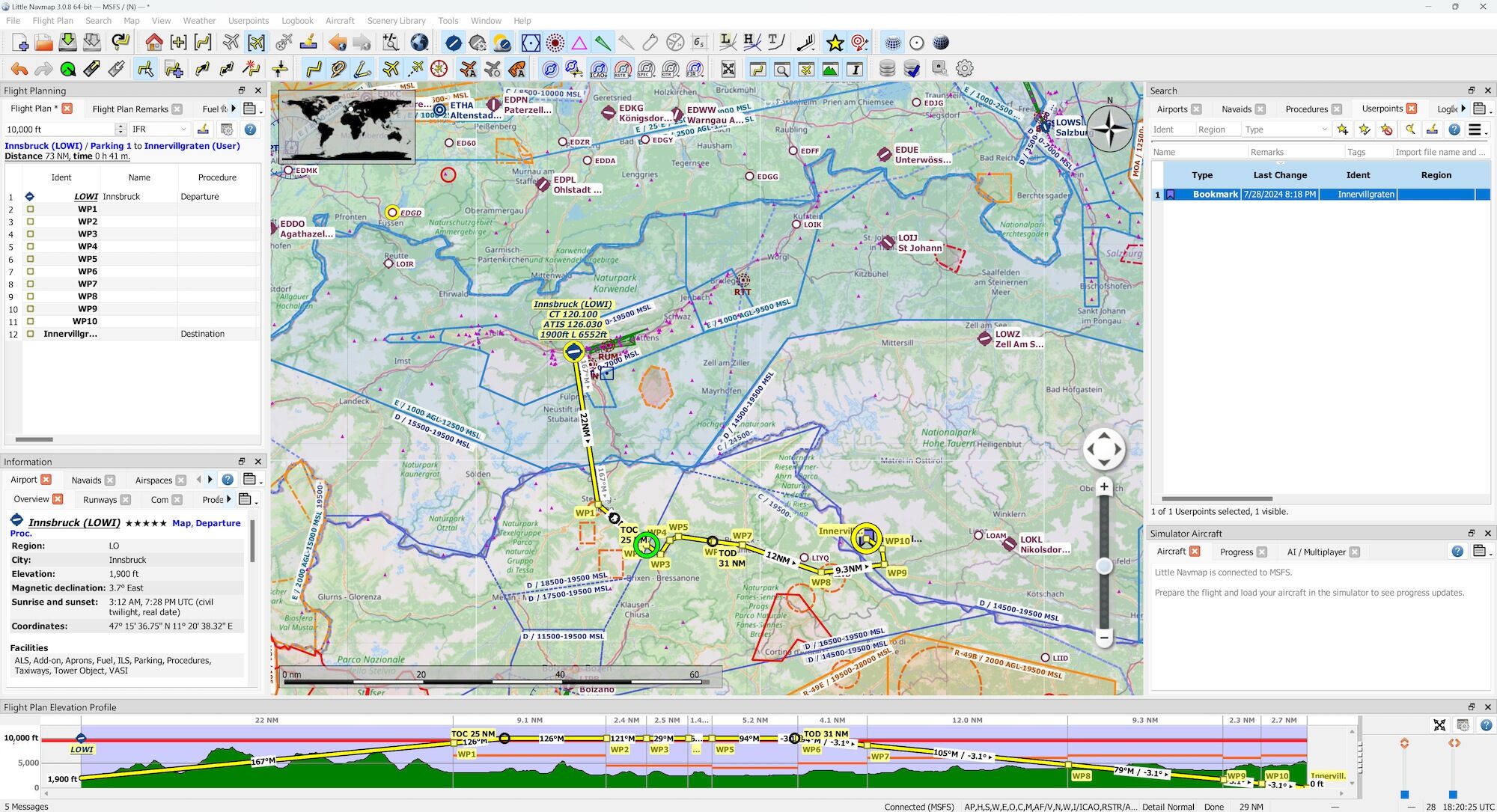
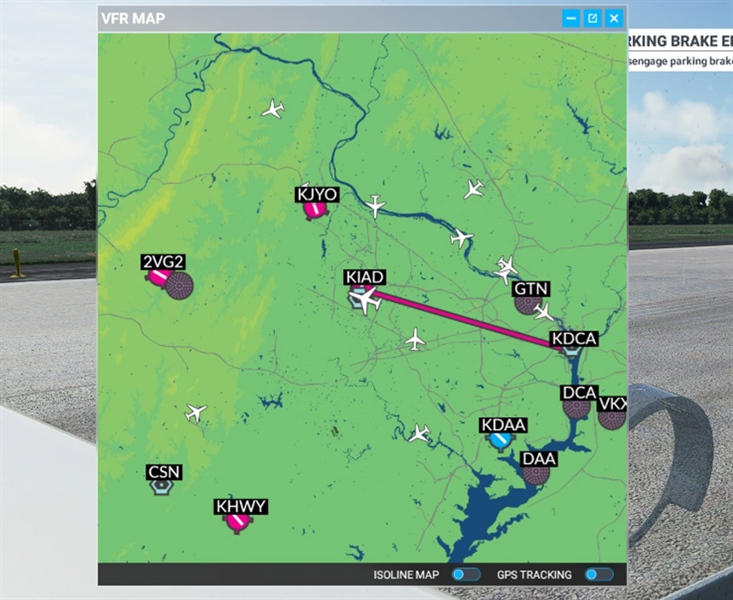
Real-time maps in flight simulators serve to enhance the realism of the flying experience by integrating live geographic data with your simulated environment. They allow you to track your aircraft’s position accurately in relation to the real world, which can not only improve navigation but also create a more immersive experience overall. As flight simulators evolve, tools that leverage real-time mapping become increasingly essential for serious flight simulation enthusiasts.
Tools for Real-Time Maps
1. Navigraph Moving Maps:
– Navigraph is renowned for its comprehensive aviation charts, and its Moving Maps feature enables real-time tracking of your aircraft on those charts. This tool is particularly advantageous for navigating intricate airspaces and landing approaches, as it provides situational awareness in a format familiar to real pilots.
2. Cockpit Map (Flightplan):
– Flightplan offers a unique integration with Google Maps through its Cockpit Map feature. This allows users to visualize their flight against up-to-date satellite imagery or street maps, helping to identify airports, cities, and other landmarks during flight.
3. In-Sim Planning with Real-Time Data:
– Microsoft Flight Simulator (and similar platforms) include built-in flight planning tools that utilize real-world data for crafting routes. Users can adjust their flight plans based on current airline operations, traffic conditions, and live weather, making for a seamless and authentic flying experience.
Steps to Use Real-Time Maps
Using Navigraph Moving Maps
1. Download Navigraph Moving Maps: Ensure you have a Navigraph subscription and download the Moving Maps feature from their website.
2. Configure the Simulator: Follow the installation instructions to integrate Navigraph with your flight simulator. This often requires setting up your simulator’s settings to display Navigraph charts properly.
3. Track Your Aircraft: As your flight progresses, utilize the charts within the Navigraph interface to keep tabs on your aircraft’s location, enhancing navigation accuracy during complex maneuvers.
Using Flightplan’s Cockpit Map
1. Install Flightplan: Download and install the Flightplan software from the official website.
2. Configure the Map: Open the Cockpit Map feature within your simulator, and select the type of map view you prefer—be it satellite imagery for visual navigation or street maps for ground referencing.
3. Navigate in Real-Time: The map updates continuously as your flight proceeds, providing immediate insight into your position relative to critical landmarks, enabling more informed navigation decisions in real-time.
Using Microsoft Flight Simulator’s In-Sim Planner
1. Access the In-Sim Planner: Launch Microsoft Flight Simulator and navigate to the flight planning interface.
2. Use Real-Time Data: Choose your flight routes that leverage live data from actual airline operations, including factors such as air traffic and weather conditions.
3. Monitor Conditions During Flight: Continuously check for real-time updates on weather or route changes and adjust your flight path accordingly to maintain an optimal flight experience.
Additional Tools for Real-Time Navigation
For an enhanced level of realism, consider utilizing tools like PSX+ Real Traffic. This application uses live ADS-B data to simulate real-world air traffic in your simulator. This can significantly heighten immersion by providing a visual sense of the bustling skies, allowing you to adjust your navigation strategies based on the movement of other aircraft.
Conclusion
Integrating real-time maps into your flight simulation experience elevates your navigation capabilities to new heights. By utilizing advanced tools such as Navigraph Moving Maps, Flightplan’s Cockpit Map, and the in-sim planning features inherent to Microsoft Flight Simulator, you can enjoy a highly realistic flying experience. These resources not only enhance situational awareness but also lead to more engaging and successful flights, bridging the gap between simulation and real-world aviation.


Leave a Reply