
To elevate your building speed and reaction time during combat in Fortnite, consider implementing a combination of optimal settings, mechanical techniques, and focused training strategies. Here’s a comprehensive approach:
Improving Building Speed
1. Utilize the Builder Pro Layout (for Controllers):
– This layout assigns each building piece (walls, ramps, floors, and cones) to a designated button. Compared to the default settings, this minimizes button presses and significantly accelerates your ability to construct quickly during intense combat scenarios.
2. Enable Reset Building Choice:
– This feature automatically resets your building piece to a wall after placing any structure. By reducing the time spent switching between different building types, you eliminate delays and reduce confusion when trying to build swiftly under pressure.
3. Turn On Auto Open Doors:
– Activating this setting allows for seamless movement through doors while building. This small adjustment can save crucial fractions of a second, enhancing your overall mobility during engagements.
4. Practice Efficient Button Pressing:
– Use a lighter, more controlled touch on your building and edit buttons rather than forcefully pressing them. This technique allows for quicker and more consecutive builds/edits without the mechanical delays that come from hard presses.
5. Improve Crosshair Efficiency:
– Focus on minimizing unnecessary crosshair movement when building and editing. Strive for short, deliberate movements that enhance speed and precision, allowing for quicker execution of building patterns and edits.
6. Learn Advanced Building Techniques:
– Master essential building patterns like Ramp Rush and piece control tunnels. These techniques enable you to build rapidly and defensively while maintaining full speed, providing both protection and offense in combat situations.
Enhancing Reaction Time in Combat
1. Optimize Sensitivity Settings:
– Find a sensitivity setting that strikes a balance between speed and control. A higher sensitivity can facilitate agility for wide turns and quick aim adjustments necessary for effective building and shooting.
2. Combine Building and Editing Drills:
– Engage in drills that promote fast edits followed by immediate building. This practice builds muscle memory, reduces hesitation, and prepares you for real-time reactions during combat. Referencing tutorial videos that focus on instant editing and building can accelerate your learning.
3. Utilize Training Maps and Timed Drills:
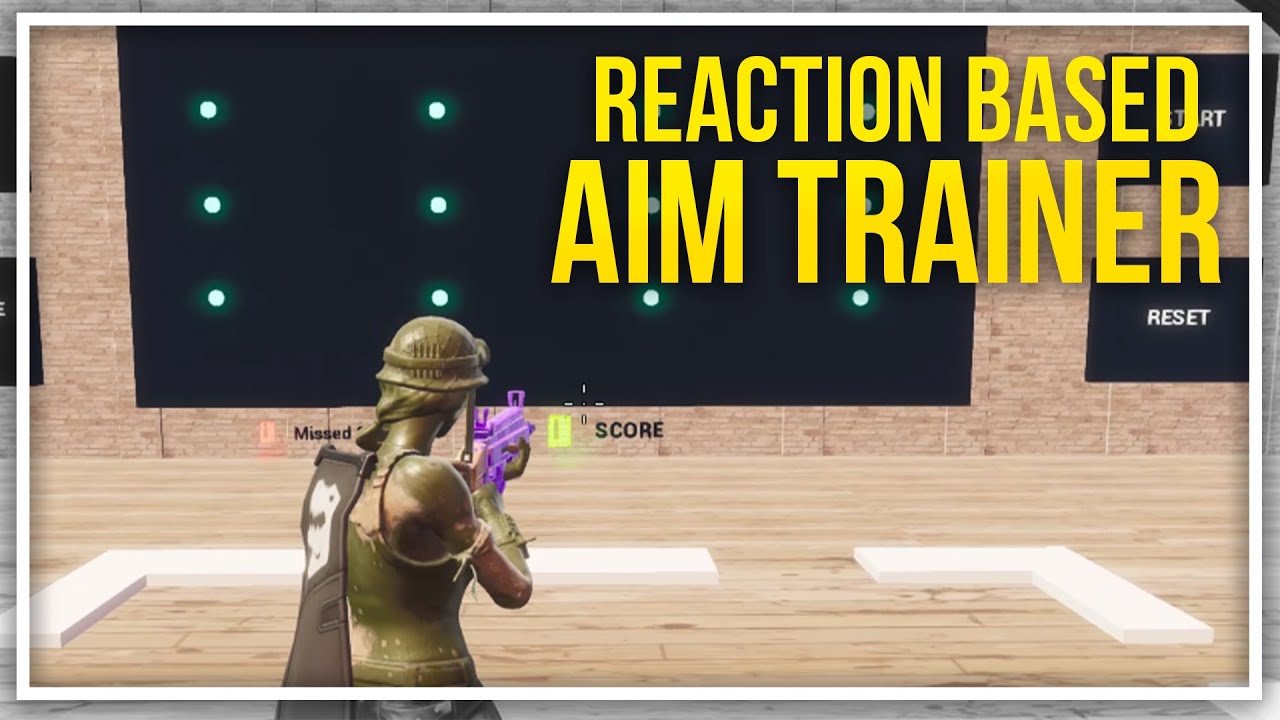
– Explore dedicated Fortnite creative maps that simulate combat scenarios aimed at improving building speed and editing reaction times. Timed trials can add an extra layer of pressure, similar to competitive scenarios.
4. Stay Calm Under Pressure:
– Reaction time can be improved by maintaining composure during intense situations. Regular practice in real match conditions helps transition learned skills into instinctive actions, enabling you to react faster in fights.
Conclusion
By adjusting your control settings to Builder Pro, activating handy options, refining your mechanical techniques, and adhering to focused training methods, you can dramatically improve both your building speed and reaction time in Fortnite. Integrating these strategies will empower you to perform better in combat situations, leading to greater success in battles. Remember that consistency and practice are essential to mastering these techniques over time. Happy gaming!

Leave a Reply