
Unlocking and customizing skins, emotes, and gliders in Fortnite enriches the gaming experience, allowing players to express their personalities and gameplay styles. Here’s a thorough guide to help you navigate through the process seamlessly.
Unlocking Skins, Emotes, and Gliders
1. Through the Battle Pass
– Battle Pass: Each season, Fortnite offers a Battle Pass that contains a variety of exclusive skins, emotes, and gliders. To access these items, players need to progress through the Battle Pass levels, which typically requires earning XP through gameplay.
– Quests and Challenges: Completing daily and seasonal quests or challenges earns you Battle Pass stars, which can be spent on unlocking rewards. Additionally, you can earn V-Bucks—Fortnite’s virtual currency—through these activities, allowing for further purchases.
2. Purchasing from the Item Shop
– Item Shop: Players can acquire various cosmetics, including skins, emotes, and gliders, directly from the Item Shop using V-Bucks. The items are refreshed daily, providing a rotating selection for players to choose from.
– Limited Time Items: Be on the lookout for special or limited-time items that become available sporadically. Purchasing these items during their availability ensures that they remain a unique part of your collection.
3. Special Events and Promotions
– Events: Fortnite frequently hosts special in-game events that provide opportunities to unlock exclusive cosmetics. Participation in these events often requires completing specific tasks or reaching milestones.
– Promotions and Collaborations: The game sometimes partners with popular media franchises, resulting in unique skins and items. These collaborations often allow players to obtain themed cosmetics that reflect the branded content.
Customizing Skins
Personalization is a key feature in Fortnite, and customizing skins can enhance your unique style:
1. Editing Styles
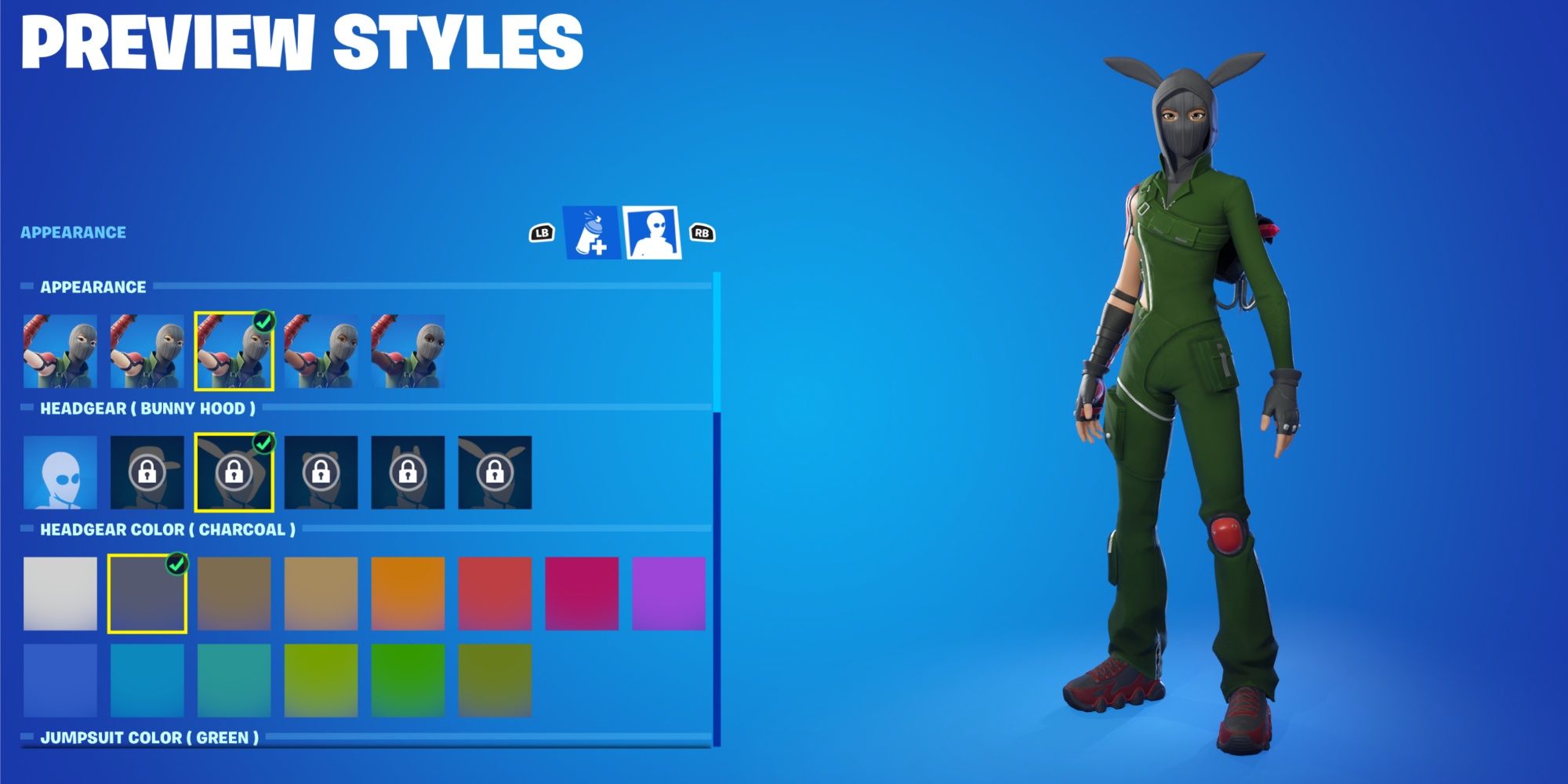
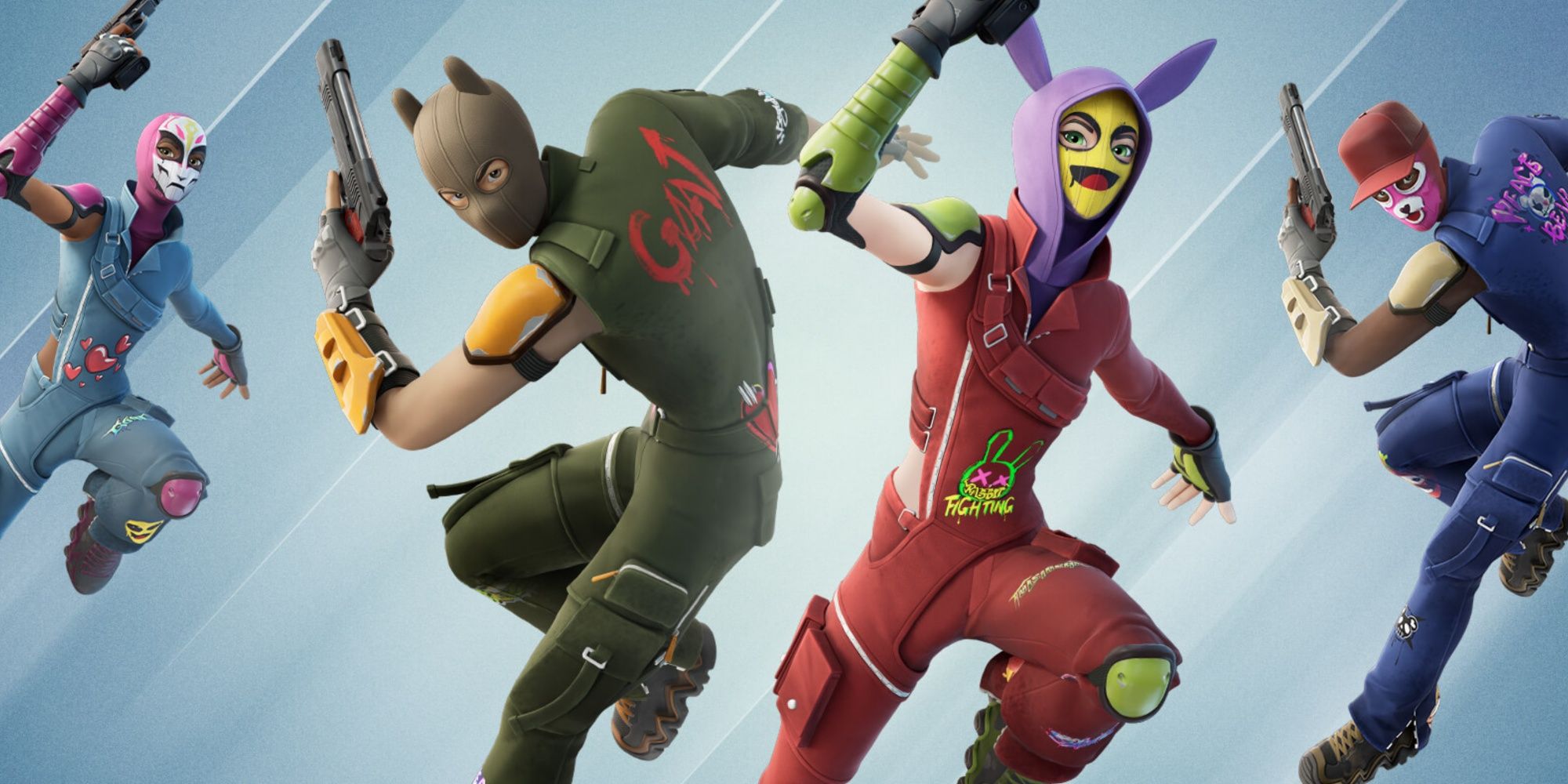
– Selectable Styles: Certain skins come with multiple styles that you can unlock. These styles may feature different hair options, outfits, or color combinations.
– Unlocking Styles: Progressing through the Battle Pass or completing specific quests will enable you to unlock new styles. For instance, skins like Dawn provide unique styles upon earning Battle Pass stars.
2. Customization Options
– Options Available: Some skins offer customization opportunities, allowing for changes in color, hairstyles, or clothing. This feature adds an extra layer of personalization to your character.
– Limitations: Not all skins allow for customization. Be aware that some skins come with a fixed style or color that you cannot alter.
Customizing Emotes and Gliders
1. Emotes
– Unlocking Emotes: Just like skins, emotes can be unlocked via the Battle Pass, through the Item Shop, or during special events. Each emote provides a way to convey emotions or reactions in-game.
– Using Emotes: After unlocking, emotes can be accessed during gameplay through the Emote menu, letting you express yourself during matches.
2. Gliders
– Unlocking Gliders: Gliders are similarly obtainable through the Battle Pass, Item Shop, or events. Each glider showcases a unique design and can enhance your gameplay experience by taking you onto the battlefield in style.
– Using Gliders: Once you’ve acquired a glider, you can select it from your Locker before diving into a match, adding a personalized touch to your entry onto the map.
Equipping Skins, Emotes, and Gliders
After unlocking these items, follow these steps to equip them:
1. Access the Locker: Navigate to the Locker tab in the main menu, positioned between Compete and Item Shop.
2. Select the T-Shirt Icon (for Skins): Click on the T-shirt icon to see the skins that you own and wish to equip.
3. Select the Emote or Glider Icon: To manage emotes, choose the Emote tab, and for gliders, select the Glider tab.
4. Equip Your Item: Choose the item you want (skin, emote, or glider) and confirm your selection by clicking Equip.
By following these comprehensive steps, you can unlock a broad array of skins, emotes, and gliders, enhancing your overall Fortnite gaming experience. Enjoy personalizing your character and expressing your style throughout your journeys on the island!

Leave a Reply