
In “Immortality,” the art of connecting various elements—be they actors, objects, or scenes—is pivotal in piecing together the rich narrative woven through its array of clips from three unreleased movies: “Ambrosio,” “Minsky,” and “Two of Everything.” Below is an insightful overview of the gameplay mechanics and strategies that will optimize your exploration and connection-making within this compelling interactive experience.
Core Gameplay Mechanics for Connecting Clips
1. Interactive Clip Watching and Clicking
– Clip Navigation: Engage with video clips that provide self-contained narratives from the three films. Watching these clips inspires curiosity and paves the way for exploration.
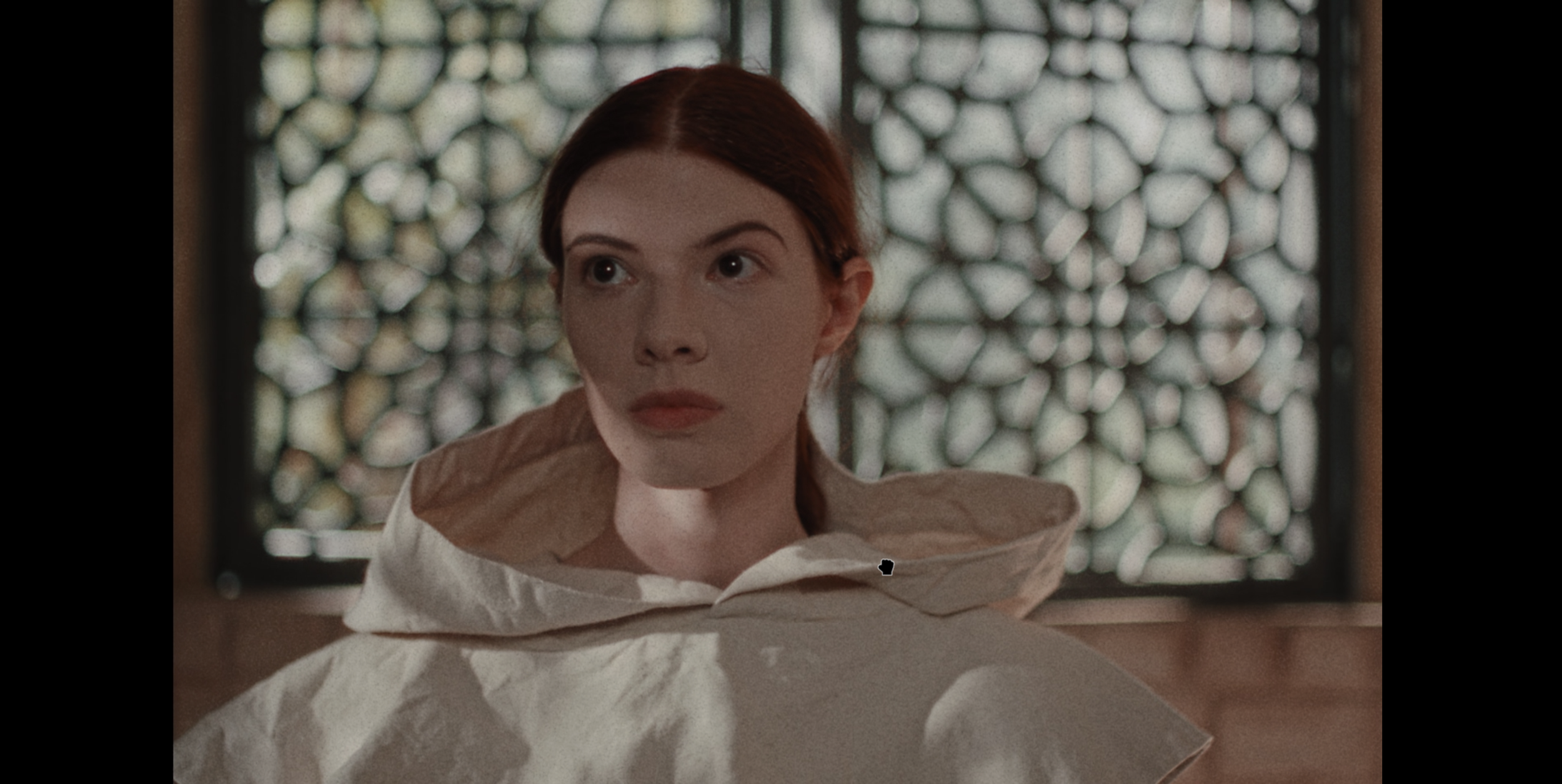
– Image Mode Entry: Upon pausing a clip, clicking anywhere on the screen activates Image Mode. This allows for an in-depth examination of the current frame, whispering hints of connection just waiting to be uncovered.
– Object/Person Selection: In Image Mode, hover the cursor over varied elements—be it actors or props. A click here initiates a “match cut” that seamlessly transitions to another clip where that same entity appears.
2. The Match Cut Feature
– Connection Logic: This innovative match cut mechanism allows for linking various clips through visual associations. Clicking on a face, prop, or even the setting can unveil a plethora of related footage.
– Depth of Search: There’s virtually no ceiling to the amount of clips that can be unlocked. Every new connection often branches into additional objects that can unravel even more compelling scenes.
Strategies for Exploring Connections
Identify Key Elements
– Actors: Prioritize main characters, particularly Marissa Marcel. Engaging with her leads quickly to a diverse collection of clips, expanding your repository effectively.
– Supporting Cast and Crew: Once the main actors have been explored thoroughly, shift your focus to supporting cast members or crew. They often appear less frequently, allowing for unique clip discoveries.
– Props and Objects: Don’t overlook the power of unique props. Clicking on distinctive items—like particular pieces of clothing or set decorations—can reveal hidden footage that enriches your understanding of the narrative.
Organize Your Search
– Start with Props and Crew: If you’re encountering a dead end, beginning with props or crew members can yield rewarding and often overlooked clips.
– Diversify Your Clicks: Avoid redundancy by varying your clicks. If you find yourself rerouting repeatedly to the same content, switch to different elements within the same clip to broaden your search horizons.
Advanced Techniques and Hidden Layers
– Rewinding and Scrubbing: Utilize the scrubbing feature to traverse through clips. This could unveil concealed imagery or “spectral” aspects typically unnoticed during normal playback.
– Secret Imagery: Engage with the footage by clicking on unassuming objects—this can sometimes reveal extraordinary layers of the narrative, pulling forth story elements that are otherwise hidden.
Summary Table
| Method | How It Works | Tips for Use |
|———————–|—————————————————|————————————|
| Image Mode | Pause, click on objects/people | Use to visually connect clips[2][3]|
| Match Cut | Links to other clips with the same item/person | Follow actors, props, and crew[2][3] |
| Rewinding/Scrubbing | Reveals hidden imagery in some clips | Focus on unusual or glitchy moments[4]|
| Diversifying Clicks | Prevents repetition, unlocking new content | Experiment with different objects if stuck[4] |
Key Takeaways
– Maximize your exploration by leveraging Image Mode to interact with the entire clip content.
– Forge connections by engaging with actors, props, and crew members, enhancing your journey through the archival footage.
– Actively scrub through clips for concealed clues and hidden narrative layers that enrich your understanding of the films.
– Systematically start your search with unique props and crew, moving towards main cast explorations to ensure a breadth of discovery.
The gameplay design of “Immortality” encourages meticulous and immersive engagement, rewarding players who strive to connect every facet of the narrative tapestry laid out before them. Happy exploring!



Leave a Reply