
InZOI offers a unique gameplay experience by incorporating shortcuts and hidden features that enhance city customization, navigation, and character management. Below is an organized exploration of these avenues, which allow players to maximize their engagement with the environment despite the absence of traditional “hidden paths.”
1. Building Shortcuts & Environmental Manipulation
In the realm of city customization, players are encouraged to use specific shortcuts to achieve greater flexibility and creativity in object placement. These shortcuts help transcend gameplay limitations and foster a more organic and personalized environment.
| Feature | How to Use | Purpose |
|—————————–|————————————————–|———————————————————–|
| Freely Place Objects | Hold `Alt` while placing items in Build Mode (`I`) | Allows bypassing grid restrictions for more natural layouts. |
| Continuous Placement | `Shift + LMB` after selecting an object | Enables rapid duplication of items like fences or decor. |
| Multi-Floor Navigation | Use `Page Up/Down` keys | Instantly switch between different building floors. |
| Hide UI | Press `Ctrl + Shift + U` | Clears the screen, ideal for immersive experiences or photography. |
| Teleport to Locations | Open City Map (`M`) and select a destination | Facilitates skipping long travel times within the city. |
2. Zoi Navigation & Emergency Shortcuts
The navigation system for characters, particularly the Zoi, includes essential shortcuts to troubleshoot common movement issues:
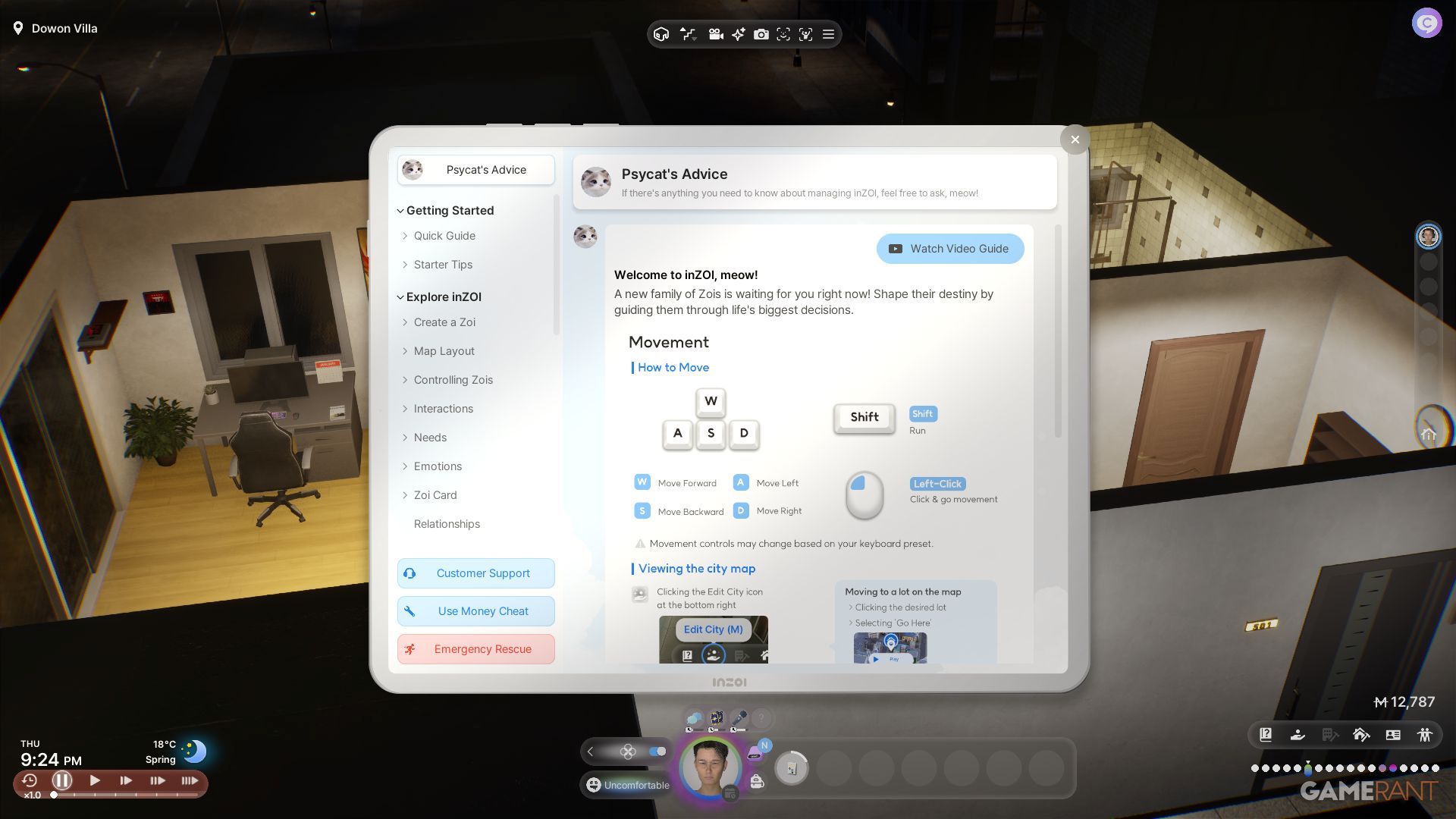
– Psycat Guide Emergency Rescue:
1. Open the Psycat Guide (key binding likely linked to a menu button).
2. Select ‘Emergency Rescue’.
3. Click on the Zoi in distress to teleport them to a designated safe location.
– City Map Fast Travel: Press `M` to rapidly send Zois to locations such as their jobs or homes, streamlining movement across the city and facilitating quick participation in social events.
3. Hidden Feature: Zoi Card Mastery
By pressing the `O` key, players can access the Zoi Card, which contains valuable but often overlooked utilities that improve management of the Zois:
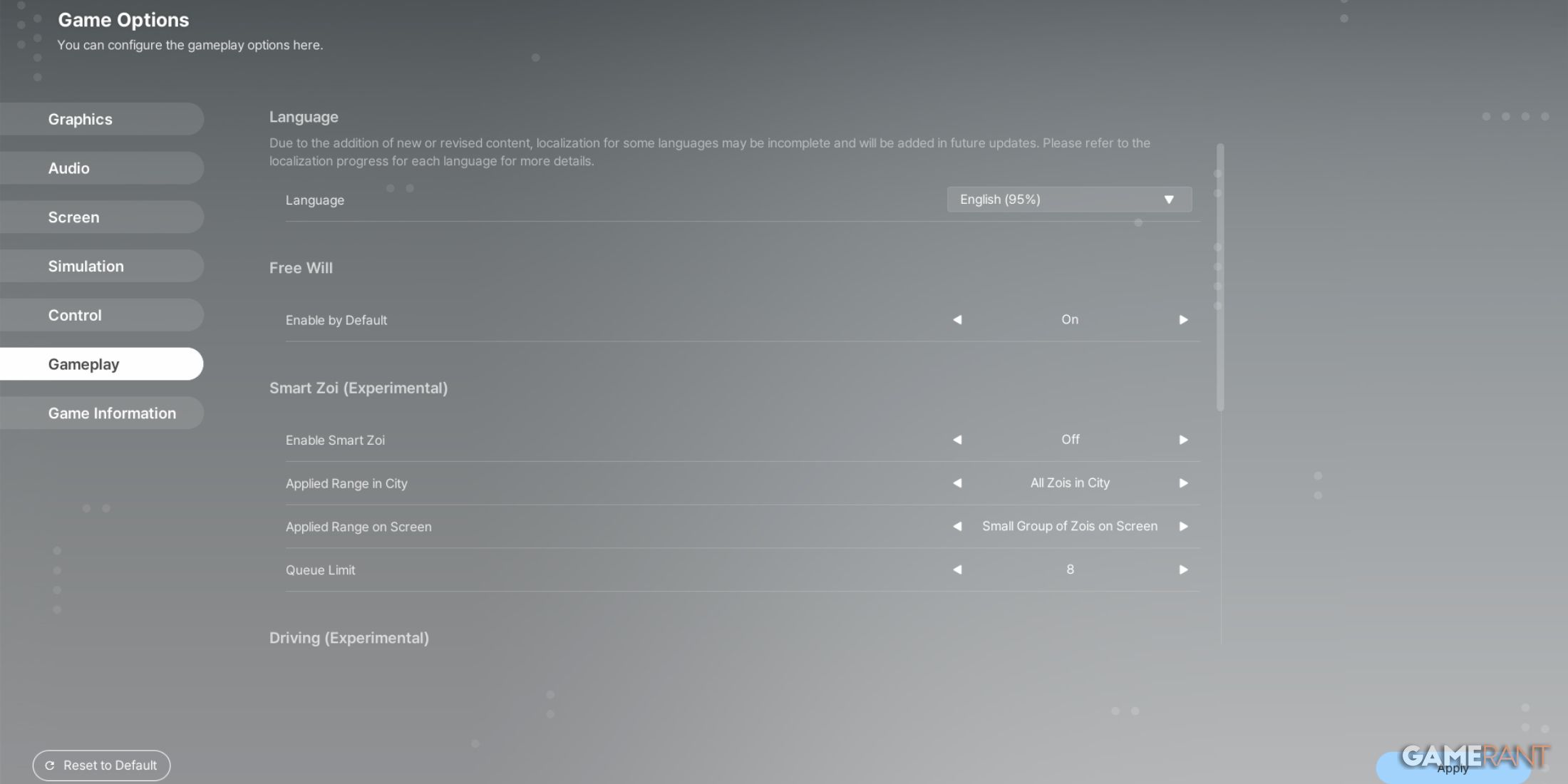
– Preferences: This feature allows players to adjust autonomy settings, reducing the need for constant micromanagement.
– Relationships: By using the `R` key, players can track relationships with other characters and easily locate them on the map, enhancing social interactions within the game.
– Karma & Aspirations: Players can monitor hidden progression systems that influence how the environment interacts with their actions and decisions.
Conclusion
While InZOI may lack traditional hidden pathways that are common in exploration-based games, the available shortcuts and hidden features provide players with effective ways to navigate and customize their experience. Key techniques like the ALT key building trick empower players to create unique environments that feel like hidden spaces, while the City Map’s teleportation feature is invaluable for efficient traversal. Embracing these tools can significantly enhance gameplay, offering a rich and enjoyable experience.

Leave a Reply