
Navigating through low-visibility conditions in Microsoft Flight Simulator (MSFS) can be both challenging and rewarding, especially with the right knowledge of instrument flying techniques and autopilot systems. Below is an expanded guide tailored to enhance your skills and confidence during such flights.
Understanding Instrument Flying
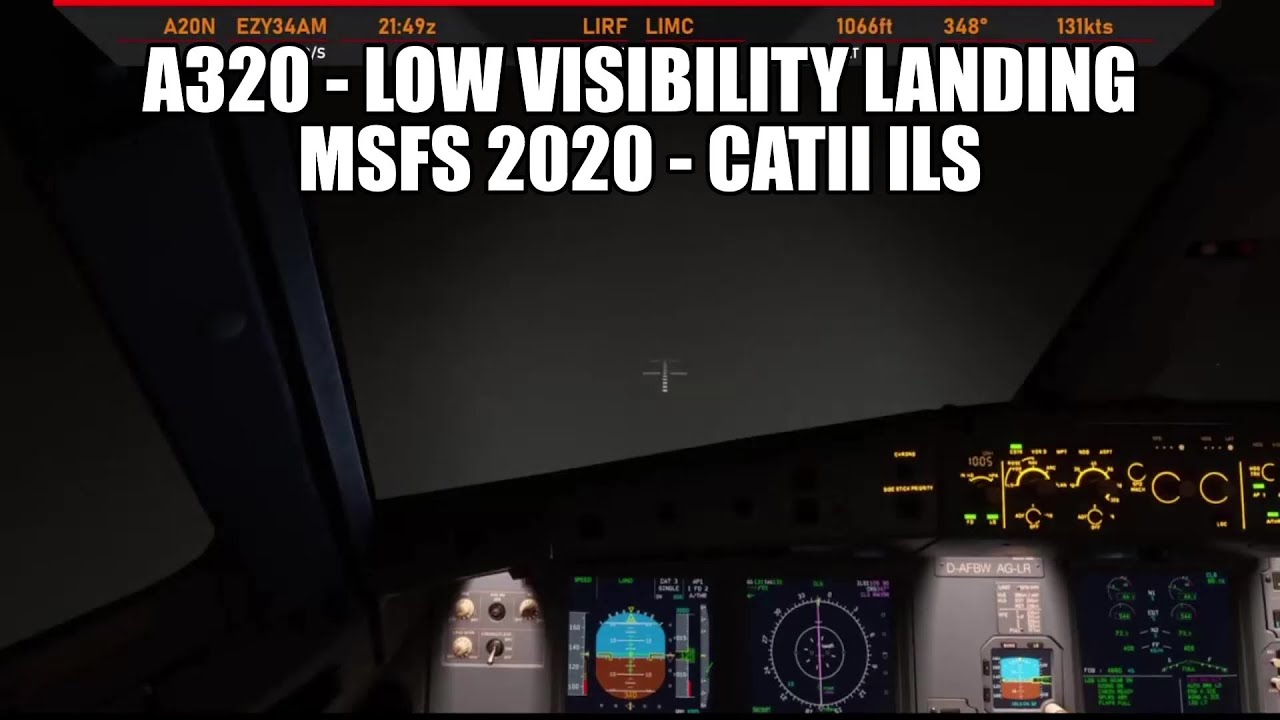
Instrument flying is crucial when visual references are limited, as it allows pilots to rely entirely on their aircraft’s instruments. Here’s a deeper look into key instruments that facilitate this:
– Primary Flight Display (PFD): In modern aircraft, the PFD integrates various flight parameters, such as airspeed, altitude, vertical speed, heading, and attitude – crucial for situational awareness.
– Attitude Indicator: This instrument is vital for maintaining the aircraft’s orientation (pitch and roll), which is especially important during IMC (Instrument Meteorological Conditions).
– Heading Indicator: It provides your aircraft’s current magnetic heading. Keeping a consistent heading is essential for accurate navigation during low visibility.
– Vertical Speed Indicator (VSI): This shows the rate of ascent or descent and is key to maintaining the desired altitude, crucial for avoiding terrain and while approaching an airport.
– Altimeter: Essential for maintaining the correct altitude; it’s particularly important when navigating through variable terrain or during approaches to airports.
Using Autopilot in Low Visibility
Autopilot systems play a significant role in automating flight control tasks and enhancing stability. Here’s how to harness the power of autopilot in MSFS for navigation under low visibility:
1. Engage the Autopilot: Activating autopilot reduces pilot workload, allowing for better focus on navigation and communication. Make sure to familiarize yourself with your aircraft’s autopilot features as these can vary.
2. Altitude Hold: This feature maintains a preset altitude. Use it effectively to avoid any potential collisions with terrain or poorly marked obstacles.
3. Heading Mode: This mode allows the autopilot to maintain a specific horizontal track. It is particularly useful when visibility is low and ensuring the aircraft stays on course is critical.
4. Lateral Navigation (LNAV) & Vertical Navigation (VNAV): These autopilot functions are particularly useful for instrument approaches. LNAV follows a pre-defined route, while VNAV adjusts altitude based on vertical flight plans during descent.
Steps for Navigation in Low Visibility
To successfully navigate in low visibility, consider following these structured steps:
1. Configure Your Instruments: Before departure, ensure that all your instruments—including the PFD—are correctly set up. This includes verifying the correct altimeter setting and navigation frequencies.
2. Set Your Autopilot: Once airborne, engage the autopilot in altitude hold mode, followed by heading mode to maintain a stable flight path.
3. Use Navigation Aids: Utilize instruments such as ILS or GPS for precise approaches. ILS guidance helps you align with the runway and maintain proper descent profiles, while GPS provides lateral and vertical navigation through the flight.
4. Monitor Your Instruments: Continuously check your altimeter, VSI, and heading indicators. Instrument flying requires attention to detail to stay on course and at the correct altitude.
5. Adjust as Necessary: If your aircraft strays off the intended flight path, be ready to take manual control. Understanding how to intervene effectively will provide additional safety under challenging conditions.
6. Regular Practice: Spend time in flight training scenarios focusing on instrument flying. Practice various approaches and setups to become more familiar with the autopilot’s functions and responses.
Additional Tips for Success
– Understand Weather Conditions: Preliminary knowledge of weather conditions and limitations pertinent to your aircraft is crucial. This knowledge will inform your flight planning and decision-making processes.
– Utilize Real-World Resources: Access real-world aviation charts and approach plates for better familiarity with the airport environments you are simulating. This enhances situational awareness and preparedness.
– Communication: Keep an eye on radio communications—relying on ATC can provide vital information about weather conditions and operational statuses at your intended airport.
By following these guidelines and regularly practicing, you can significantly enhance your ability to navigate in low-visibility conditions in Microsoft Flight Simulator. Whether you’re an aspiring pilot or a seasoned simmer, honing these skills will add depth to your flying experience. Happy flying!



Leave a Reply