
Introduction to Navigation in Microsoft Flight Simulator
Navigating in Microsoft Flight Simulator (MSFS) requires the adept use of both the map interface and GPS systems to ensure precise flight paths are planned and executed. This guide will detail the strategies for effective navigation using these tools, catering to both Visual Flight Rules (VFR) and Instrument Flight Rules (IFR) pilots.
—
1. Understanding the Map Interface
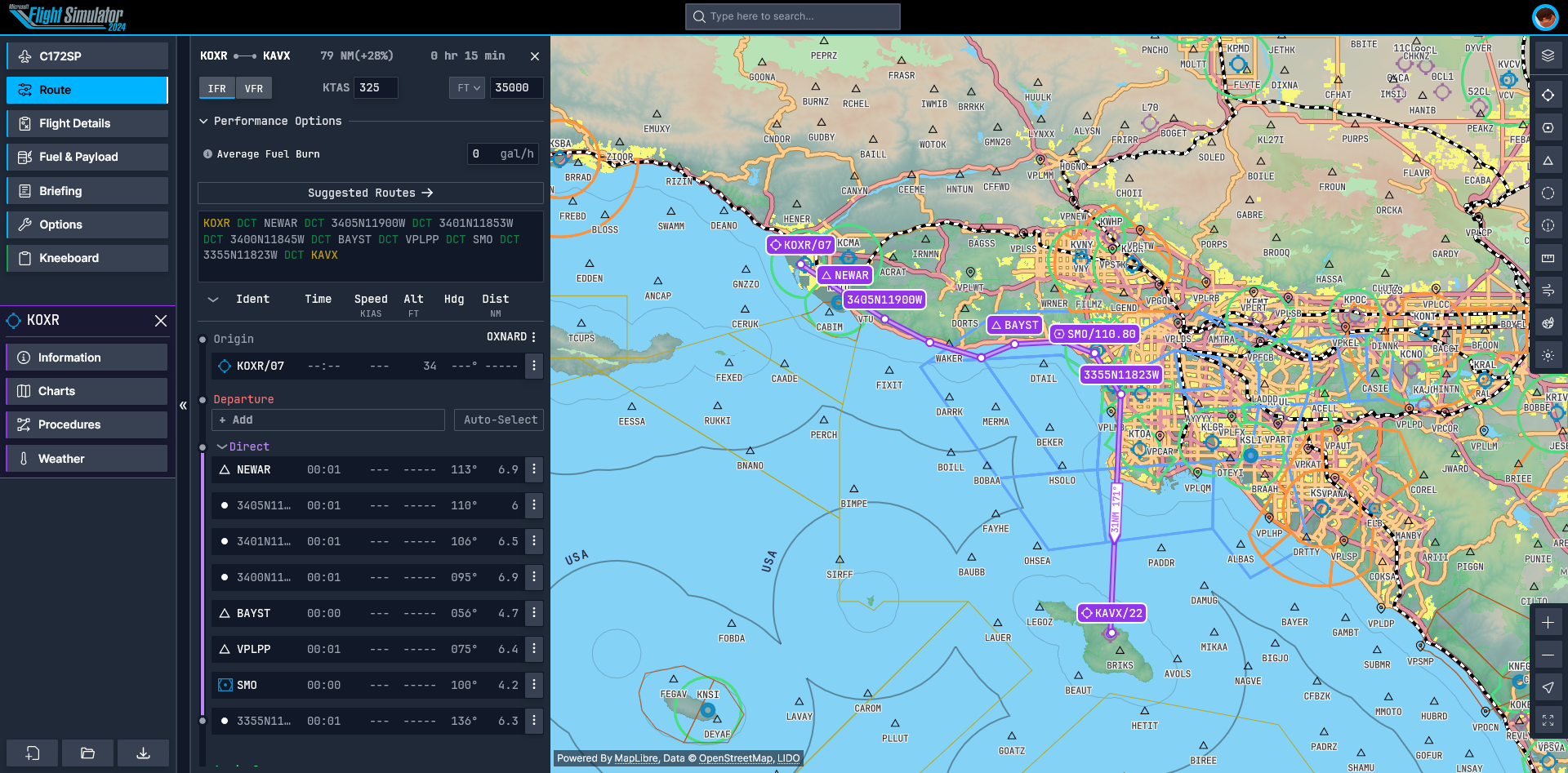
– Map Display: The map interface is integral to navigation within MSFS, allowing users to view essential navigation elements such as waypoints, airports, and navigation aids. Users can toggle between different map orientations, including track-up (following your flight direction) or heading-up (aligned with your aircraft’s heading) for optimal situational awareness.
– Adding Waypoints: Waypoints can be added easily by clicking on the desired location on the map or by manually entering their coordinates using the Flight Management System (FMS). Customizing your flight plan with specific waypoints enables a more tailored flight experience.
2. Using GPS in MSFS
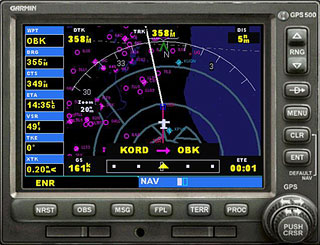
– GPS Navigation: The onboard GPS, often represented by the Garmin G1000 or a similar avionics suite, provides essential navigation data, displaying the active leg of your journey, as well as the distance to the next waypoint. This system is crucial for maintaining course.
– Entering Flight Plans: To create a flight plan, users will utilize the FMS. This involves selecting departure and arrival airports and inputting any intermediate waypoints to ensure a comprehensive route is established.
3. Planning a Flight
1. Choose Departure and Arrival Airports:
– Access the map interface, select your departure airport by clicking on it, and then repeat this process for your destination airport.
2. Add Waypoints:
– Add any intermediate waypoints by clicking on the map directly or entering identifiers or coordinates into the FMS.
3. Save and Load Flight Plans:
– After creating your flight plan with all necessary waypoints, remember to save it. This functionality allows for easy retrieval and use in future flights.
4. Configure GPS Settings:
– Adjust GPS settings to align with your planned route, ensuring that the system is set to track your journey accurately.
4. Executing the Flight Plan
1. Activate the GPS:
– Ensure that your GPS is active and engaged, which is crucial for accurate navigation along your planned route.
2. Monitor Progress:
– Continuously check your progress via the map display and GPS reports. Be prepared to make real-time adjustments to stay on course.
3. Use Navigation Aids:
– Engage additional navigation aids such as VOR (VHF Omnidirectional Range) stations when necessary, particularly during instrument conditions or when GPS functionality is limited or compromised.
5. Tips for Effective Navigation
– Practice VFR Navigation: Gain confidence in visual navigation by utilizing real-world landmarks and visual references.
– Transition to IFR: Once comfortable with VFR principles, begin incorporating IFR techniques, emphasizing reliance on instruments and GPS for navigation accuracy.
– Utilize Online Resources: Explore available tutorials and instructional guides to enhance your navigation skills, particularly beneficial for new pilots.
6. Common Navigation Modes
– VPATH (Vertical Path): This mode helps in maintaining a vertical profile during descent and approach phases, essential for safely navigating altitudes.
– VNAV (Vertical Navigation): VNAV provides guidance along a predefined vertical path, ensuring that altitude and speed goals are effectively met during climbs and descents.
—
By diligently following these guidelines and practicing regularly, you can significantly enhance your navigation capabilities in Microsoft Flight Simulator, leading to more accurate and efficient flight paths. Embrace these tools and techniques to enjoy a fulfilling flight simulation experience.



Leave a Reply