
Using Cartographers in Minecraft for Exploration
Cartographers are valuable villagers in Minecraft, specializing in creating various maps that are instrumental for exploration. This guide will walk you through the process of finding and utilizing a cartographer effectively.
1. Creating a Cartographer Villager
To establish a cartographer, you need to craft a cartography table, which is essential for converting unemployed villagers into cartographers and will serve as their dedicated job site.
Materials Needed for a Cartography Table:
– 4 Wooden Planks: Any wood type will work (oak, spruce, birch, etc.).
– 2 Paper: Crafted from sugar cane.
Steps to Create a Cartographer:
– Craft a Cartography Table: Arrange the materials in a crafting table grid:
– Place the wooden planks in the top row, one in each slot.
– Place the paper in the middle row center and the two remaining slots below it.
– Place the Cartography Table: Position the cartography table near an unemployed villager. They will take on the cartographer profession.
– Alternative Method: If the villager already has a profession, you can convert them by breaking their current job block (like a composter for farmers) and placing the cartography table in its stead.
2. Unlocking Trades with a Cartographer
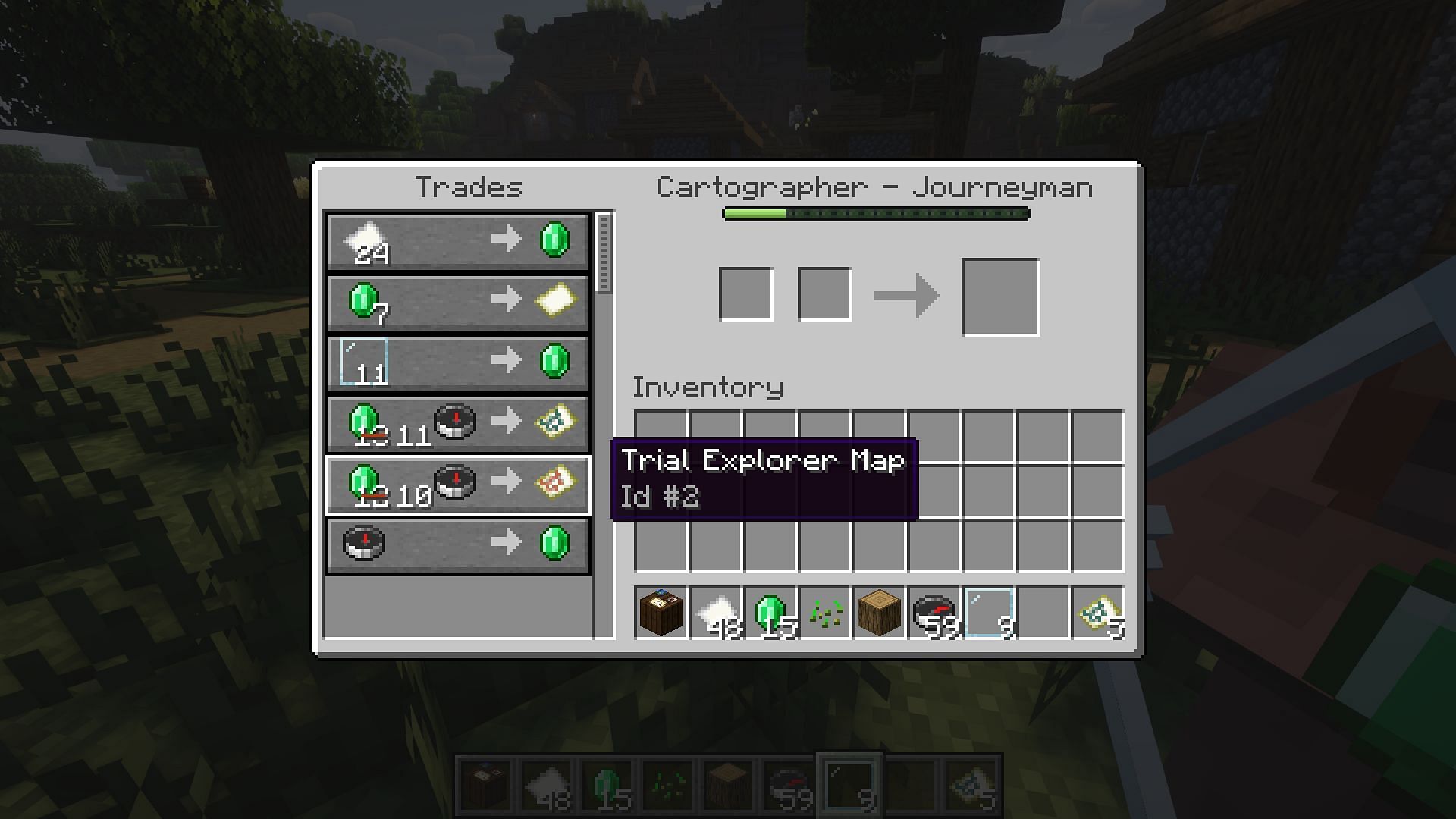
Once a villager becomes a cartographer, they will offer various trades that facilitate exploration, including specialized maps leading to significant structures.
Steps to Unlock Trades:
– Interact with the Cartographer: Right-click on the cartographer to open their trading interface.
– Purchase Maps: They typically offer:
– Ocean Explorer Maps: Lead to ocean monuments.
– Woodland Explorer Maps: Guide you to woodland mansions.
– Treasure Maps: Indicate locations of buried treasures.
These maps are essential for locating structures that are usually far from spawn points.
3. Using Maps for Exploration
Maps provided by cartographers play a crucial role in finding structures across Minecraft’s vast landscape.
How to Use Maps:
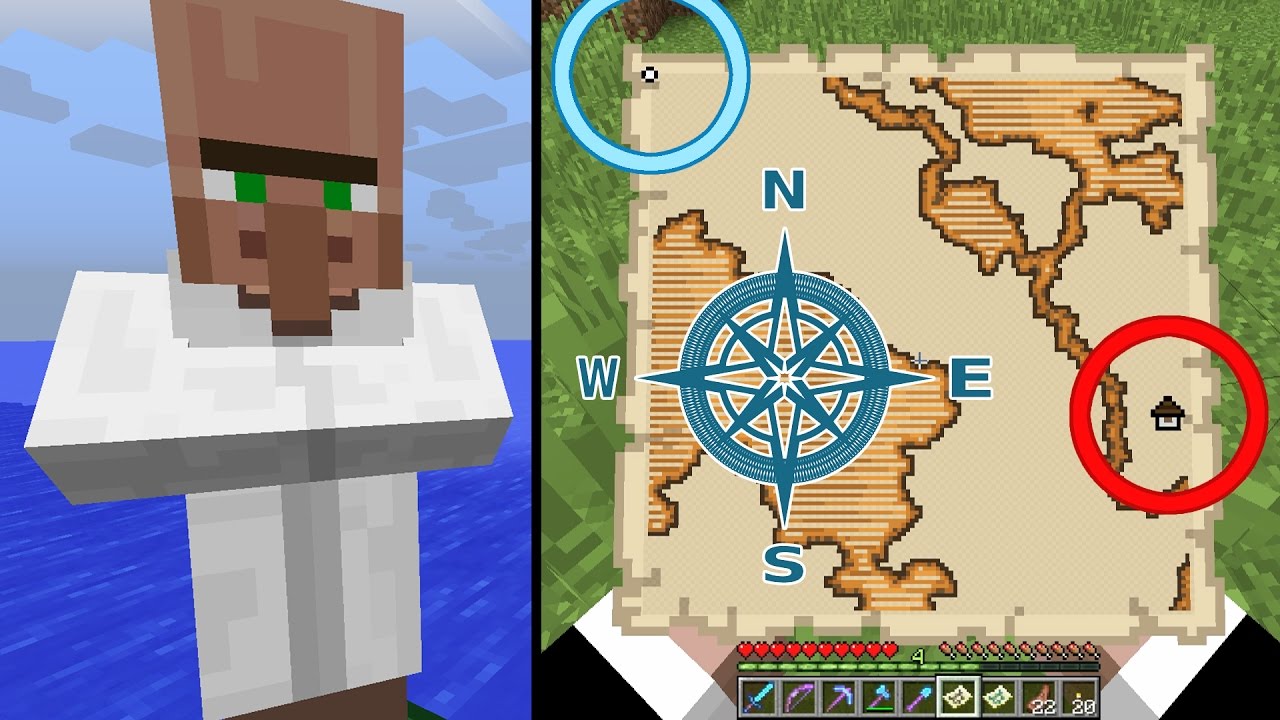
– Activate the Map: Hold the map and right-click to view the area it covers.
– Locate Structures: Keep an eye out for symbols on the map that indicate the location of structures.
– Travel to the Location: Navigate towards the marked spot to discover the respective structure.
Tips for Effective Use
– Combine with Other Tools: For enhanced exploration, consider using compasses or other navigation tools in survival mode; this can help guide you in conjunction with your maps.
– Mobility Options: If traveling by water, transport a cartographer in a boat to quickly sail to locations indicated by your maps—this is especially useful for ocean and treasure maps.
Conclusion
Cartographers are an invaluable resource for players looking to explore the vast world of Minecraft. By creating a cartographer, unlocking their trades, and using the maps efficiently, you will enhance your exploration experience significantly. Happy crafting and exploring!


Leave a Reply