
To effectively manage your inventory and create item loadouts in Monster Hunter Wilds, it is essential to follow a structured approach. Here’s a detailed guide to optimize your gameplay experience.
—
Accessing Storage and Transfers
1. Visit Base Camp/Pop-up Camp Tents:
– Look for tents marked on your mini-map. Entering these areas provides you access to your Item Box for inventory management.
2. Transfer Items:
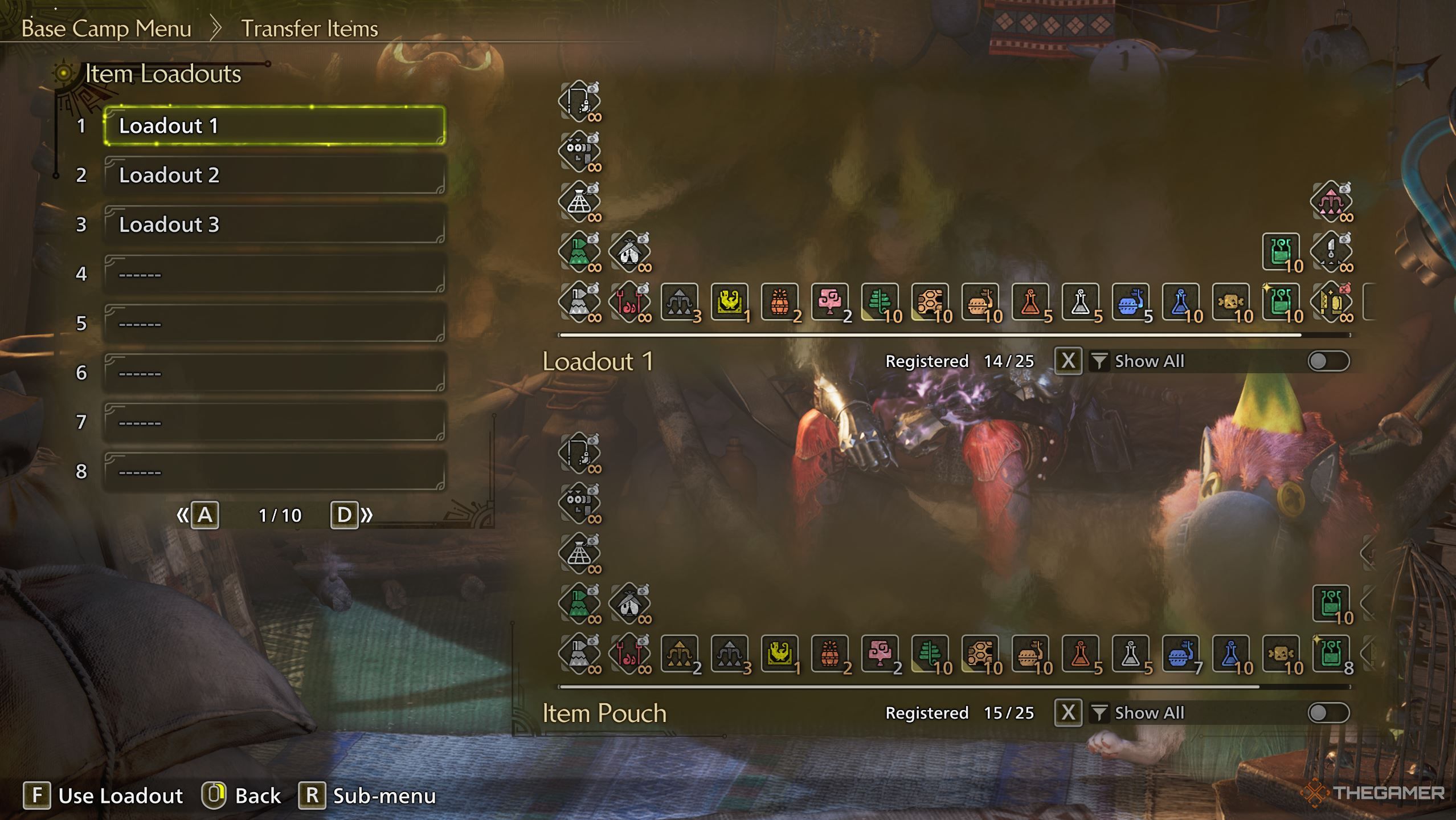
– Open the Item Menu and select the “Transfer Items” option.
– You’ll need to choose whether to manage items in your Item Pouch or your Ammo Pouch, facilitating the swapping of items between your inventory and storage.
– You can opt for manual selection or streamline the process by using predefined loadouts that automate item swapping.
—
Creating and Using Item Loadouts
1. Navigate to Loadouts:
– From the Item Menu (accessible in a tent), press the left stick (LS) on your controller or the designated button on PC to access the loadout system.
2. Setup Your Loadouts:
– Begin by submitting a “universal” inventory setup that includes essential items like Potions, Antidotes, and Flash Pods. This serves as your foundation.
– Develop specific loadouts tailored for different monsters. For instance, create a loadout with items like Antidotes for dealing with poison-inflicting creatures or Sonic Bombs for monsters that burrow underground.
3. Load/Save Your Loadouts:
– After completing quests, you can easily load a preset to restock your inventory with essentials while also storing items you didn’t use.
– To save any changes you’ve made, either overwrite existing loadouts or create new ones for future use.
—
Optimization Tips
– Limit Inventory Clutter: Organize your inventory by promptly storing non-combat items such as ores and bones. This practice will help avoid your pouch reaching its capacity too quickly.
– Crafting Integration: Utilize loadouts in combination with the auto-crafting feature, allowing you to set items (like Potions) to automatically craft themselves whenever you collect the necessary materials.
– Multiplayer Adjustments: If you’re participating in cooperative hunts, consider carrying extra items like Lifepowder or Dust of Life for team support, but remove these items if hunting solo to maintain a leaner inventory.
—
Example Loadouts
| Scenario | Key Items |
|——————–|—————————————-|
| General Hunt | Potions, Mega Potions, Whetstones |
| Poison Monster | Antidotes, Herbal Medicine |
| Flying Monster | Flash Pods, Dung Pods |
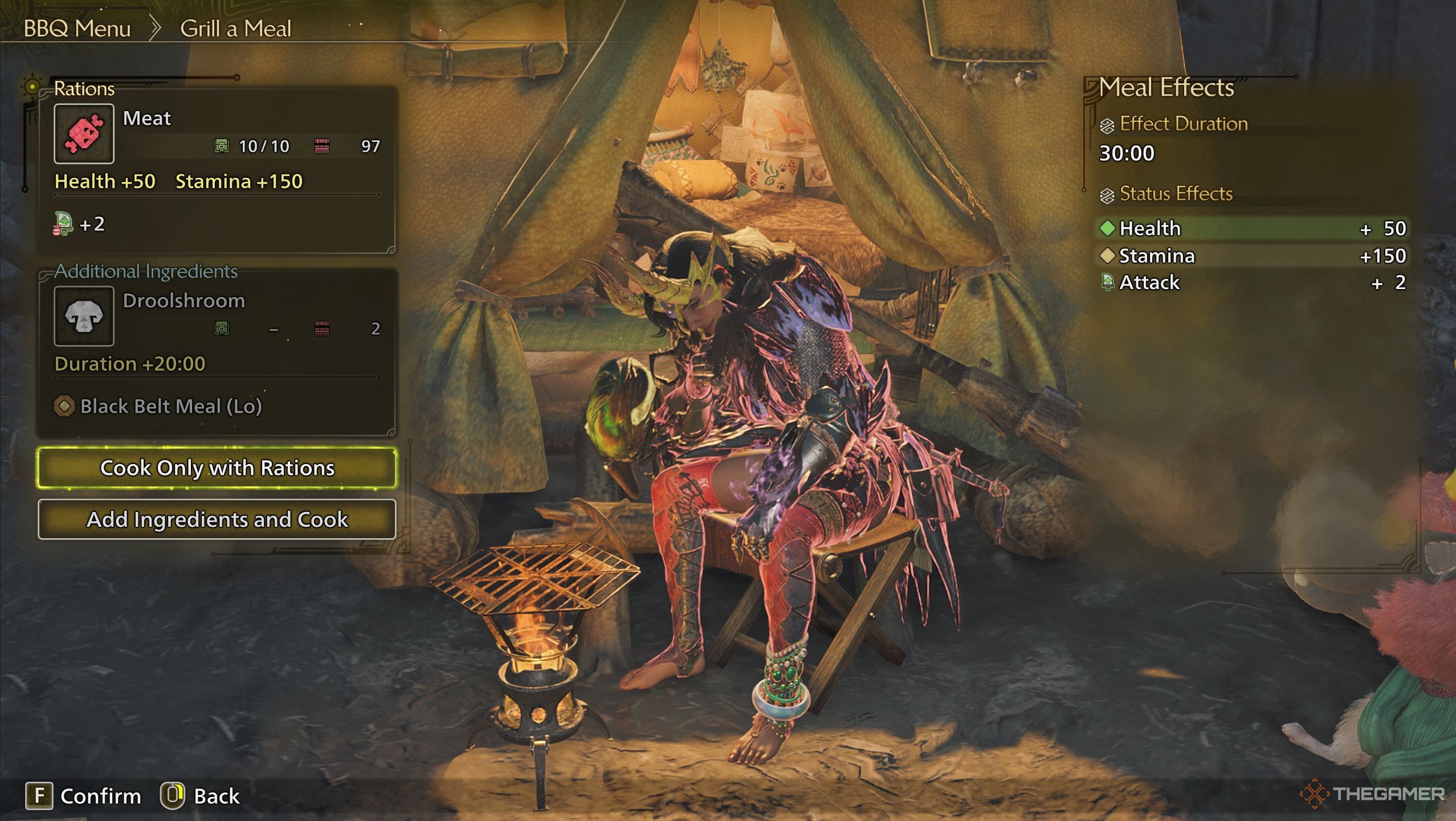
For visual assistance, consider referencing community-shared loadout templates available online, such as [Image 1](https://i.ibb.co/j9wPpnws/screenshot-1741984680.png) or [Image 2](https://i.ibb.co/TMf15czX/screenshot-1741948053.png), which showcase effective item groupings.
By implementing these loadout strategies, you can significantly reduce inventory management time, allowing you to focus more on the thrill of the hunt and enhancing your overall gameplay experience in Monster Hunter Wilds.


Leave a Reply