
Guide to Exploring Planets and Traveling Between Star Systems in Star Wars: Outlaws
Star Wars: Outlaws immerses players in a thrilling open-world adventure, enabling them to explore various planets and traverse through star systems. This guide provides an in-depth look at the planets available for exploration and the necessary steps to travel between them effectively.
Planets to Explore
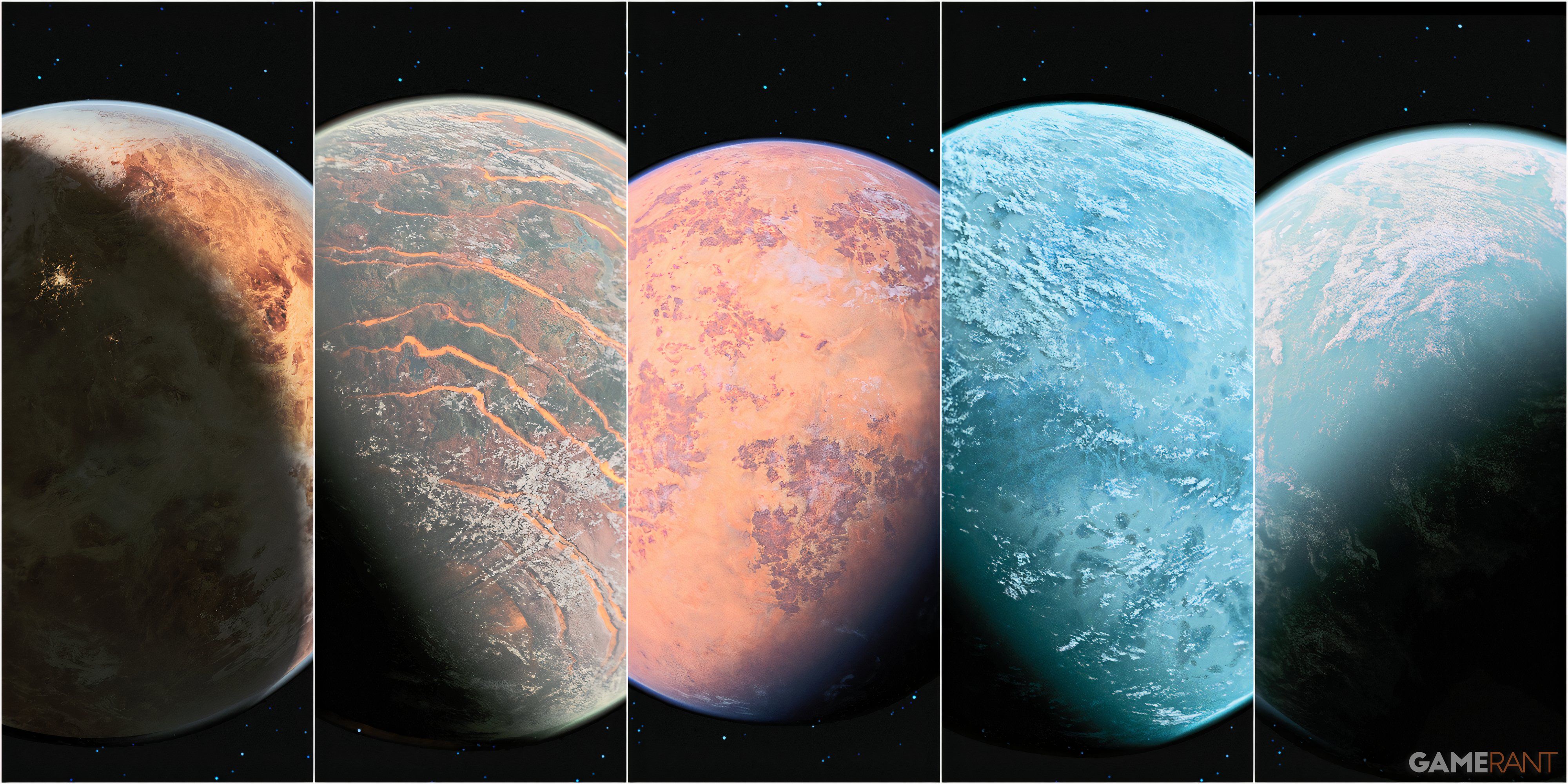
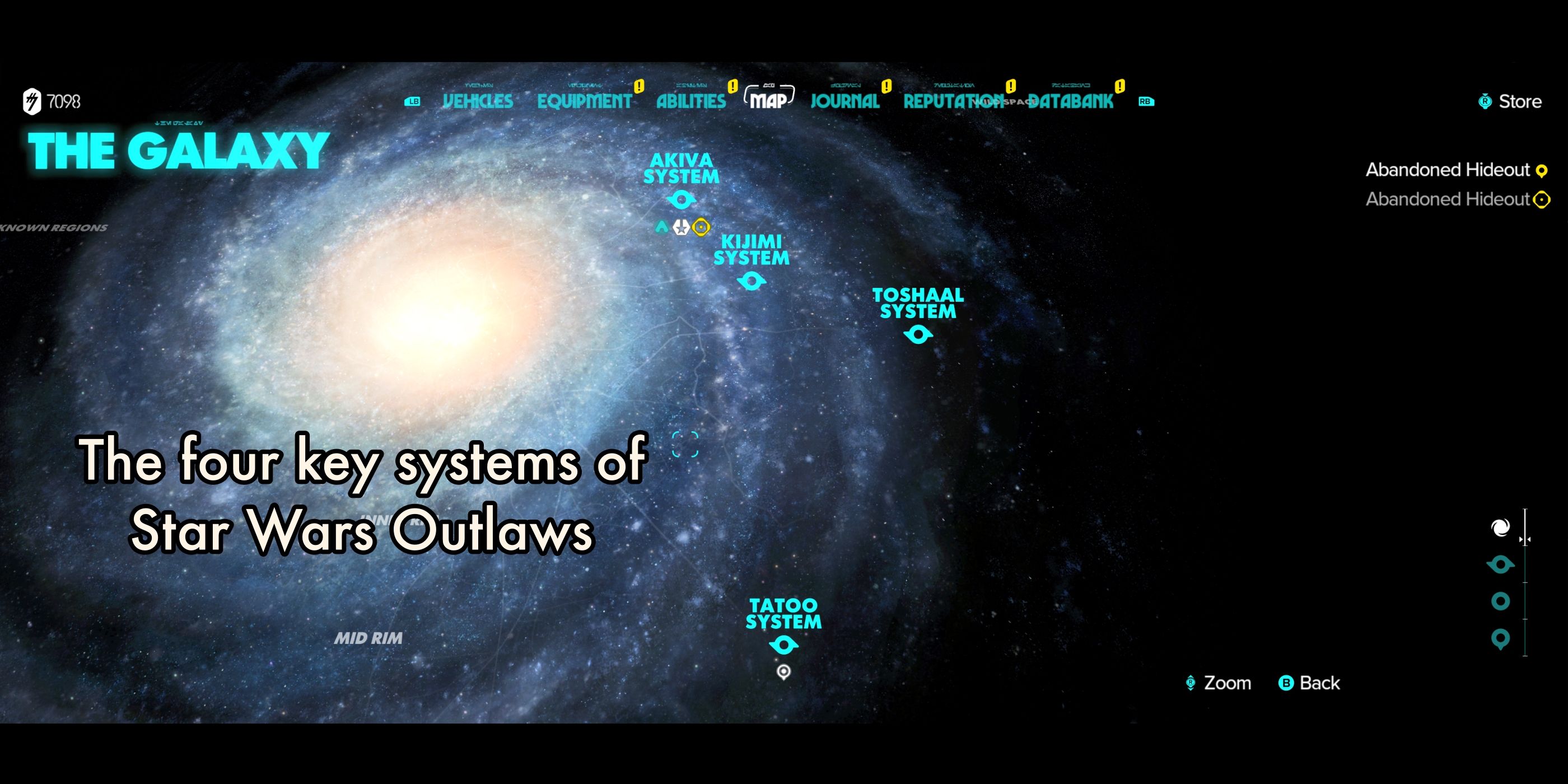
1. Cantonica: Famous for the luxurious city Canto Bight, prominently featured in The Last Jedi. This planet offers vibrant nightlife and unique interactions.
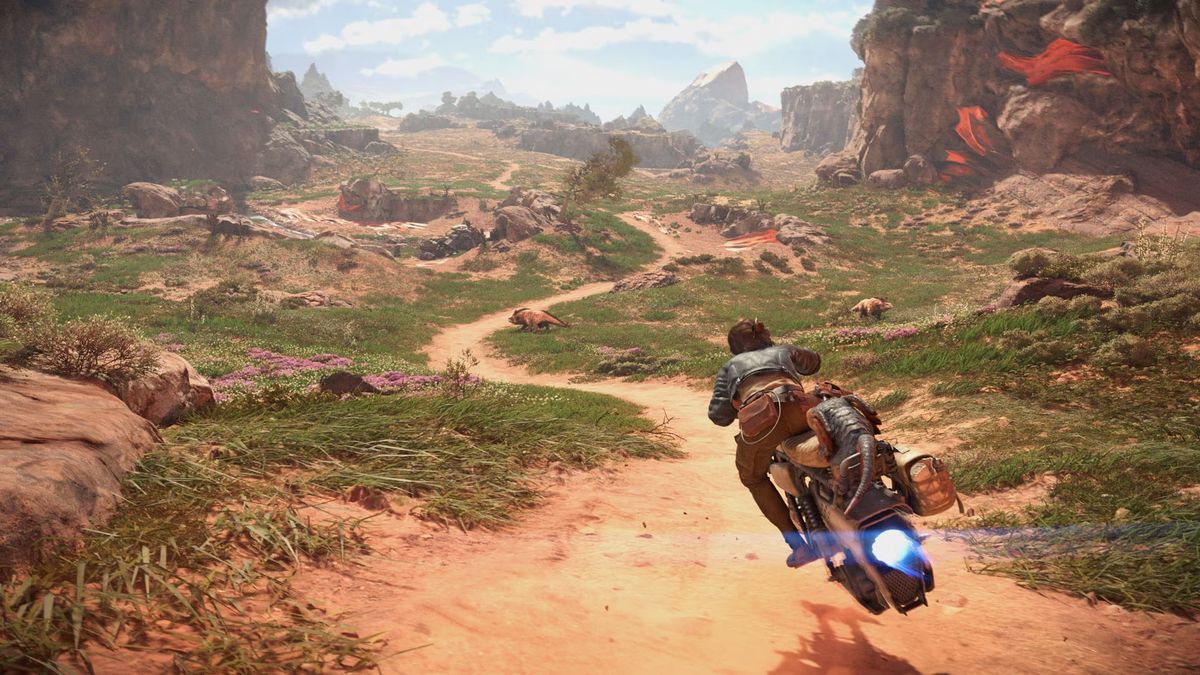
2. Toshara: A newly introduced moon characterized by expansive savannas and gusty winds, providing a fresh environment for exploration and adventure.
3. Tatooine: The iconic desert planet known as the home of Luke Skywalker, featuring the bustling spaceport town of Mos Eisley, famous for its eclectic mix of inhabitants.
4. Akiva: An Outer Rim planet featuring dense jungles, introduced in Star Wars: Aftermath. Players can uncover its mysteries and engaging quests amidst the natural beauty.
5. Kijimi: A snowy world from The Rise of Skywalker, home to the Ashiga Clan. The chilling environment and unique culture offer distinct quests and interactions.
How to Travel Between Planets
Traveling between the planets in Star Wars: Outlaws involves several steps:
1. Unlock the Hyperdrive:
– Progress through the main storyline and complete “The Wreck” (the seventh mission) to obtain the hyperdrive, essential for interstellar travel. This step also installs the hyperdrive in your ship, the Trailblazer.
2. Enter Orbit:
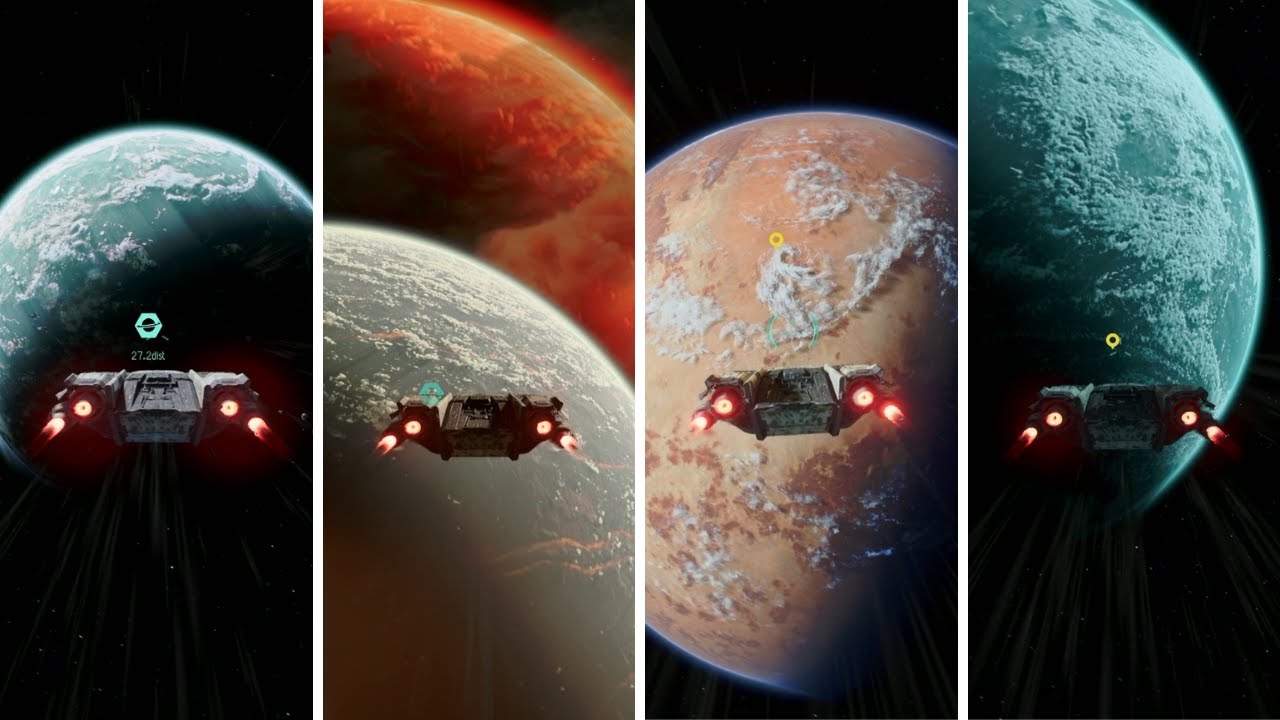
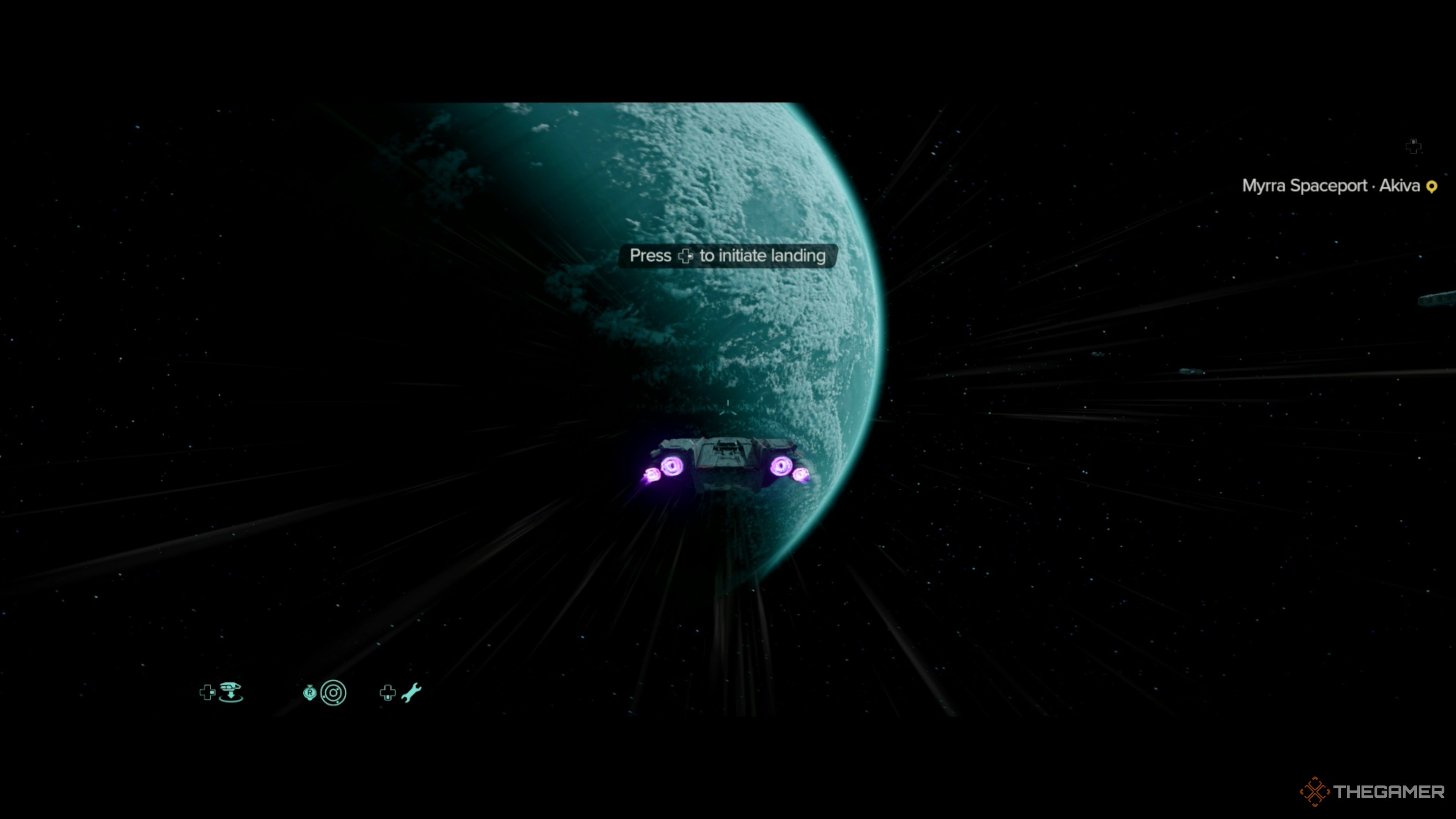
– Board your ship and ascend into orbit around a chosen planet. Use the Interact button (Space on PC, X/A on consoles) to engage your ship’s engines.
3. Activate Hyperdrive:
– From orbit, press the right D-Pad button on your controller or X on your keyboard to pull up the hyperdrive menu. This will reveal a list of potential destinations.
4. Select Destination:
– Choose a planet from the list and confirm your selection to prepare for hyperspace travel.
5. Jump to Hyperspace:
– After confirming your destination, push both analog sticks forward (or press Y on the keyboard) to initiate the hyperspace jump.
Important Notes:
– Ensure that your path to hyperspace is unblocked by obstacles and that you are not engaged in combat during takeoff.
– After the mission “The Wreck,” you are free to use hyperdrive for planet exploration, although some story missions may temporarily restrict your travel.
Additional Travel Methods
In addition to hyperspace travel, Star Wars: Outlaws includes a fast travel system:
1. Unlock Fast Travel Points: Visit and explore a planet to unlock its fast travel locations.
2. Open the Map: Access your in-game map and switch to the Navigator view.
3. Choose Destination: Scroll through available planets using L1/LB/Q and R1/RB/E. Select your desired destination.
4. Fast Travel: After selecting a planet, tab to the Fast Travel Points for instantaneous teleportation.
Fast travel is a useful feature for players wanting to bypass the navigation process and focus on missions and exploration.
Tips for Exploration
– Explore Each Planet Fully: Each world offers unique side quests and experiences. Take the time to engage with the environment and its inhabitants.
– Upgrade Your Trailblazer: Regularly enhance your ship to boost its performance and travel capabilities, ensuring a smoother and more efficient journey.
– Interact with Syndicates: Build your reputation by engaging with different factions on each planet, unlocking new missions and resources that can enhance your gameplay experience.
Utilize this guide to make the most of your adventure in Star Wars: Outlaws, ensuring you fully explore the galaxy and enjoy the myriad experiences it has to offer.
Leave a Reply