
In Star Wars: Outlaws, navigating the expansive galaxy becomes much easier thanks to the fast travel system once you’ve unlocked the necessary points. Here’s a detailed guide on how to utilize this feature effectively:
Steps to Fast Travel
1. Unlocking Fast Travel Points:
– As you explore new locations in the game, particularly once you reach larger areas like Toshara, you’ll begin to unlock fast travel points. Upon nearing a new point, a notification will pop up, indicating that it’s now added to your map, facilitating easier navigation in the future.
2. Accessing the Map:
– To view all the fast travel points you’ve discovered, open your map. This can typically be done by pressing the touchpad on PlayStation or using the corresponding control for your platform. The map will provide a visual overview of all unlocked locations, helping you plan your next move.
3. Selecting a Destination:
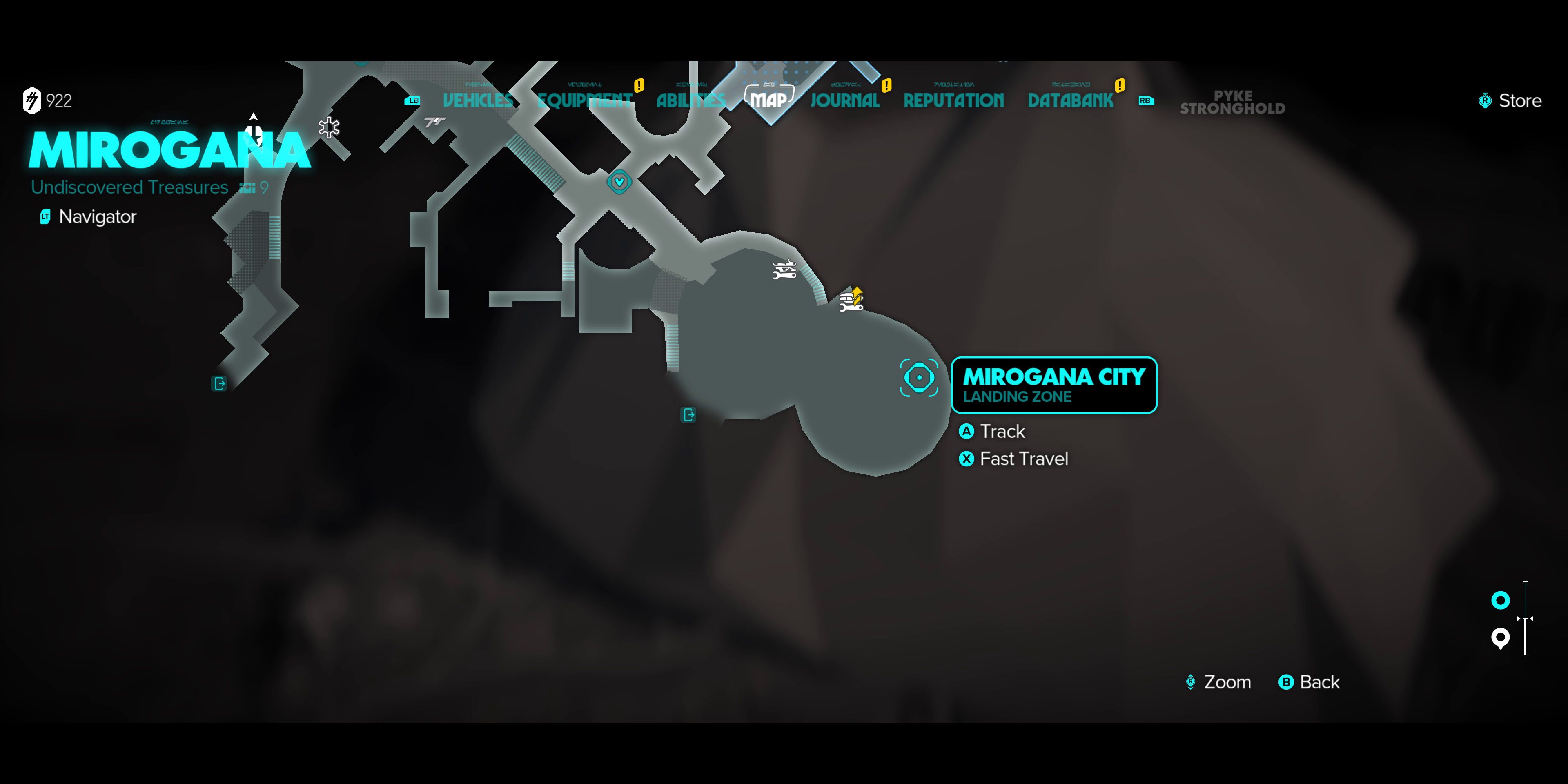
– On the Same Planet: To fast travel within the same planet, simply locate the desired fast travel point on your map. These points will be represented by blue icons. Select the icon and press the designated button—Square on PlayStation or X on Xbox—to initiate the fast travel.
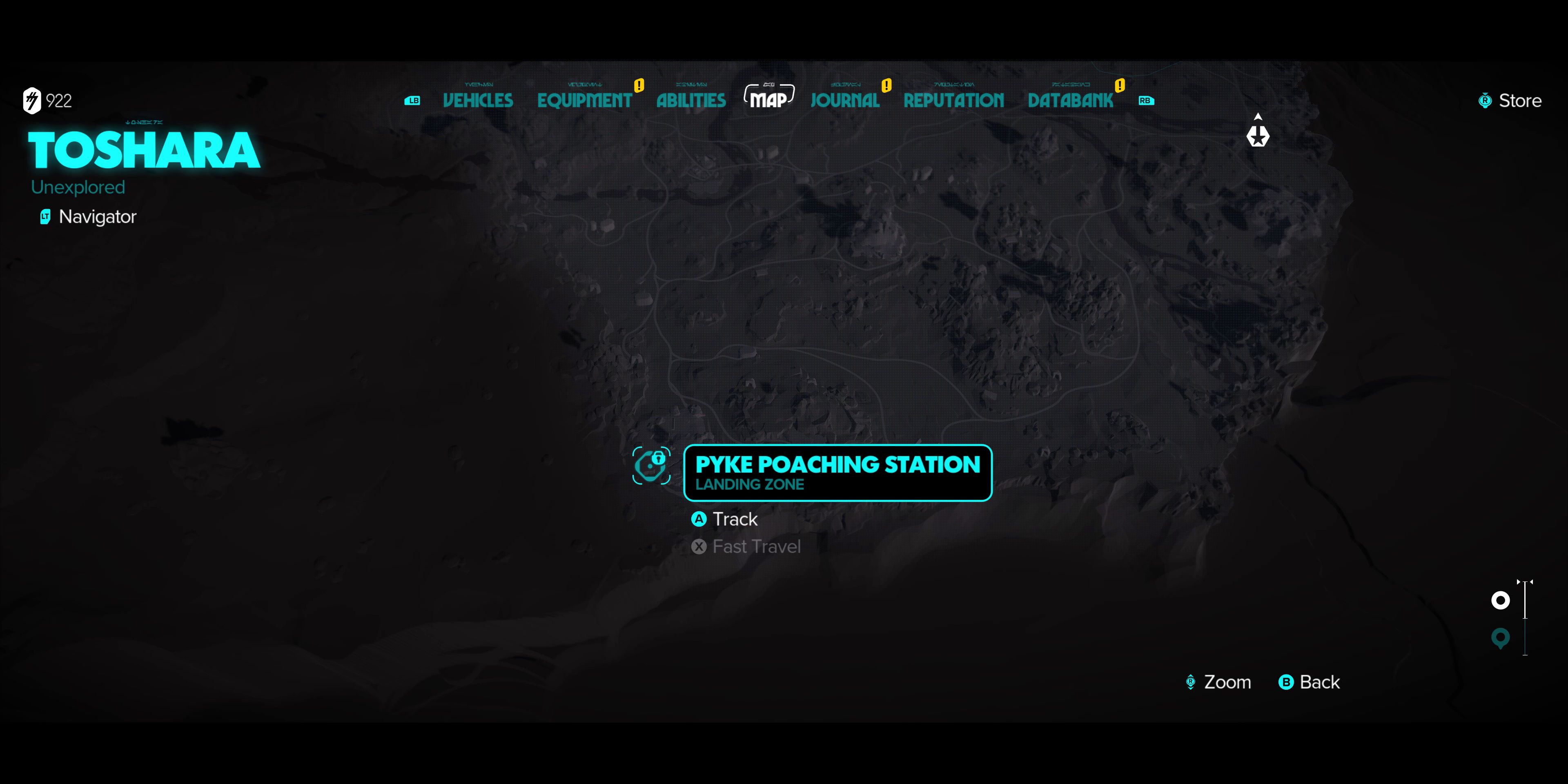
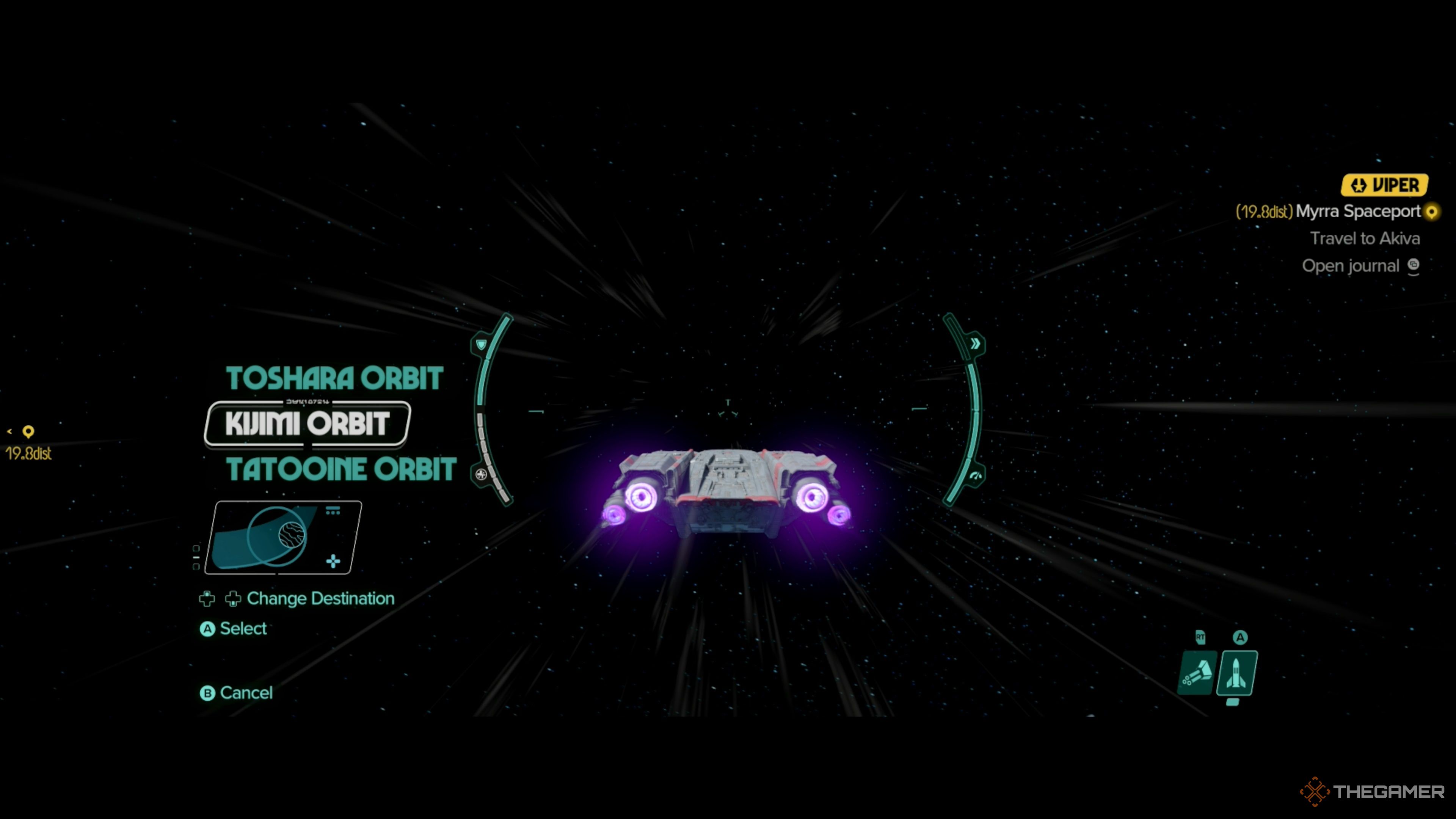
– Between Planets: If you’re looking to travel between different planets, zoom out on the map to view the galaxy map. From there, select a planet you’ve previously visited. After selecting the planet, zoom in to access its individual fast travel points.
4. Using Your Speeder:
– Your speeder can also act as a fast travel point. By leaving it at strategically chosen locations, you can make quick returns or escapes without relying on fixed fast travel points. This can be particularly useful in areas where fixed fast travel points are sparse.
Important Considerations
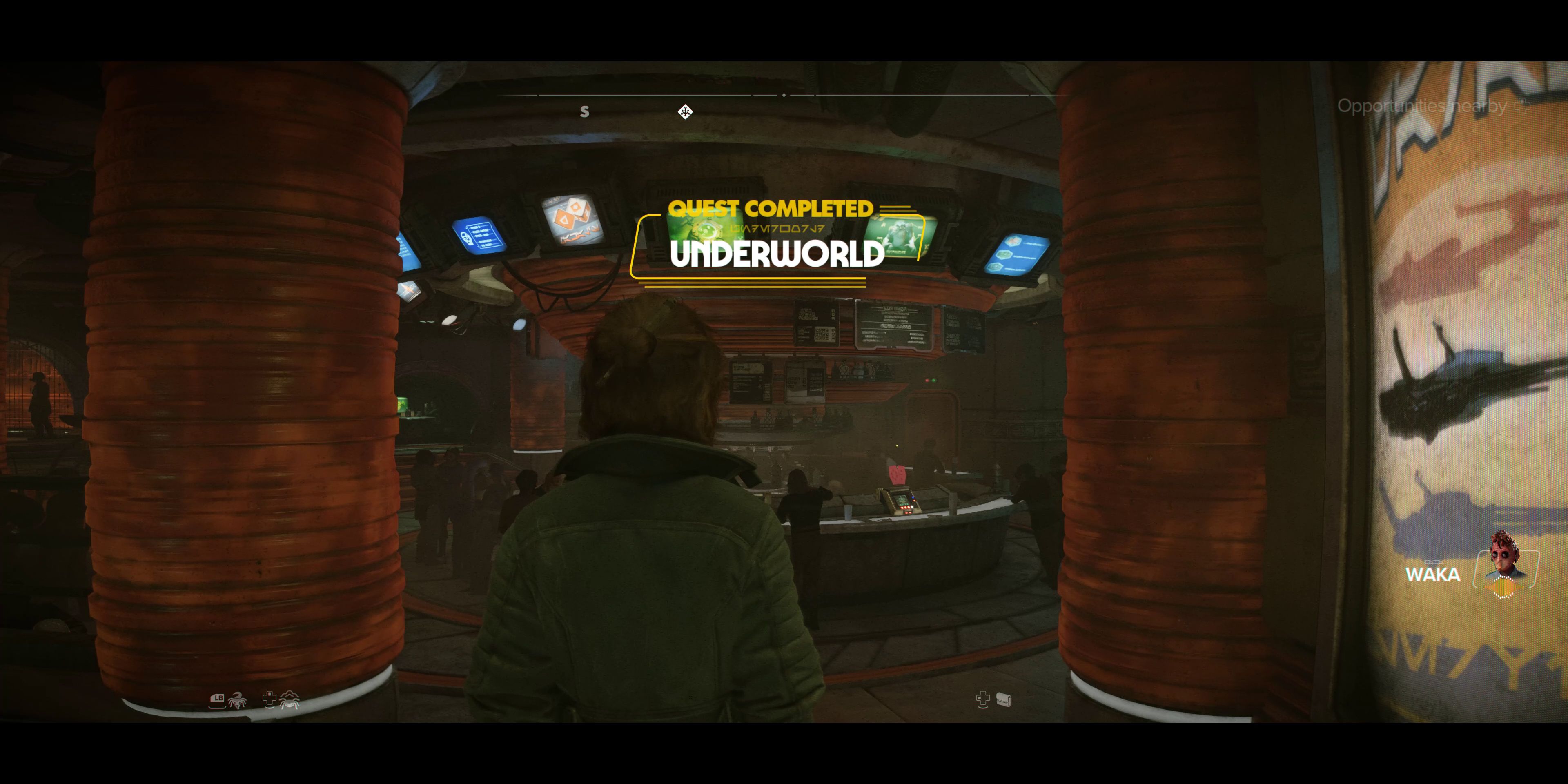
– Unlocking Conditions: Initially, fast travel might be restricted until you complete specific missions, such as the Underworld quest. Additionally, fast travel becomes unavailable during active missions or in restricted areas, so be mindful of your surroundings.
– Fast Travel Restrictions: You cannot fast travel when engaged in missions or combat. If you find yourself in such scenarios, you’ll need to either complete the mission, cancel it, or defeat all enemies in combat before you can access the fast travel option again.
By following these steps and keeping in mind the associated restrictions, you’ll be adept at fast traveling throughout the galaxy in Star Wars: Outlaws, enhancing your overall gameplay experience and exploration.

Leave a Reply