
Guide to Upgrading Gear, Blasters, and Tools in Star Wars: Outlaws
Enhancing your gear and equipment is essential for optimizing your gameplay experience in Star Wars: Outlaws. Here’s a comprehensive guide detailing how to upgrade your blaster, vehicles, and general gear, along with useful tips to gather required materials.
Upgrading Your Blaster
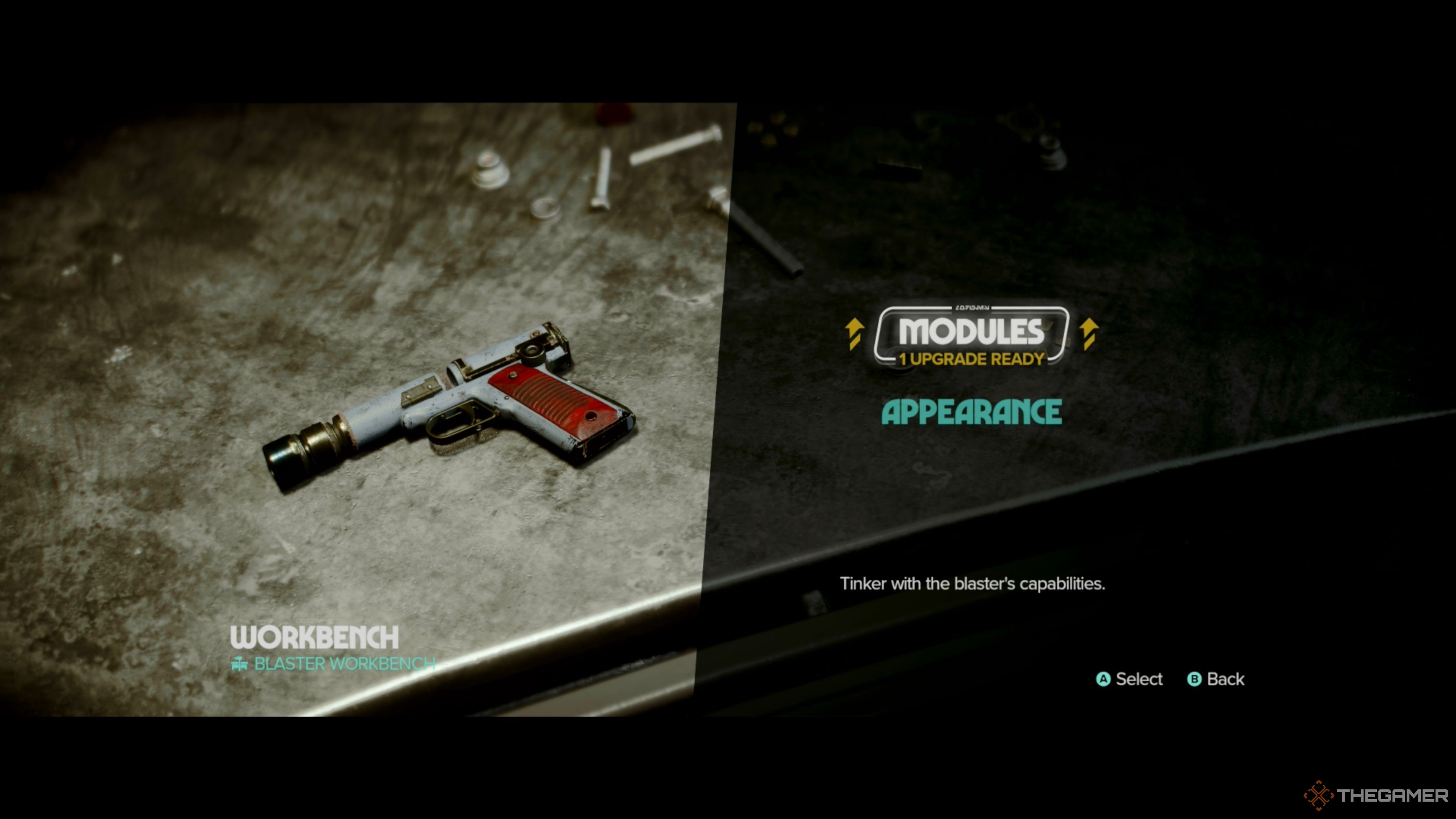
Step 1: Accessing the Workbench
– Location: The Workbench is situated on your ship, the Trailblazer.
– Requirement: Complete the ‘New Tricks’ main quest to gain access, and make sure Waka repairs the ship first.
Step 2: Materials and Schematics
– Collect necessary materials and schematics through:
– Completing quests.
– Looting from chests.
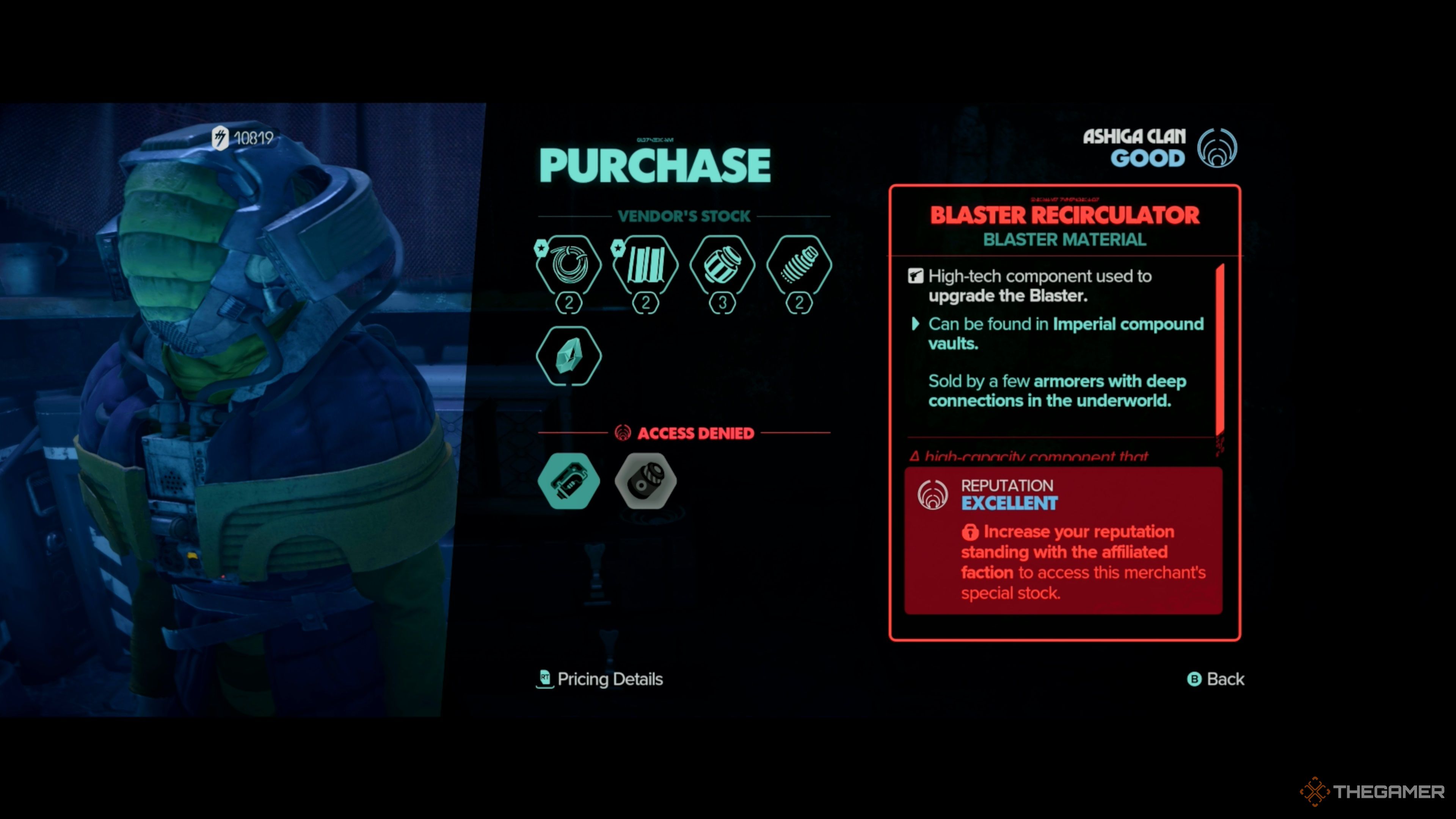
– Purchasing from armorers, contingent on your faction reputation.
Step 3: Modules and Upgrades
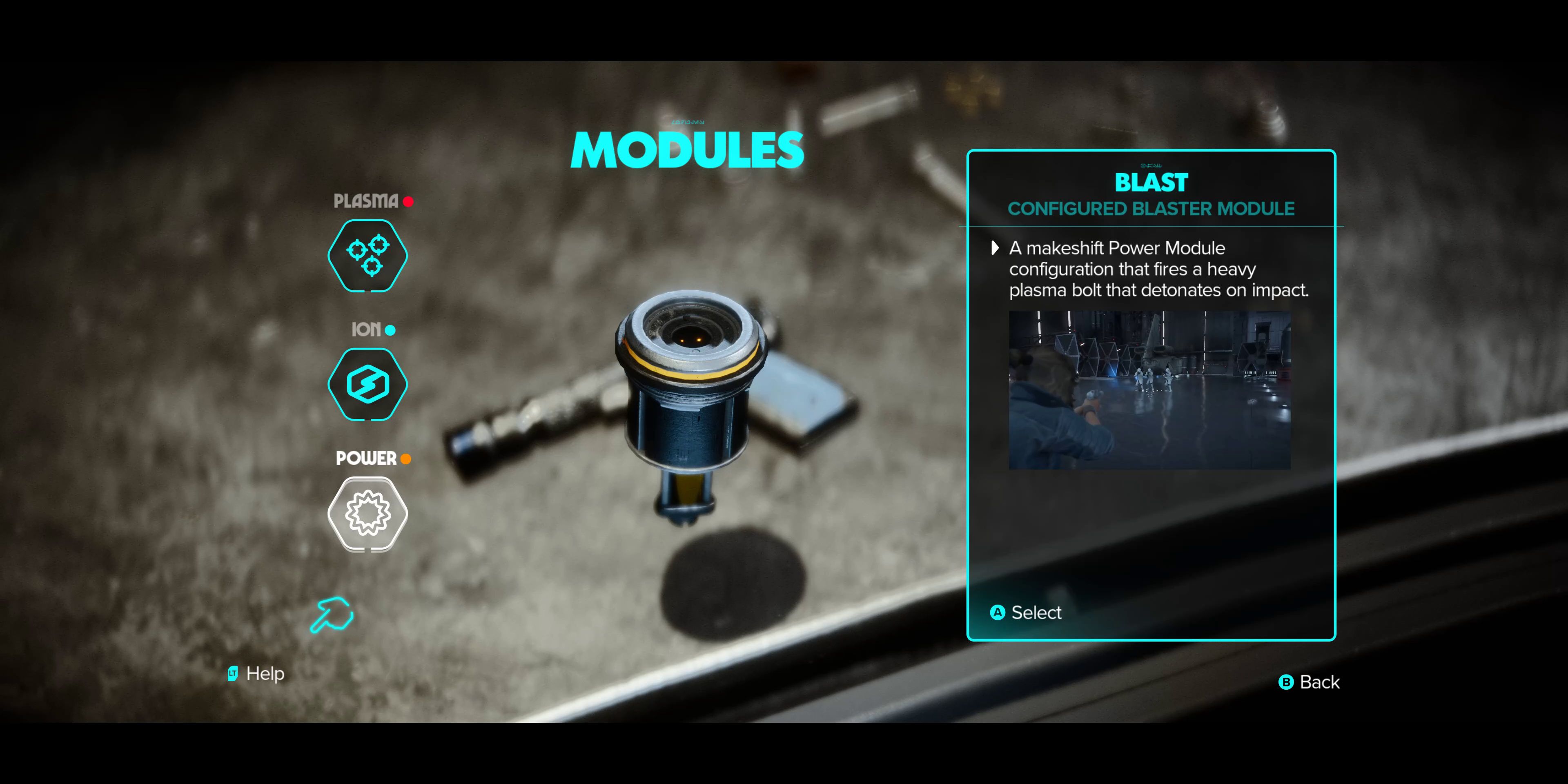
– Your blaster features three primary modules:
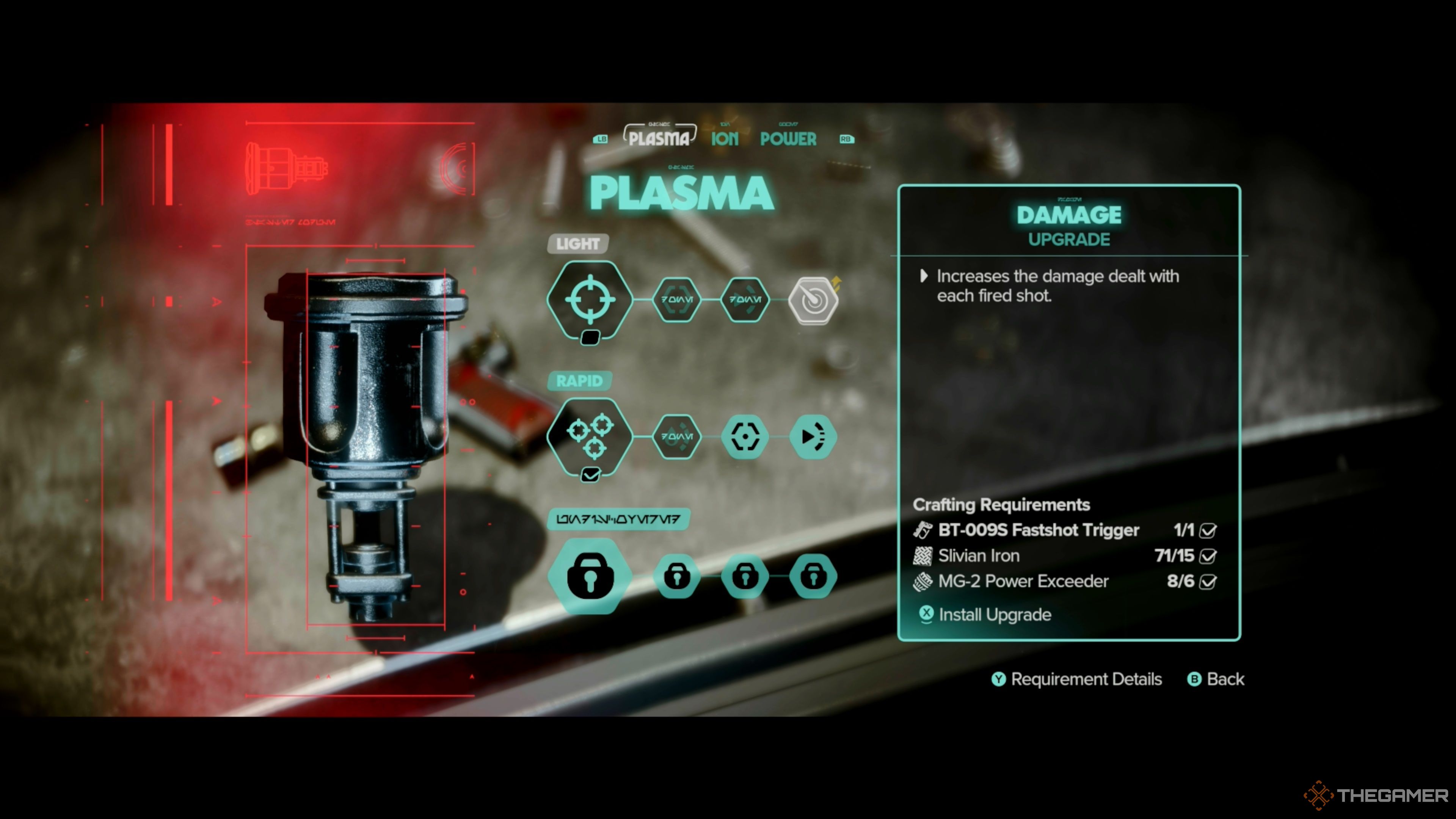
– Plasma: Improves accuracy and cooling.
– Ion: Effective against electronic enemies; upgrades can enhance damage.
– Power (Bolt): Facilitates charged shots capable of breaking through specific obstacles.
– Each module possesses various upgrade options to boost performance.
Step 4: Unlocking Upgrades
– Some upgrades are tied to the main storyline, while others may be unlocked via side quests or specific items scattered in the open world.
Upgrading Vehicles
1. Speeder Bike
– Where to Upgrade: Visit a Speeder Mechanic.
– Improvements: Enhancements focus on performance and durability.
2. Trailblazer (Ship)
– Where to Upgrade: Obtain upgrades from Ship Mechanics.
– Benefits: Enhancements will improve combat capabilities and travel efficiency.
General Gear Upgrades (Loadout System)
1. Loadout System
– The Loadout System allows you to manage various gear slots like Chest, Legs, and Waist, with each piece of gear contributing unique effects and perks.
2. Set Bonuses
– Equipping certain sets of gear provides additional bonuses, enhancing combat or exploration abilities.
3. Reputation and Access
– Your access to vendors and specific items can vary based on your reputation with factions. Good standing can give you access to better resources and lower prices.
4. Transmog System
– Utilize the Transmog feature to customize the appearance of your gear without compromising on performance, letting you maintain aesthetic preferences.
Obtaining Materials and Resources
– Contracts: Completing various Contracts is an efficient way to accumulate resources necessary for upgrades.
– Faction Reputation: Establish rapport with factions such as the Hutt Cartel or Ashiga Clan for access to rare materials and vendor discounts.
– Exploration: Actively loot chests and containers during missions for valuable materials.
Best Practices
– Progressing Through the Storyline: Many upgrades become available as you advance through the main story.
– Gathering Intel: Collecting Expert Intel can lead to unique rewards and essential materials for upgrades.
– Exploring the Galaxy: Make it a habit to explore the open world thoroughly to discover materials and items that traditional paths may not reveal.
By adhering to the steps and strategies outlined in this guide, players can efficiently upgrade their blasters, vehicles, and gear in Star Wars: Outlaws, ensuring a richer and more enjoyable gameplay experience. Happy hunting in the galaxy!

Leave a Reply