
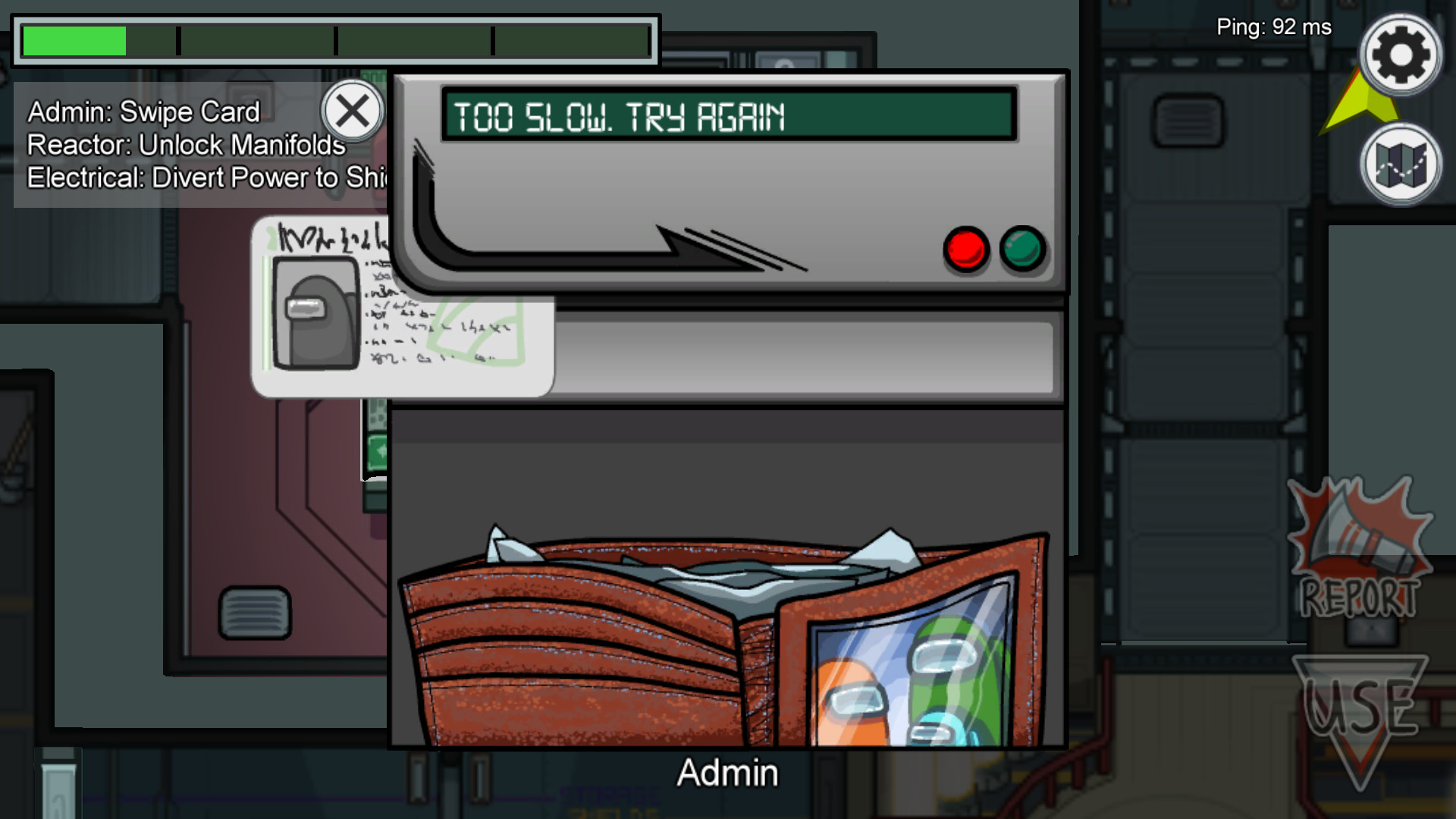
To successfully complete the card swipe task in Admin in Among Us, it’s important to focus on the timing and technique of your swipe to minimize errors. Here’s a detailed step-by-step guide:
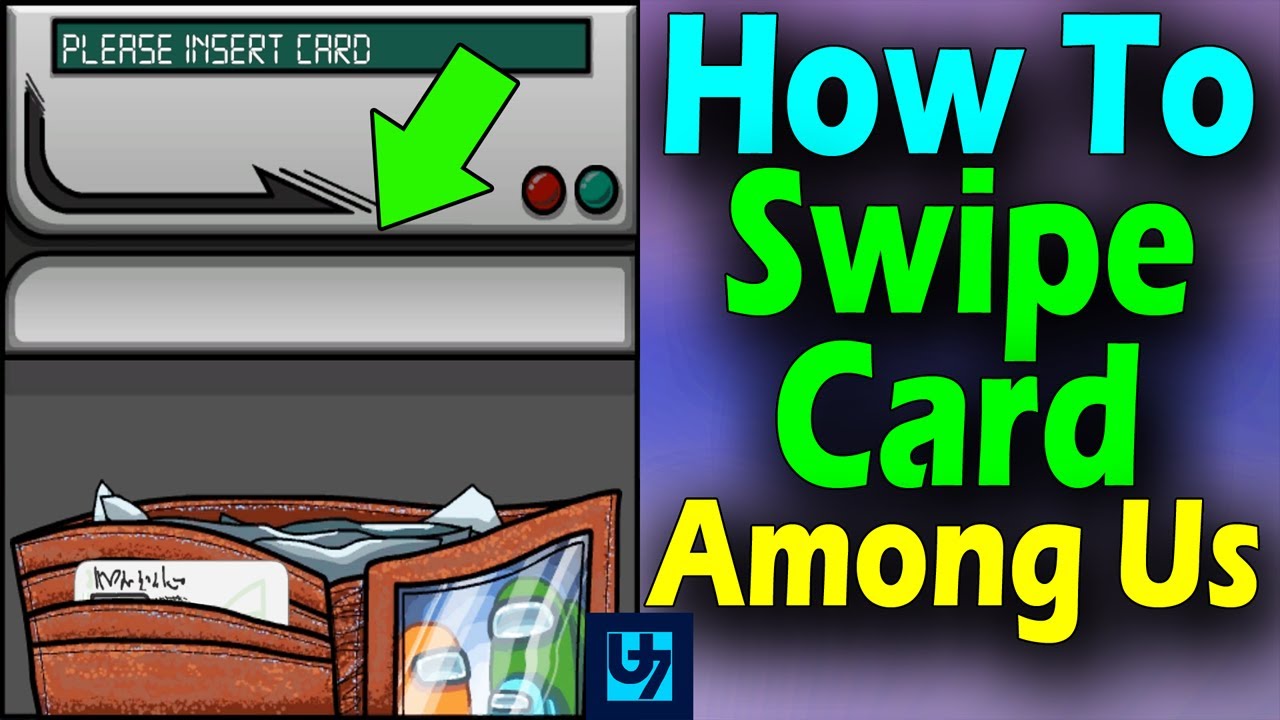
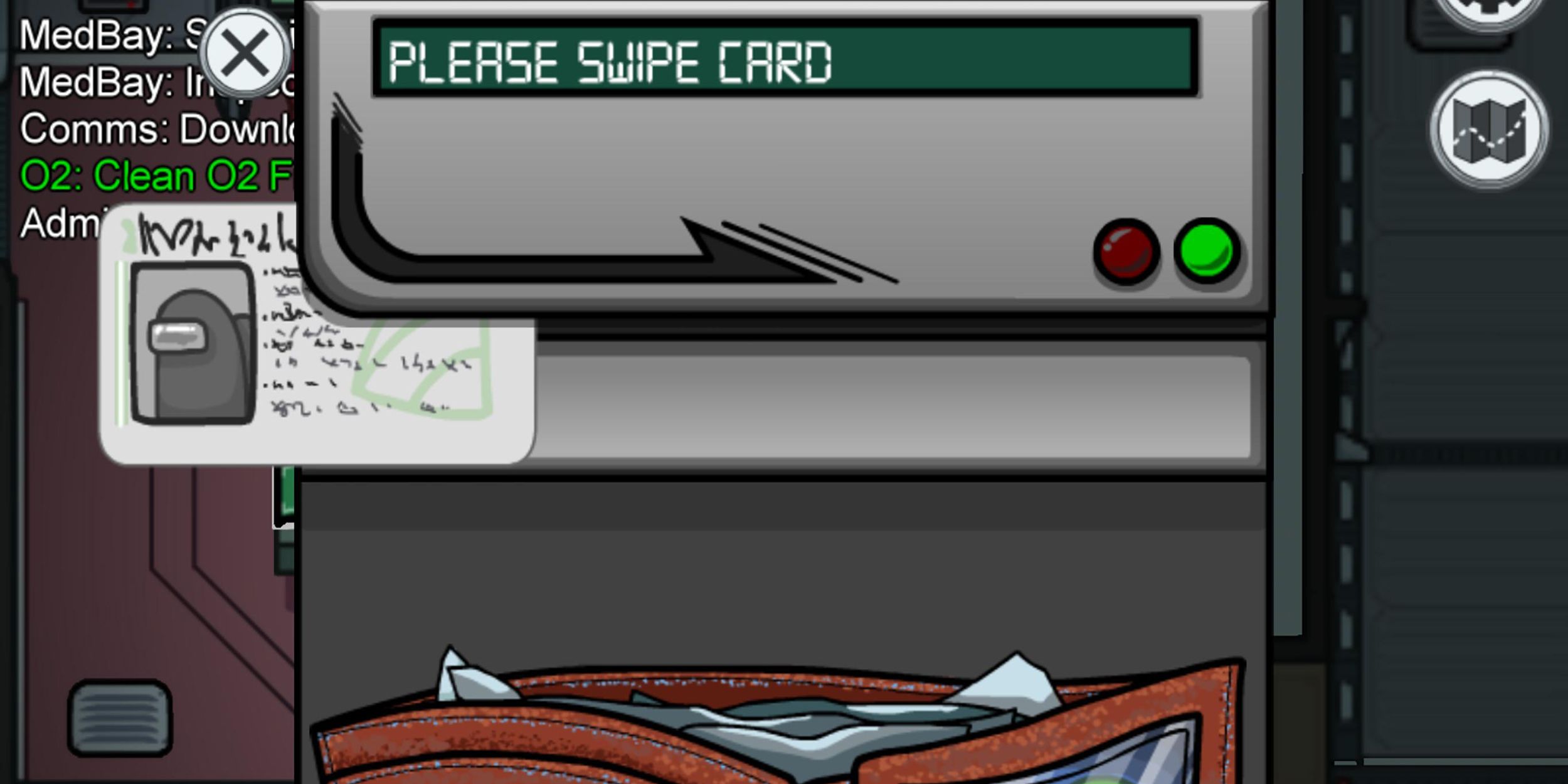
1. Prepare to Swipe: Start by approaching the card reader in the Admin room. Click or tap on the card that is sticking out of your wallet. This action will take the card out and place it in front of the reader.
2. Engage the Card Reader: After placing the card on the reader, click and hold your mouse button (or tap and hold if you’re using a touchscreen device) on the card.
3. Focus on Swipe Technique: The key to success lies in the speed and consistency of your swipe:
– Swipe Horizontally: Move the card smoothly across the reader in a horizontal motion.
– Ideal Swipe Speed: Aim for a medium speed—this means not too fast and not too slow. An ideal swipe should feel steady and controlled.
4. Avoid Common Mistakes:
– Do Not Rush: Swiping too quickly can lead to a failure; similarly, swiping too slowly can also fail the task.
– Hold Steady: Ensure that you’re holding the card firmly and don’t lift your finger or cursor too early during the swipe, as this can interrupt the action.
5. Practice for Precision: Like many tasks in Among Us, the card swipe may require some practice to master the timing. The more you engage in this task, the better you will understand the rhythm and speed required to complete it successfully.
In summary, successfully executing the Admin card swipe involves preparing by tapping on the card, holding it steady against the card reader, and swiping with a moderate and consistent pace. With enough practice, you’ll be able to complete this task efficiently without repeated errors.


Leave a Reply