
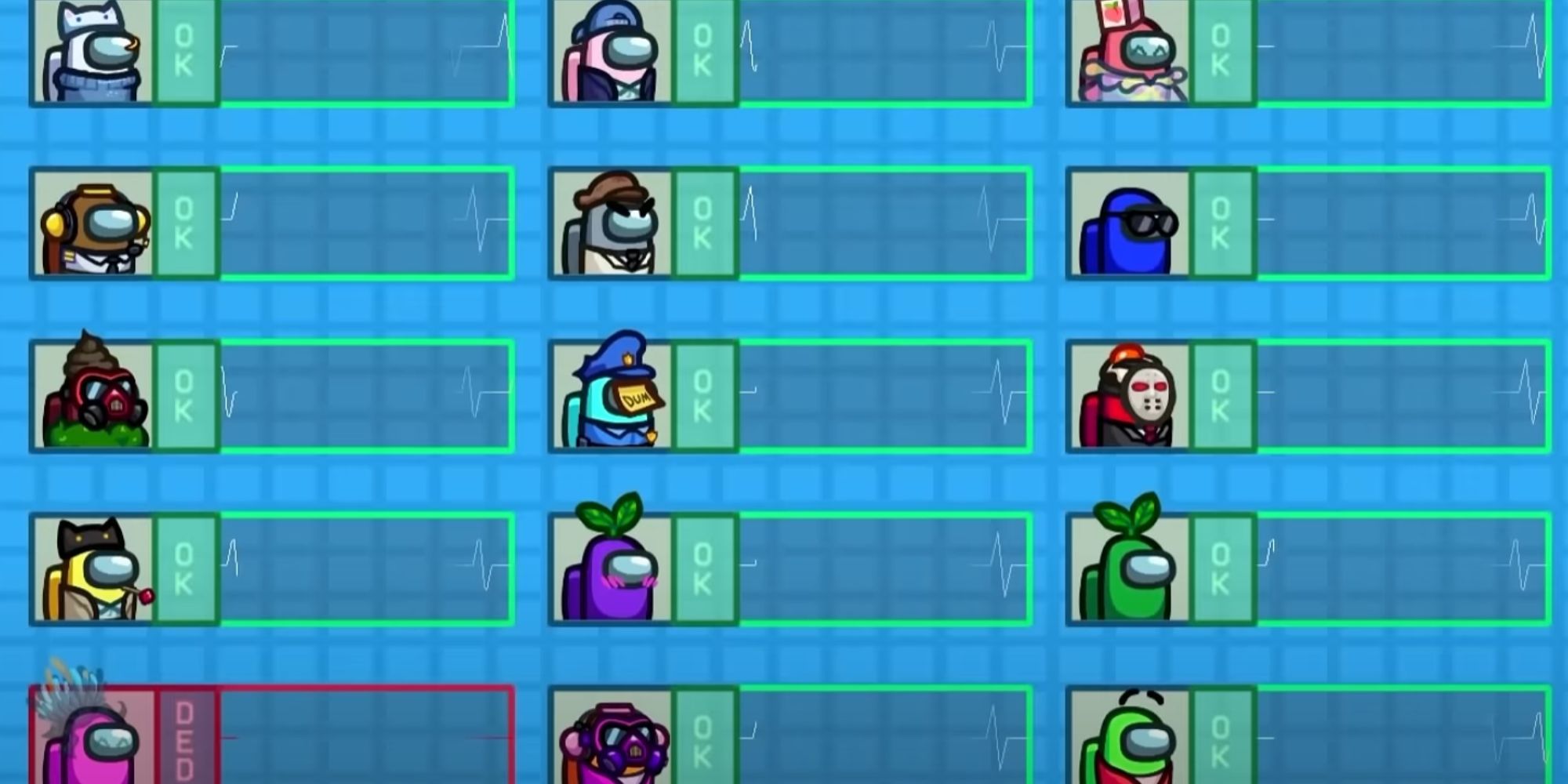
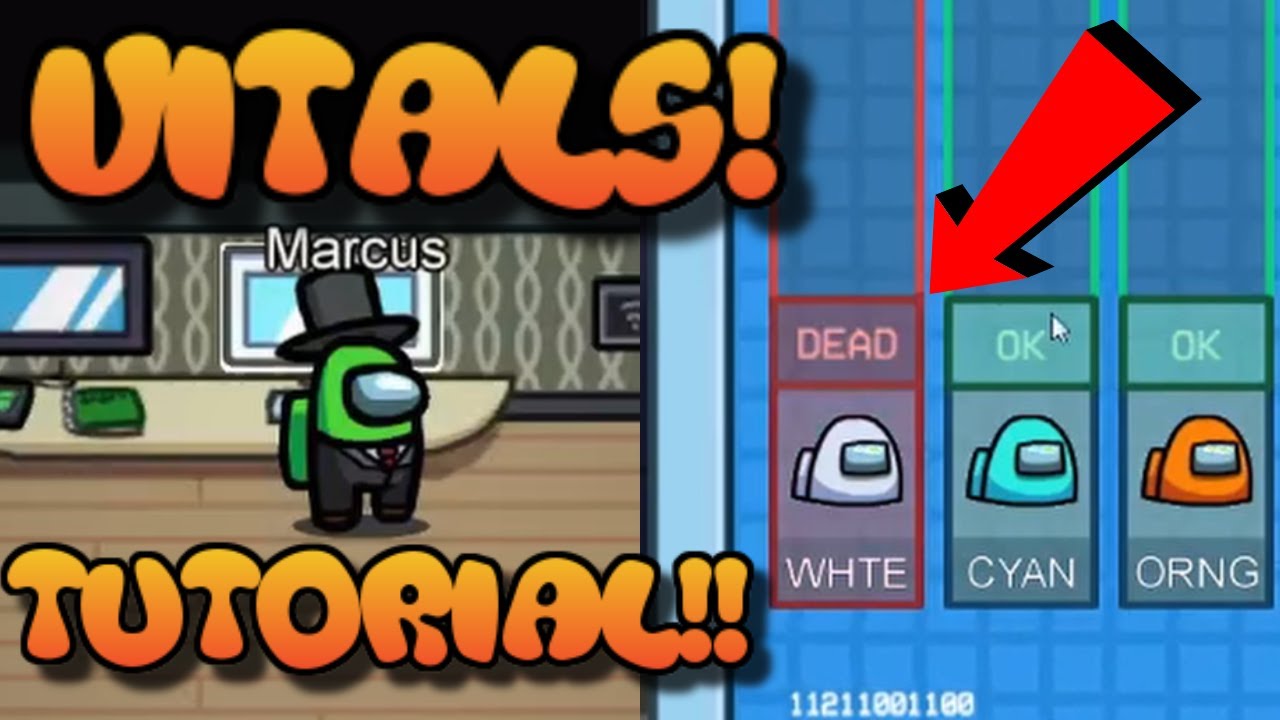
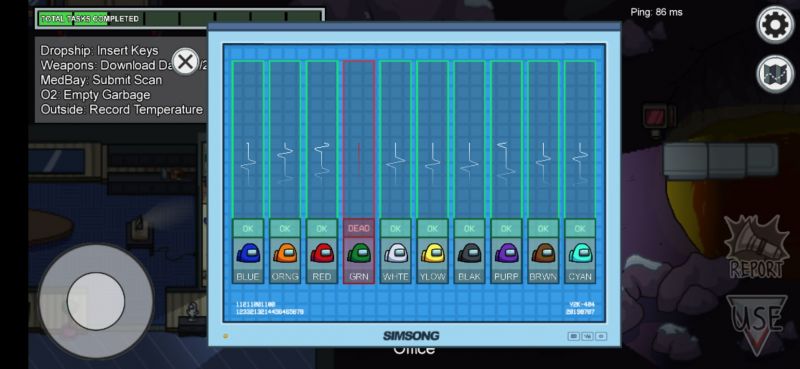
The Vitals monitor on the Polus map in Among Us is a crucial tool for Crewmates aiming to maintain awareness of players’ statuses in real time. Here’s a comprehensive guide on how to effectively utilize the Vitals screen:
Understanding the Vitals Monitor
1. Status Indicators:
– Green: Player is alive and active.
– Red: Player has died very recently.
– Grey: Player has been deceased for some time or has disconnected from the game.
Effective Usage Strategies
1. Frequent Monitoring:
– Regularly check the Vitals screen to notice any sudden changes. A shift from green to red indicates a recent death, which can alert you to potential Impostor activity nearby.
2. Tracking Player Movement:
– After witnessing a death on Vitals, note the players who are currently around you. If you observe a specific player has died and you are with two or three other players who haven’t moved away, it is reasonable to rule out those players as the potential Impostor. This deduction relies on the assumption that the Impostor could not have killed and fled without being seen.
3. Emergency Reporting:
– The Vitals monitor is conveniently located near the emergency button. If you observe a death, quickly report it by pressing the button nearby, ensuring that you can inform other players promptly about the recent kill.
4. Limitation Awareness:
– While the Vitals monitor serves as a valuable resource, it’s important to note that it is not as specific as other tools like Admin or Security. Therefore, use it to reinforce suspicions and support your investigative efforts but combine it with information from other tools whenever possible.
Conclusion
By effectively using the Vitals monitor on Polus, you can keep track of player statuses in real-time, identify recent killings, and reduce the list of potential suspects based on proximity during deaths. Utilizing the emergency button for quick reporting helps maintain the flow of information, ultimately aiding in the detection of Impostors. By following these strategies, you enhance your chances of successfully navigating the challenges posed in Among Us.
Leave a Reply