
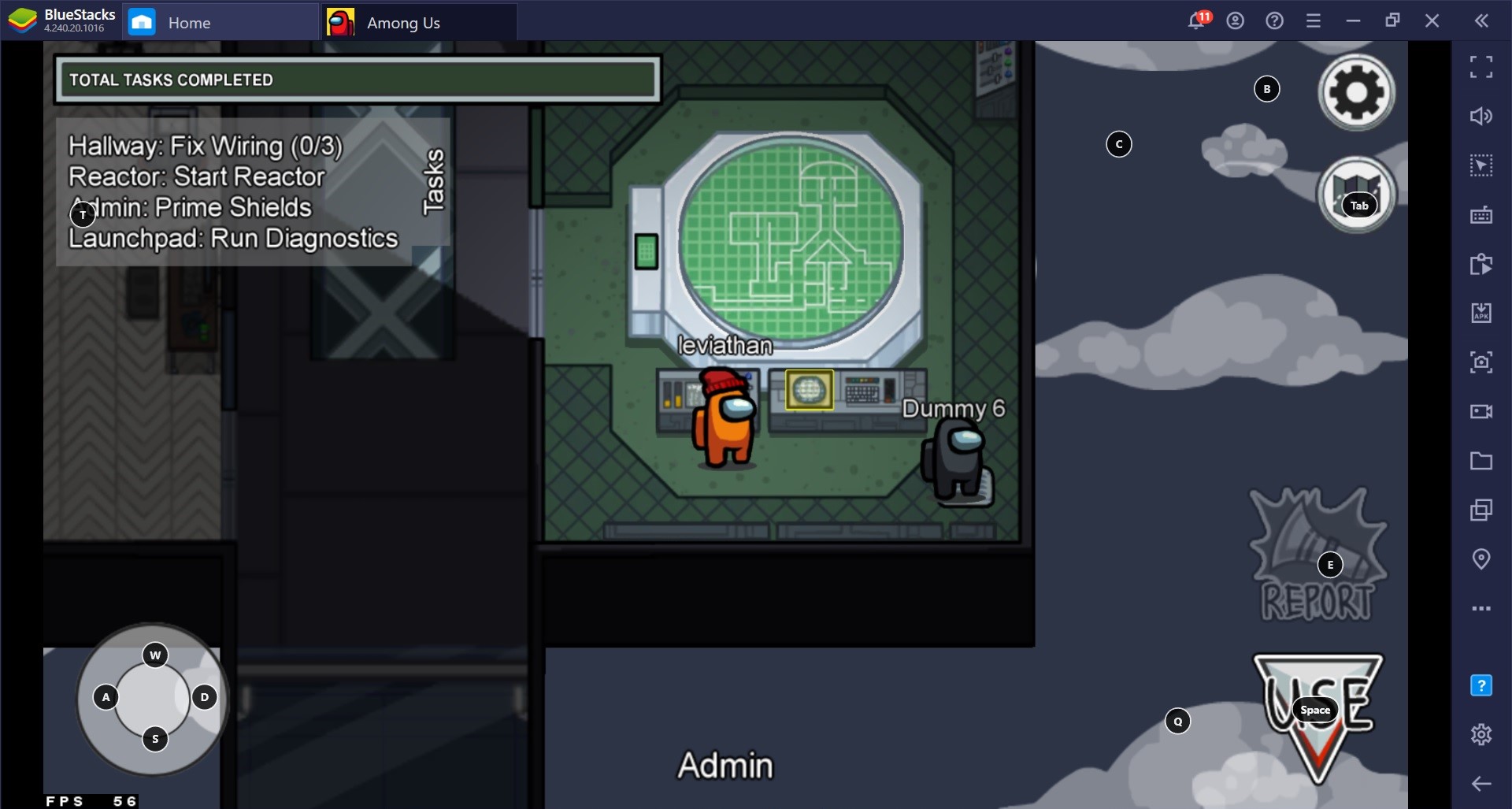
In Among Us, the Admin table serves as a crucial tool for players aiming to identify inconsistencies in player movements and detect potential impostors. With its capability to provide a live overview of the number of players in each room, effective utilization of the Admin table hinges on several key principles and strategies. Here’s a detailed breakdown of how players can leverage this tool:
1. Monitoring Room Counts
The first step in using the Admin table effectively is to keep an eye on the real-time player counts displayed for each room. By periodically checking the Admin table, players can accumulate information about the locations of others at specific times. This data enables players to establish a baseline for where others are likely positioned, allowing for more informed deductions later on.
2. Checking for Unexpected Room Transitions
Players must understand the map’s layout as the Admin table does not account for movements through corridors. For instance, if a player is reported in one room but suddenly appears in a distant room without a logical connection, it raises red flags. Such movements may indicate the usage of a vent, which is a privilege reserved for impostors. By analyzing player positions and potential pathways, players can more readily identify behavior that deviates from acceptable movement patterns.
3. Comparing with Player Sightings
To further enrich the analysis, players should correlate Admin table data with their visual observations and players’ claims regarding their locations. If the Admin table indicates a player’s presence in one area while that player insists they were in a different location, this incongruity can suggest deception. Making these comparisons not only strengthens the evidence against suspected impostors but also encourages discussion among players regarding their activities leading up to a potential kill.
4. Detecting Vent Usage
Impostors have the ability to traverse through vents, allowing for rapid movement across the map. The Admin table plays a pivotal role in identifying these instances, as it can show the sudden disappearance of a player from one room and their abrupt reappearance in a non-adjacent room. Such jumps in player presence are inconsistencies with standard movement mechanics and serve as indicators of vent usage.
5. Example from The Skeld Map
On The Skeld, the Admin table proves particularly valuable due to the simplicity and clarity of the map layout. For example, if a player moves from MedBay to Security without passing through intermediary rooms such as Engine, it may imply the use of a vent. If a death occurs shortly after such a suspicious movement, players can use Admin data to substantiate their suspicions against the alleged impostor.
6. Using Admin with Emergency Meetings
When an emergency meeting is convened following questionable movements observed on the Admin table, players can directly interrogate others about their whereabouts. This tactic can force impostors into a corner, as they may struggle to maintain their cover or could inadvertently expose themselves through inconsistent narratives.
Conclusion
In essence, effectively utilizing the Admin table in Among Us involves careful observation and deduction. By monitoring player counts, recognizing unlikely transitions, correlating visual evidence with Admin data, detecting vent usage, and leveraging discussions during emergency meetings, crewmates can build robust cases against impostors. This investigative process allows players to not only gather evidence but also to enhance their overall gameplay strategy as they work to uncover the imposter among them.


Leave a Reply