
Unlocking and Using Pro Design and Custom Design Features in Animal Crossing: New Horizons
Animal Crossing: New Horizons (ACNH) offers an exciting way for players to express their creativity through custom designs. Here, we will guide you step-by-step on how to unlock and effectively utilize the Pro Design feature in the game.
Unlocking the Pro Design Feature
To access the advanced design options available in the Pro Design feature, you need to purchase the Custom Design Pro Editor app. Follow these steps:
1. Access Resident Services:
– Locate the Resident Services building on your island, which starts as a tent and gradually transforms into a permanent structure as your gameplay progresses.
2. Visit the Nook Stop Terminal:
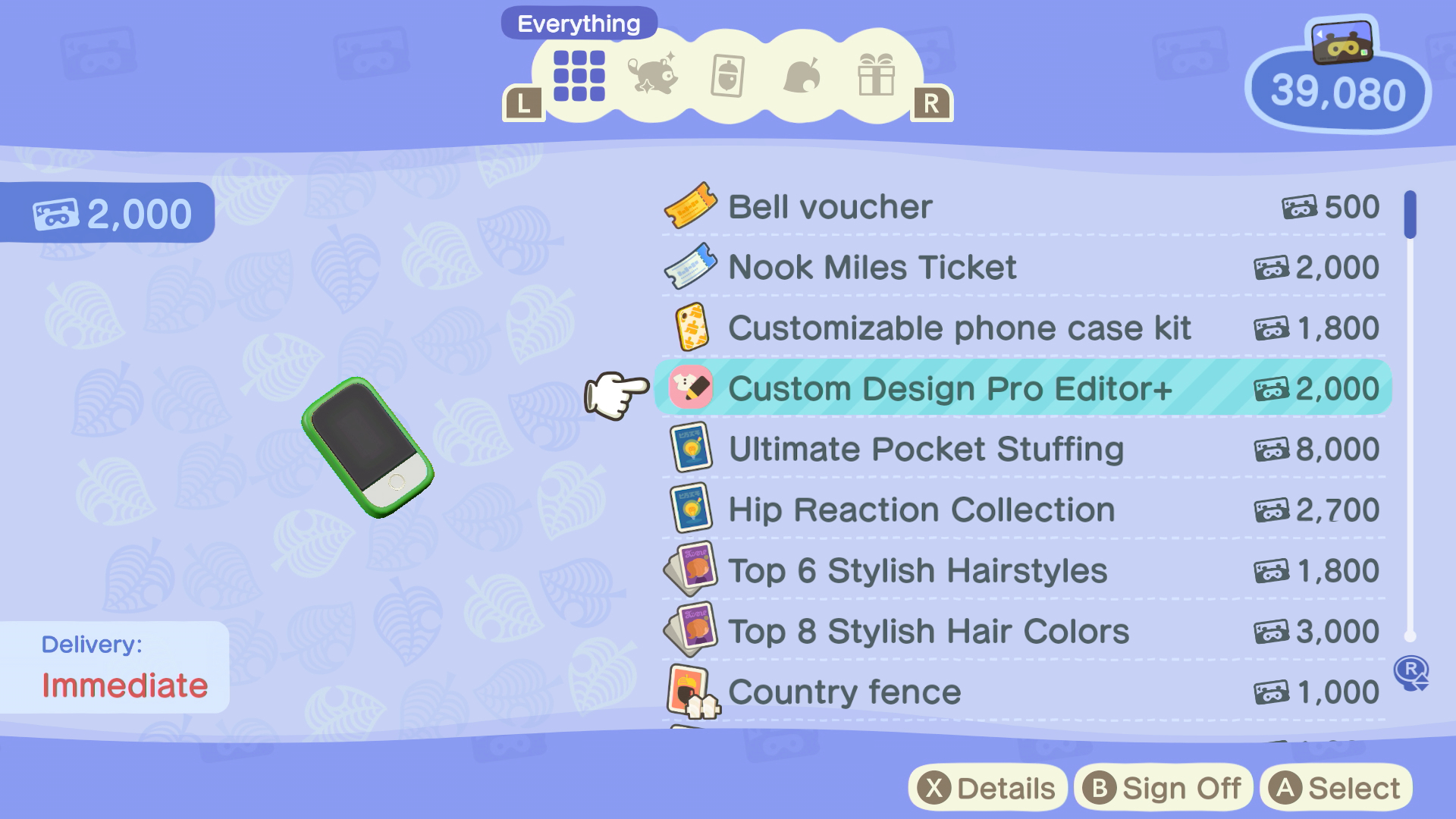
– Inside Resident Services, approach the Nook Stop Terminal. This terminal allows you to redeem various items and features using Nook Miles.
3. Purchase the Custom Design Pro Editor:
– Spend 800 Nook Miles to acquire the Custom Design Pro Editor. This upgrade expands your design capabilities, enabling you to craft more intricate clothing and designs.
Using the Pro Design and Custom Design Features
Once you’ve unlocked the Pro Design feature, follow these steps to use it effectively:
1. Access the Custom Designs App:
– Open the Custom Designs app on your NookPhone, which is accessible from the beginning of the game.
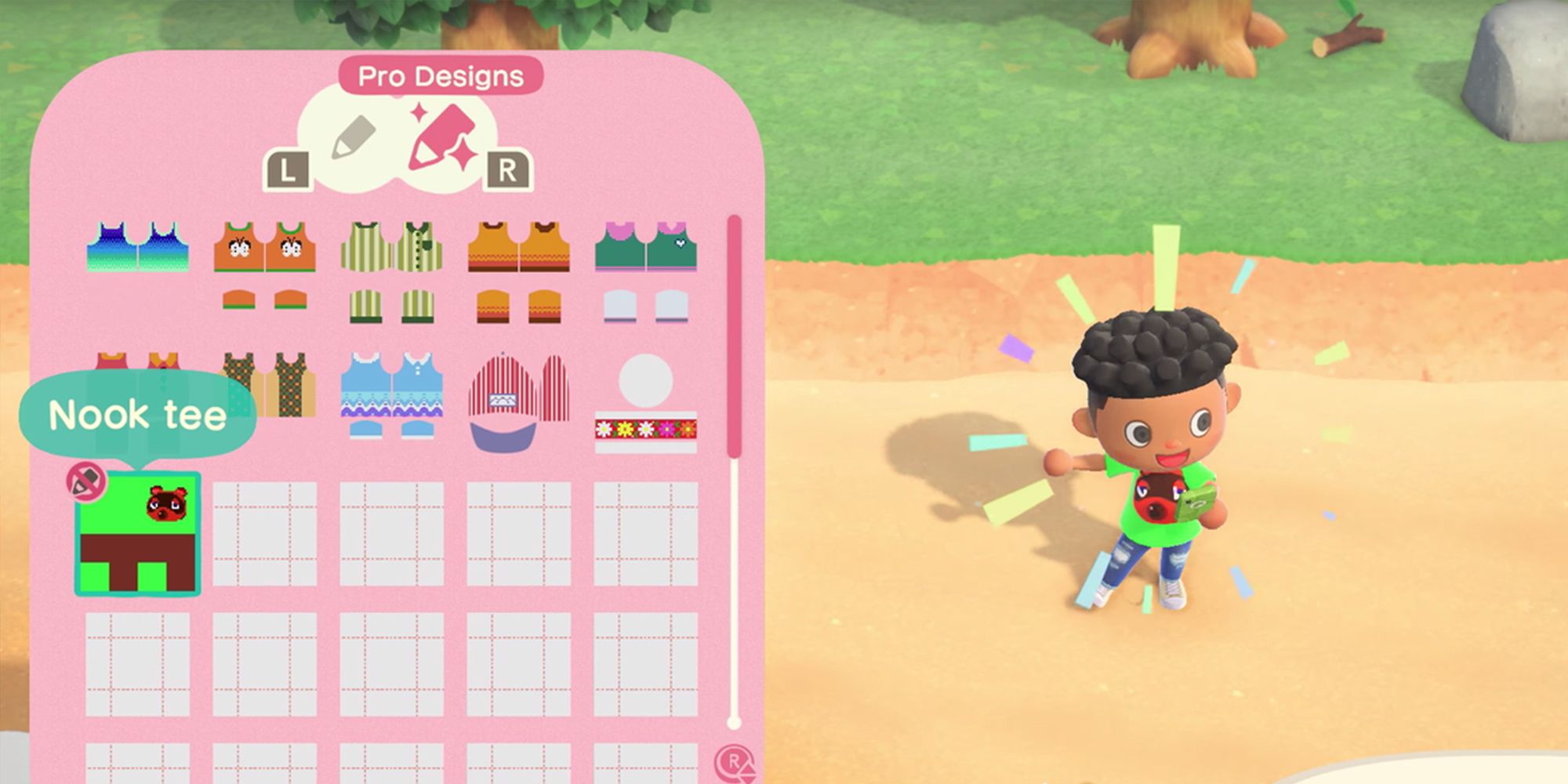
2. Toggle to Pro Designs:
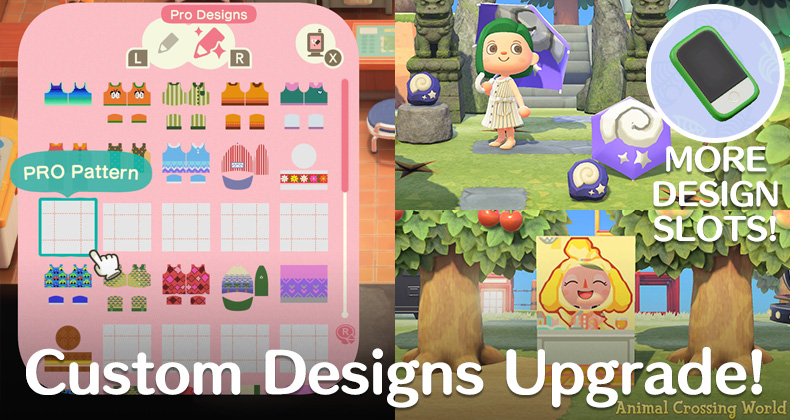
– Press the R button to switch to the Pro Designs tab within the Custom Designs app. This tab showcases advanced design options.
3. Create or Edit Designs:
– Engage with the various tools available in Pro Design mode to create or modify your designs. You can alter colors, patterns, and apply a range of textures to personalize your creations.
4. Apply or Display Designs:
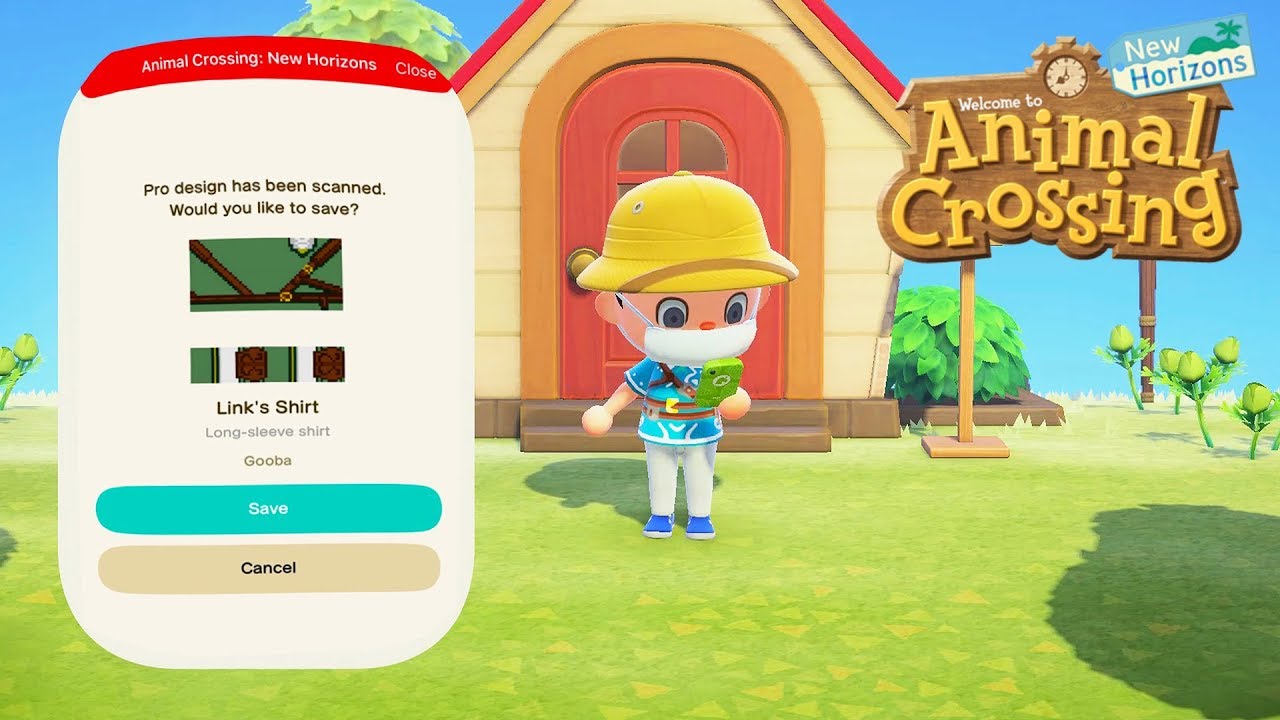
– After finalizing a design, you can choose to wear it directly, showcase it on furniture, or use it to embellish your island’s scenery, making your environment uniquely yours.
Additional Custom Design Slots
If you find yourself needing more space for your designs, here’s how to expand your storage capacity:
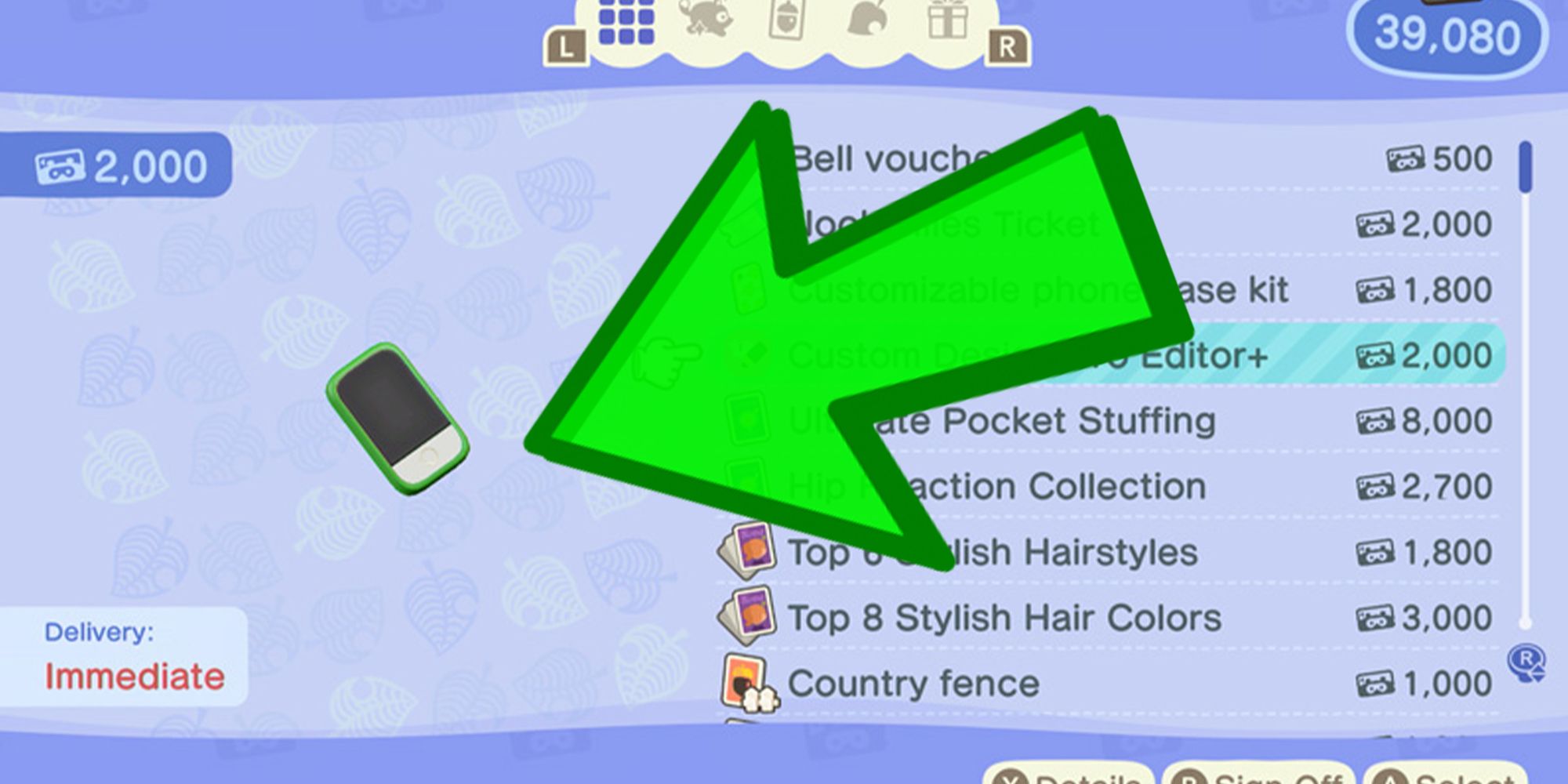
1. Get the Custom Designer Pro Editor+:
– At the Nook Stop Terminal, you can purchase the Custom Designer Pro Editor+ to unlock additional design slots. This feature is particularly beneficial for those looking to store a variety of creations without the need to overwrite existing designs.
Conclusion
By following these steps to unlock the Pro Design feature and exploring its vast capabilities, you can truly elevate your experience in Animal Crossing: New Horizons. Whether you’re aiming to create unique outfits or decorative items for your island, these features will greatly enhance your gameplay and allow for creative expression. Enjoy your designing journey!
Leave a Reply