
In Baldur’s Gate 3, the Help action serves as a versatile and strategic tool that can significantly aid allies, particularly in combat scenarios where crowd control effects threaten to debilitate their effectiveness. Here’s a comprehensive overview of how to employ the Help action effectively during your adventures.
Understanding the Help Action
Purpose
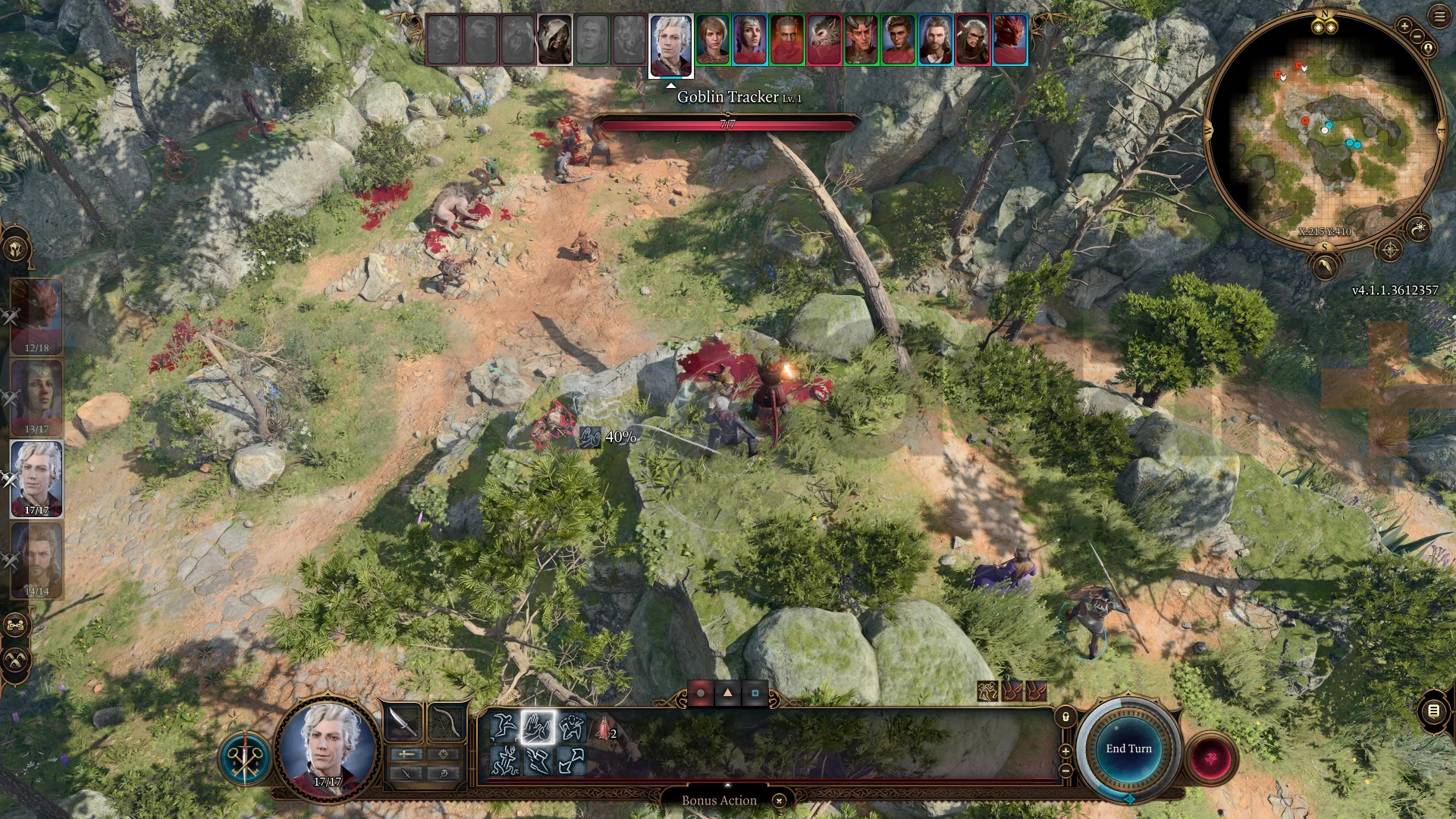
The Help action enables players to assist allies by removing specific debilitating conditions, such as:
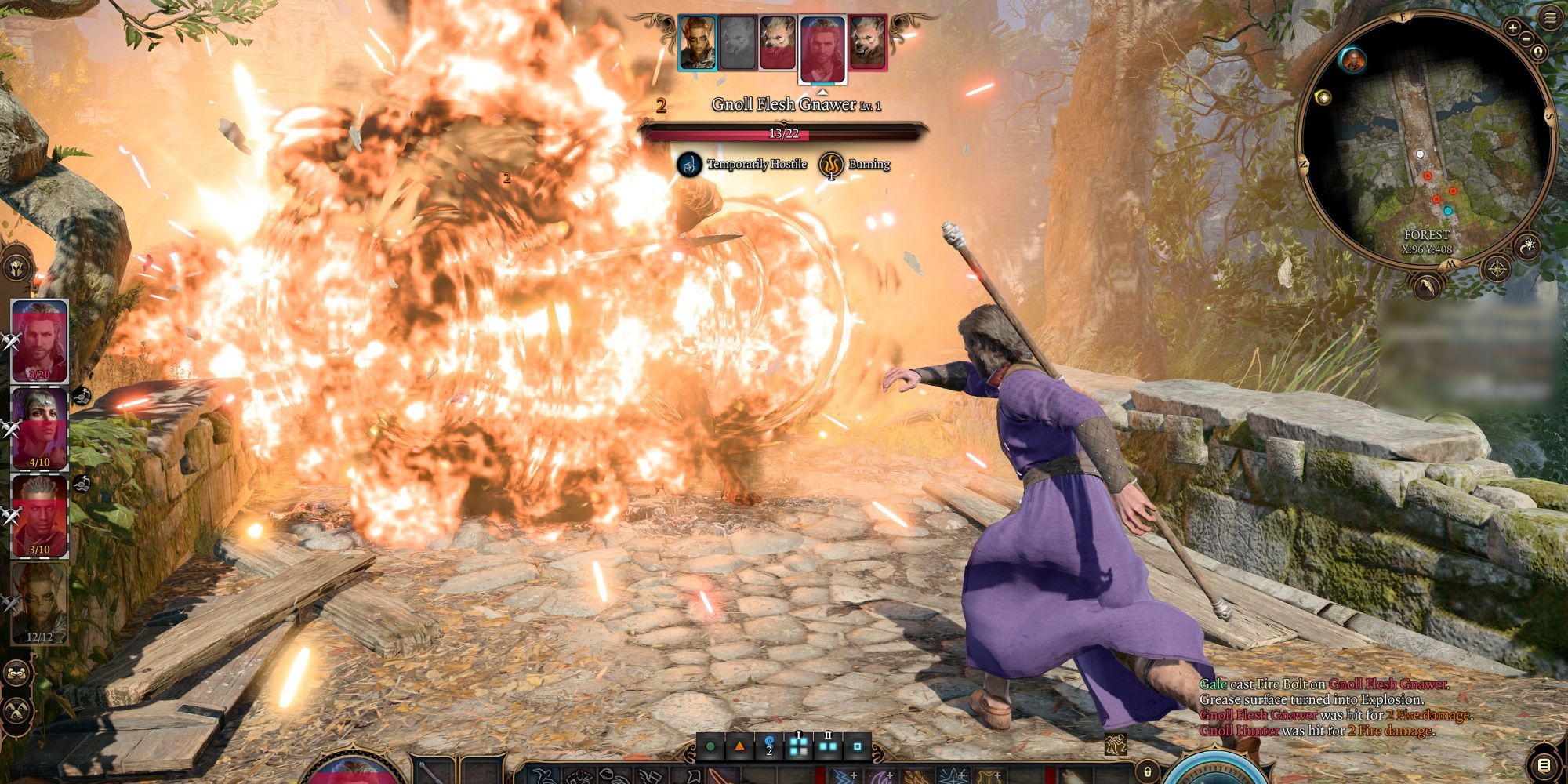
– Burning
– Ensnared
– Entangled
– Enwebbed
– Prone
– Sleeping
This makes the Help action invaluable in both exploration and combat, providing opportunities for your team to recover from adverse effects and maintain their momentum in battle.
Range
The Help action has a range of 1.5 meters, meaning you must be positioned relatively close to the affected ally to utilize it successfully. Being mindful of your positioning is essential to ensure you can provide assistance when needed.
Strategic Use in Combat
Removing Crowd Control
When an ally is Ensnared or suffering from any of the other removable effects, employing the Help action can immediately free them. This is particularly critical in combat, where enemy control over your characters can severely impede your party’s performance.
Action Economy
Utilizing the Help action consumes one action per turn, which can be a limitation if multiple allies find themselves incapacitated. However, in situations where an ally’s effectiveness is paramount, freeing them from a debilitating condition can be worth the trade-off of not taking a more aggressive action yourself.
Combat Flow
The Help action can enhance your party’s overall effectiveness by preventing additional damage and allowing your allies to act on their next turn. However, be cautious, as spending multiple actions to help can slow down your overall combat pace. Balancing this action with your offensive capabilities is crucial to maintain pressure on your adversaries.
Tips for Effective Use
1. Prioritize Allies: Identify and assist allies who are critical to your strategy or are most vulnerable while under crowd control. For example, healing classes or damage dealers should be prioritized to keep the group’s strengths intact.
2. Coordinate with Other Abilities: Combine the Help action with other abilities for greater effect. For example, if you use Help to free an ally from the Sleeping condition, they can immediately take their turn when they wake up, allowing them to attack or cast spells, thus maintaining team pressure.
3. Positioning is Key: Always position yourself to be within range of allies who might need assistance. Effective battlefield awareness can make the difference between a functioning party and one that is swiftly overwhelmed.
Comparison to D&D Rules
In traditional Dungeons & Dragons, the Help action primarily grants advantage on ability checks or attack rolls against a target rather than removing conditions. However, Baldur’s Gate 3 innovatively reinterprets this action to focus on alleviating debilitating effects, which adds depth to gameplay and emphasizes the importance of teamwork.
Conclusion
The Help action in Baldur’s Gate 3 is not merely a support mechanism; it’s a critical strategic option for managing conditions that may hinder your party’s effectiveness in challenging scenarios. Mastering its use can significantly enhance your party’s chances of overcoming formidable foes and navigating complex encounters, making it an indispensable tool in your adventuring toolkit.

Leave a Reply