
To enable and play custom songs in Beat Saber on PC, follow this detailed guide that involves downloading and installing necessary mods, as well as adding custom song folders to the game’s directory.
Step 1: Install Necessary Mods
a. Choose a Mod Manager:
You’ll need a mod manager to easily handle downloads and installations. Two popular options are:
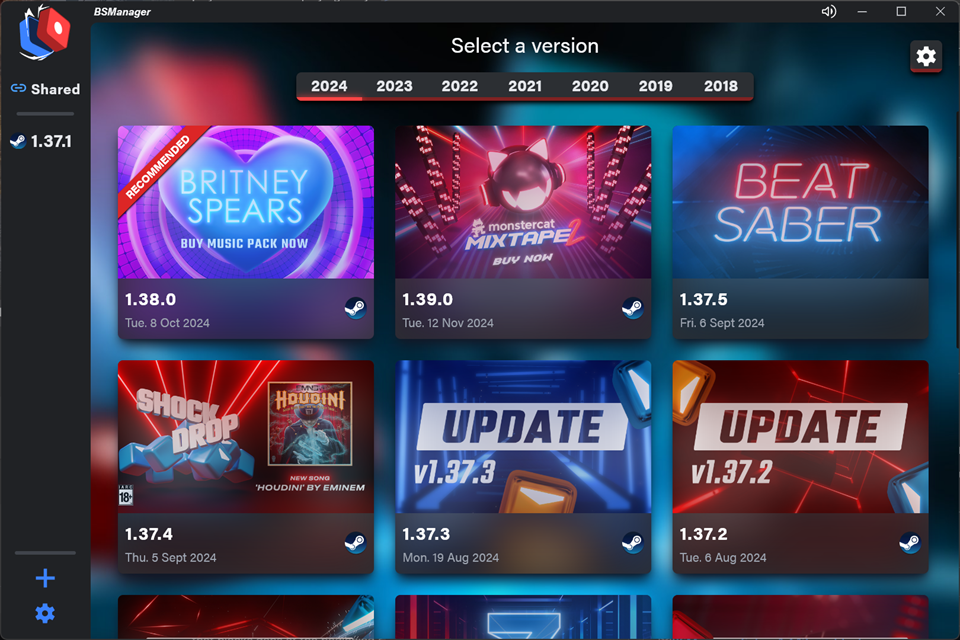
– BSManager:
– Visit the [BSManager GitHub releases page](https://github.com/bsmg/BeatSaber-BSManager/releases) to download the latest version.
– Install it by running the setup file and open BSManager to start managing your custom songs and mods.
– ModAssistant:
– Download and install ModAssistant for a user-friendly setup process that will install the core mods necessary for custom song support automatically.
b. Use the Mod Manager:
– Open your chosen mod manager and follow the prompts to install the default mods required for custom song functionality. Make sure to authorize any actions needed to modify the game files.
Step 2: Download Custom Songs
a. Find Custom Songs:
To get custom songs, visit one of the following websites:
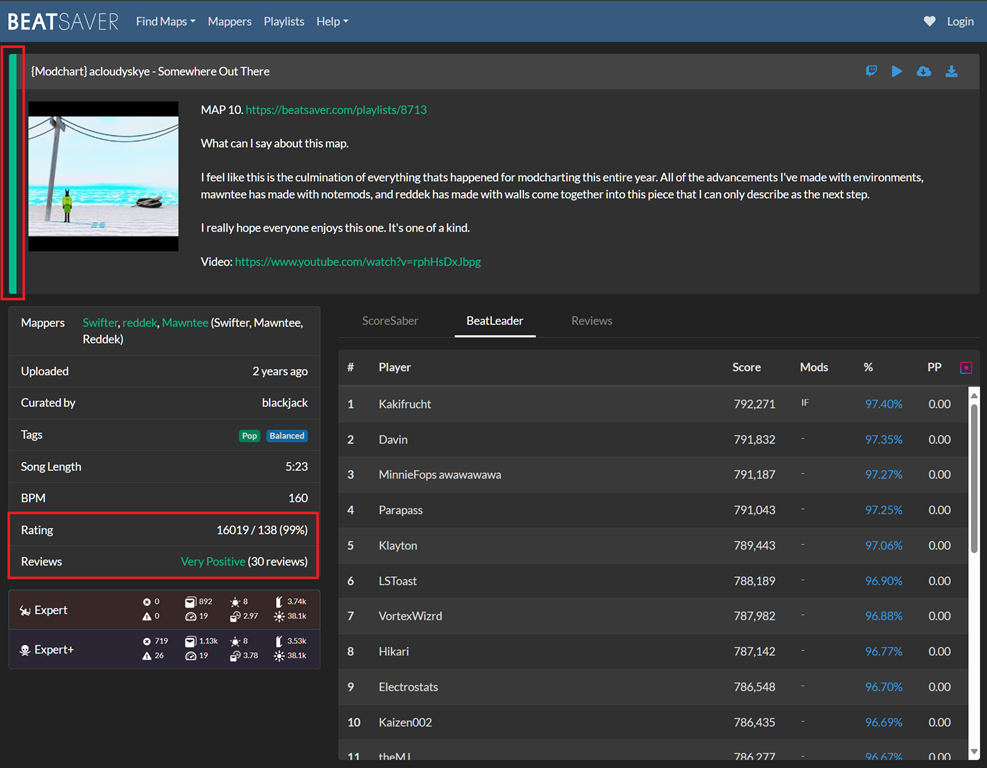
– BeatSaver: [BeatSaver.com](https://beatsaver.com/)
– BeastSaber: [BeastSaber](https://bsaber.com/)
b. Downloading the Songs:
– Browse through the library of available songs and download the song zip files you wish to add to your game.
Step 3: Install Custom Songs
a. Extract the ZIP File:
– Use a file extraction tool (like WinRAR or 7-Zip) to unzip the downloaded file. Rename the extracted folder based on the song’s title to keep things organized.
b. Move to CustomLevels Folder:
– Locate your Beat Saber installation directory (usually found within `C:\Program Files (x86)\Steam\steamapps\common\Beat Saber`).
– Navigate to the path:
“`
Beat SaberData > CustomLevels
“`
– Move the extracted song folder into the CustomLevels directory.
Step 4: Access Custom Songs in the Game
After the installation of mods and custom songs, you can now access them:
1. Launch Beat Saber on your PC.
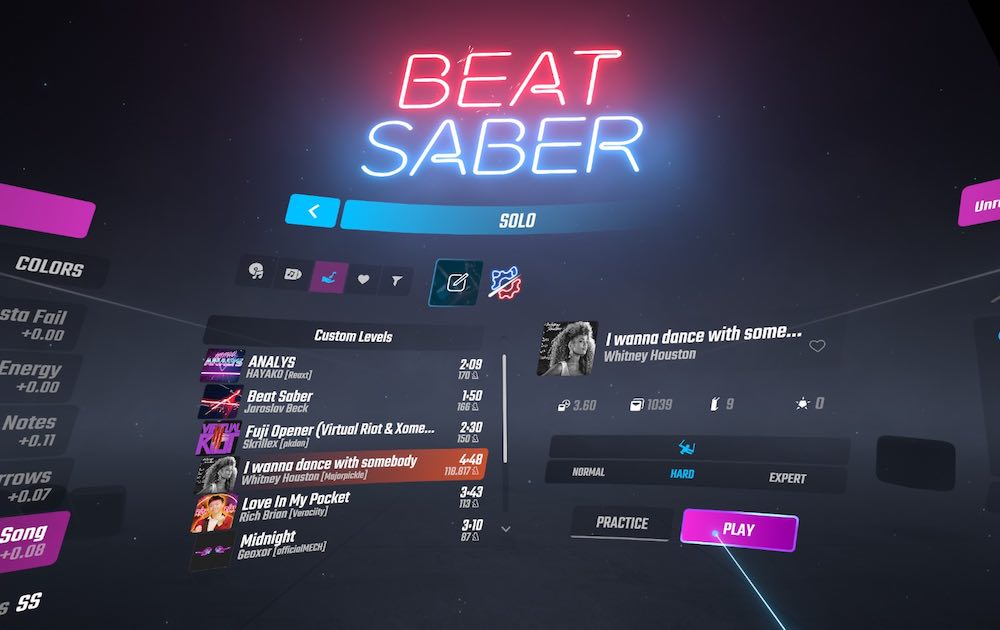
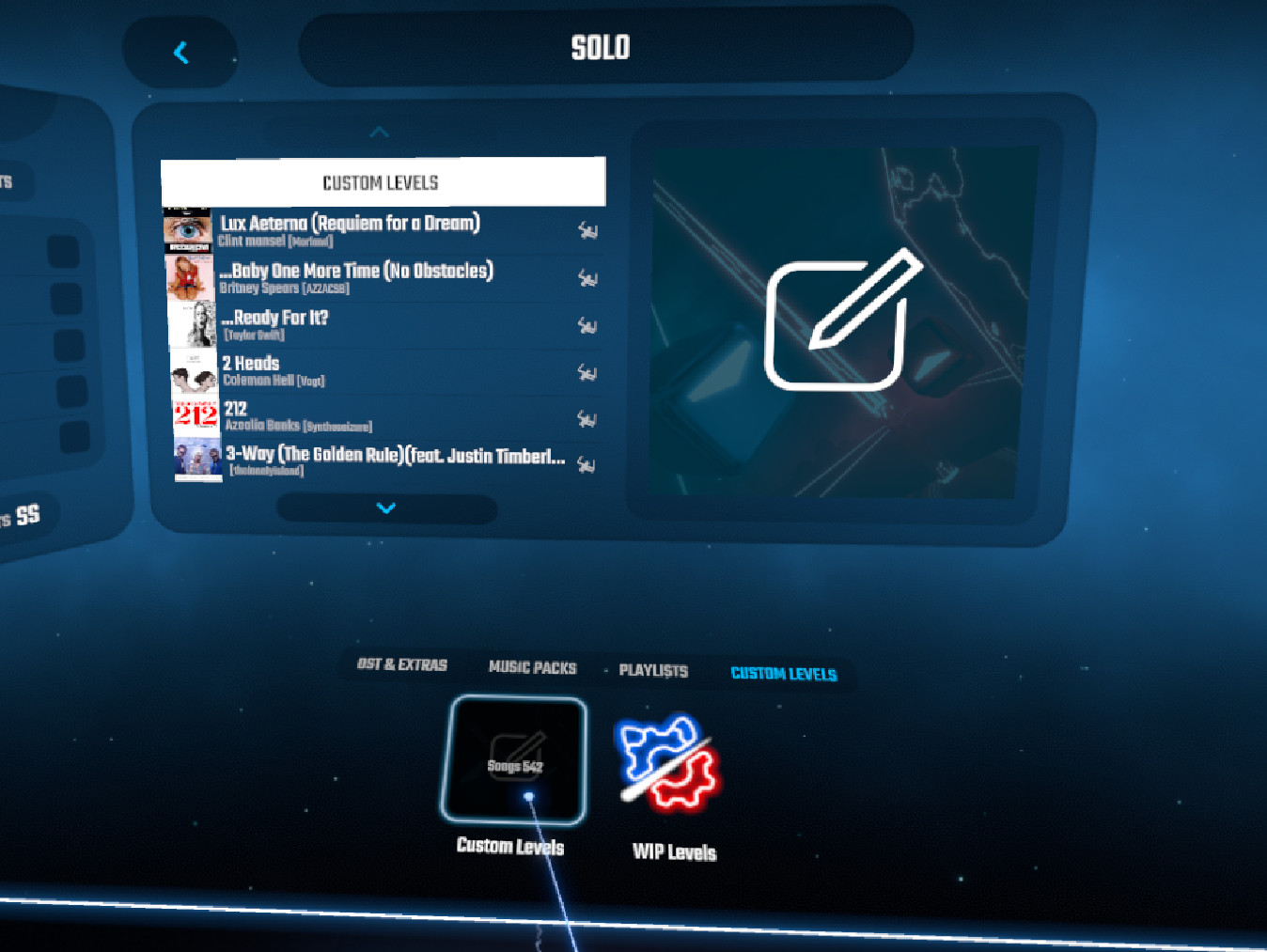
2. Go to the Solo menu.
3. Select Custom Songs to find and play the custom songs you’ve installed.
Additional Tips
– Version Compatibility: Some mods may not work with the latest version of Beat Saber. If you are experiencing issues, you might consider downgrading Beat Saber to a compatible version, such as 1.29.1, which was widely used as of August 2023. This can often be managed through BSManager.
– Enable Mods: Ensure that mods are activated in your Beat Saber settings. You can confirm this by checking within the game or using your mod manager.
By following these structured steps, you can enjoy custom songs in Beat Saber, making your gameplay experience much more personalized and fun!

Leave a Reply