
Utilizing Robots and Logistics Networks in Factorio
Effectively using robots and logistics networks in Factorio plays a vital role in streamlining material transport and assembly, significantly boosting your factory’s overall efficiency. This comprehensive guide will help you establish and operate a logistics network efficiently.
—
Setting Up the Logistics Network
1. Research and Craft Logistic Robots
– Research Requirements: Begin by unlocking the logistic robots technology in the technology tree. This typically involves progressing through the game to specific research tiers.
– Crafting Robots: Once you have researched the requisite technology, gather essential resources such as Iron Plates, Electronic Circuits, and Steel to craft your first Logistic Robots.
2. Install Logistic Chests
– Provider Chests: Position these chests at the output of your assembling machines or proximity to conveyor belts where items are produced. These chests will supply items to the logistics network.
– Requester Chests: Set these where items are required—in front of assemblers or on production lines needing materials. Configure them to request specific items from the network.
– Storage Chests: Use these to manage excess inventory. They act as a buffer, accepting items from provider chests and releasing them when demand spikes.
3. Configure Requests
– Item Requests: To set the items required by a requester chest, right-click on it and specify quantities.
– Stack Limitation: Utilize the stack size limitation feature to ensure you do not overwhelm the network with excessive inventory, helping maintain order.
4. Deploy Robots
– Roboports: Place your logistic robots in a Roboport station. These robots will automatically take to the skies, transporting requested items to the appropriate locations based on your network configuration.
—
Building and Managing the Network
1. Roboports
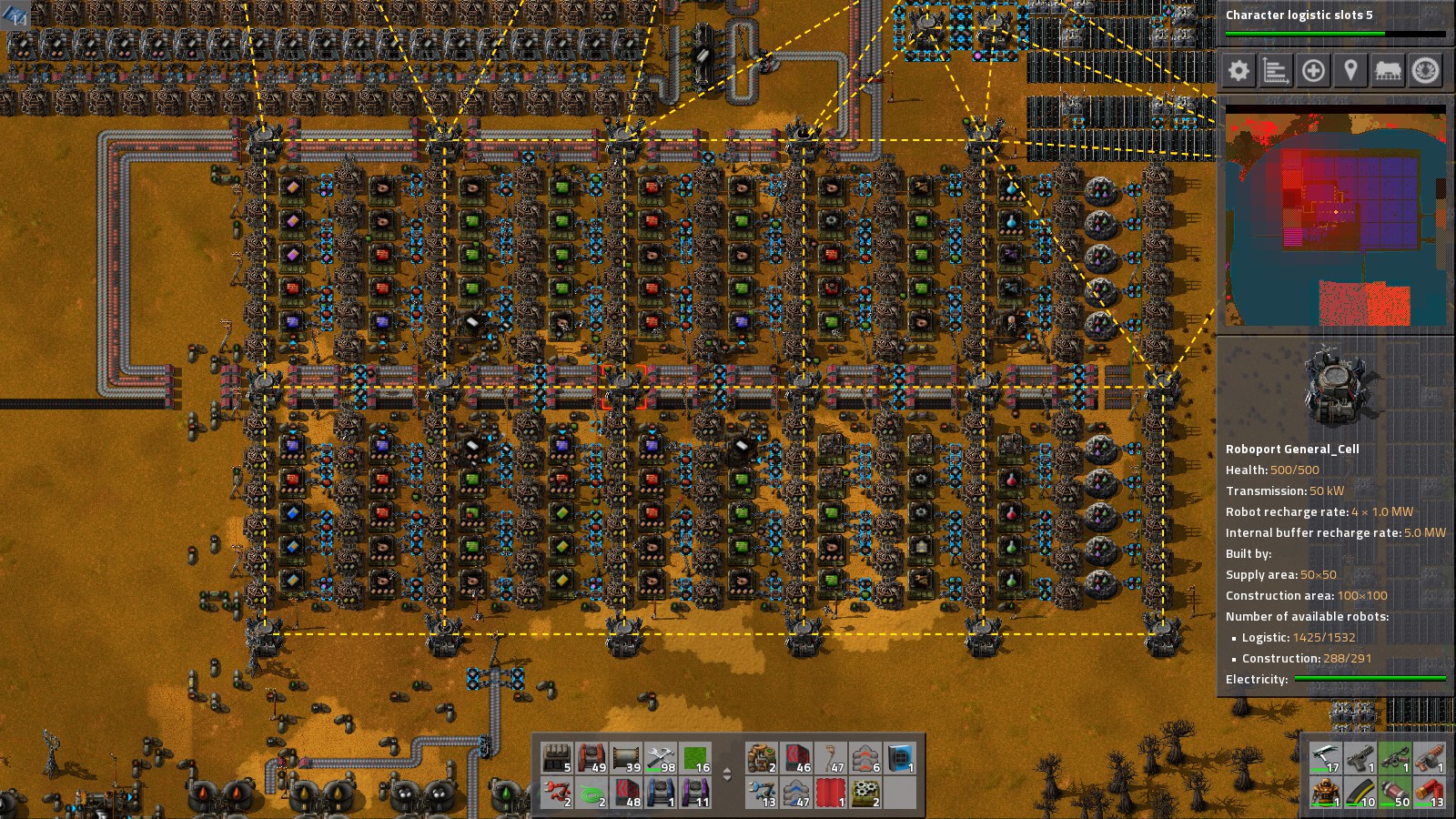
– Coverage Area: The orange zone around a roboport signifies the operational area. Items can only be moved within this zone by logistic robots.
– Network Expansion: To enlarge your network, strategically connect multiple roboports by ensuring their coverage areas meet.
2. Network Segmentation
– Separate Networks: Maintain separate logistics networks by avoiding overlapping coverage areas of roboports. This setup allows for control over different production lines or factory sections.
3. Robot Management
– Monitoring: Pressing `ALT + L` opens the logistics robot status menu, where you can track delivery efficiency and robot usage.
– Network Overview: Pressing `ALT + N` allows you to see an overview of the entire logistics network, including robot activity and chest statuses.
—
Tips for Optimization
1. Efficient Chest Placement
– Strategic Locations: Position provider chests close to production sources while placing requester chests near demand points.
– Buffer Management: Use storage chests to help balance inventory and avoid production bottlenecks.
2. Balancing Supply and Demand
– Adjust Requests: Regularly assess and modify the quantities requested in your requester chests based on changing production needs.
3. Network Scalability
– Future Planning: When designing your network, consider future expansions. Utilize multiple roboports to effortlessly extend coverage and capacity.
4. Robot Capacity Management
– Workforce Efficiency: Begin with a balanced number of logistic robots. Too few can hinder efficiency, while an excess may clutter the network and slow it down.
—
Common Practices
1. Combining with Other Systems
– Interconnected Transport: Combine your logistics network with conveyor belts and trains for long-distance transport, especially for high-volume production items.
2. Automation Integrations
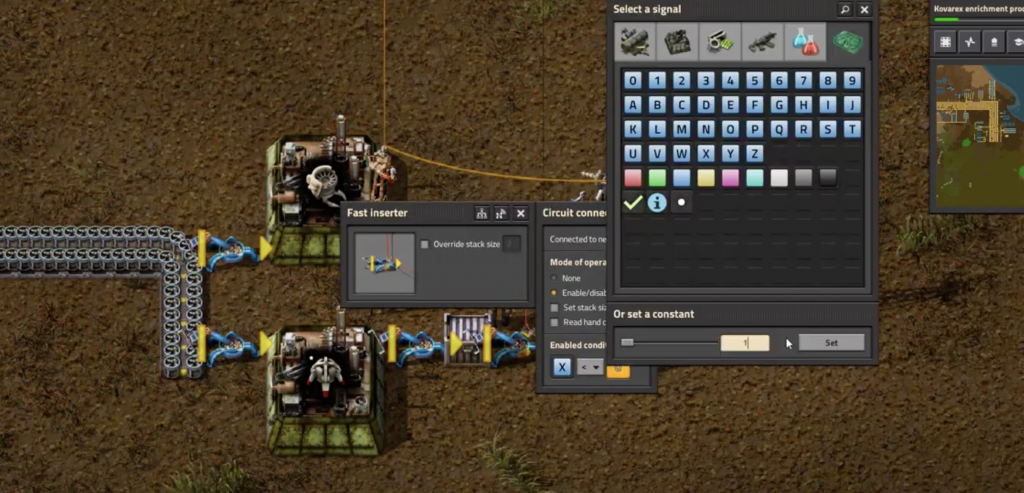
– Circuit Network: Link your logistics system to circuit networks for automatic adjustments in production based on inventory levels, allowing even smarter management of resources.
—
Conclusion
By following these guidelines and implementing the tips discussed, you can establish a highly efficient logistics network in Factorio. This system will automate material transport and assembly, significantly improving your factory’s productivity. Remember that experimentation and regular adjustments based on your factory’s evolving needs can lead to continual improvements in efficiency!


Leave a Reply