
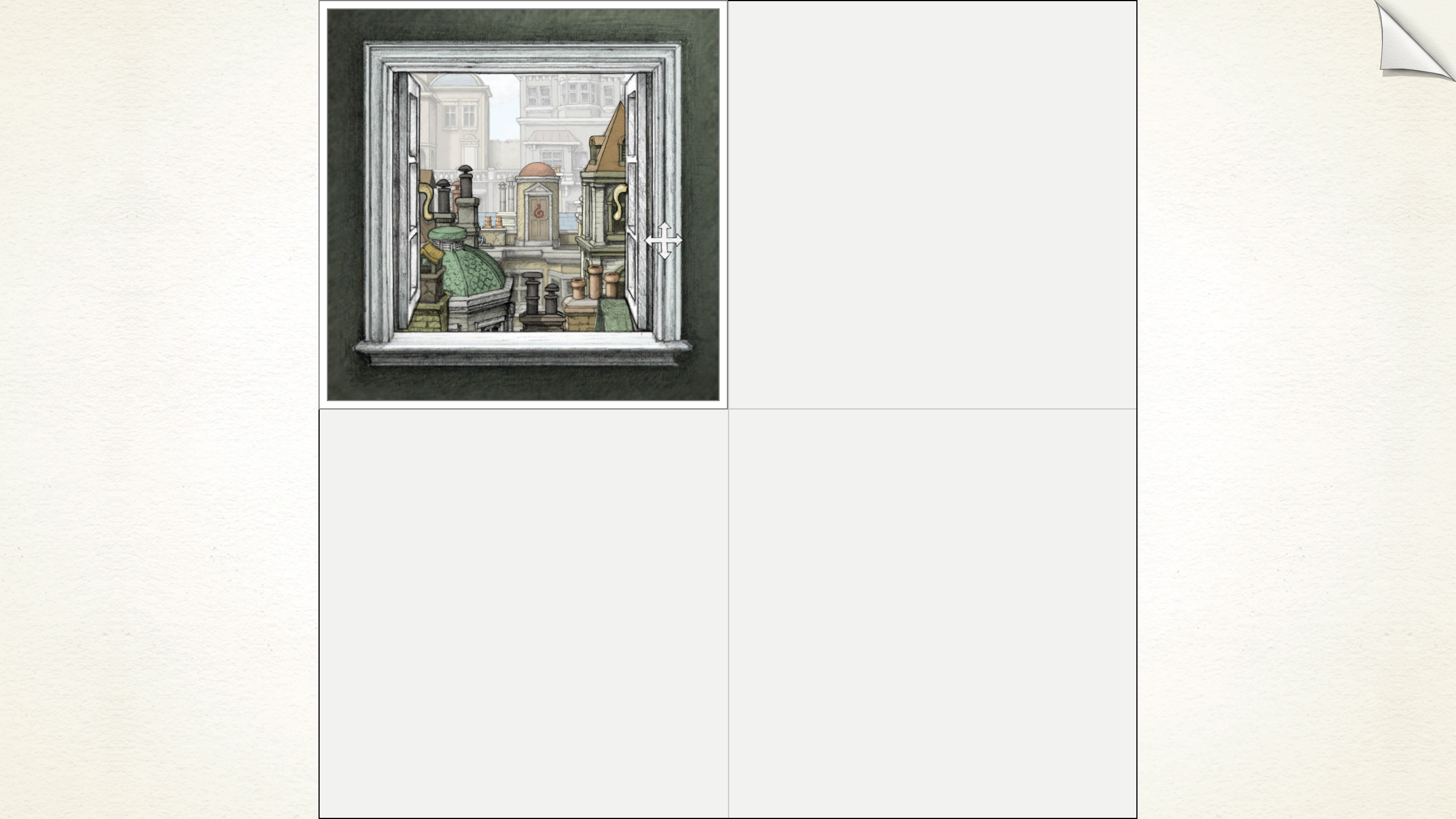
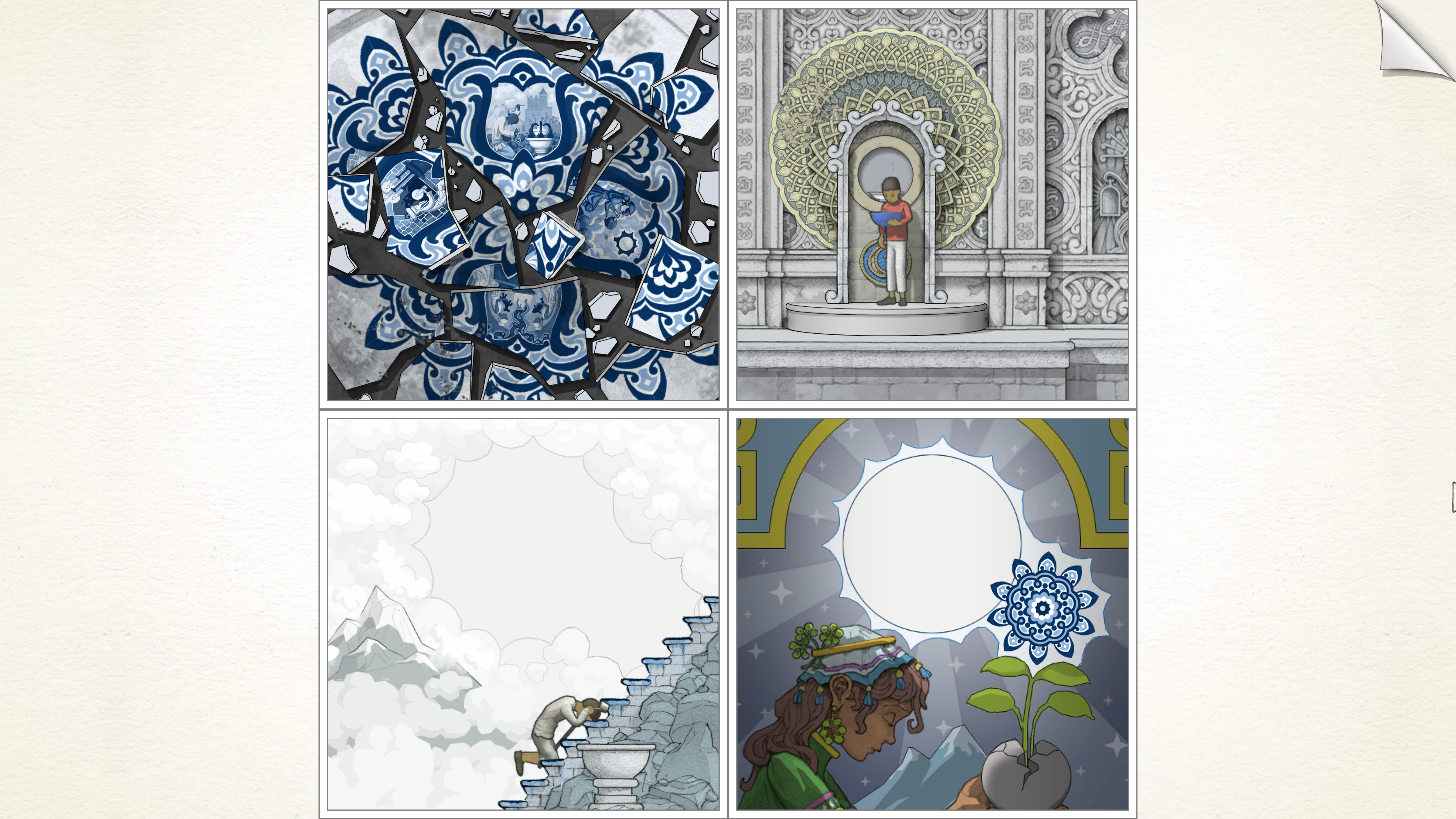
In Gorogoa, players experience a uniquely interactive storytelling approach through the manipulation of perspective, primarily utilizing a four-panel grid system. This innovative mechanic allows for a rich exploration of narrative and environment, emphasizing creative problem-solving through visual manipulation.
Key Manipulation Techniques
1. Zooming: Players can zoom in and out of various parts of a panel. This zoom function is crucial as it unveils hidden details or alternate views that are vital for puzzle progression. For example, zooming into an object, such as a lantern, might reveal symbols or compartments that are essential for completing a task in another scene.
2. Dragging Panels: The ability to drag panels or specific images within a panel enables players to overlay or juxtapose elements effectively. This action can create a new narrative context, allowing for fresh interpretations of images and facilitating connections between disparate scenes.
3. Aligning Edges and Objects: Aligning the edges of images or objects from one panel to another is a central strategy. This manipulation fosters seamless transitions between scenes, allowing players to merge various settings or events in a meaningful way, thereby deepening the storyline and its fluidity.
4. Changing Orientation and Position: Certain puzzles necessitate altering the orientation or physical position of objects. For instance, making a shelf lean in the opposite direction can have significant implications in the game world, affecting interactions and outcomes.
5. Four-Panel Grid System: The game’s structure is built around this grid system, enabling dynamic movement and arrangement of panels. Players can transfer elements from one panel to another, revealing new perspectives or triggering significant story events.
Gameplay Example
Imagine you’re faced with a challenging puzzle that requires connecting two seemingly unrelated scenes. You might start by zooming into a particular object in one panel. After understanding its relevance, you can then drag that view into another panel where it interacts with a separate narrative element. Subsequently, zooming again may expose additional layers or details necessary for progression.
Conclusion
Overall, the manipulation of perspective in Gorogoa is not merely a gameplay feature; it is integral to the experience of the game. By zooming, dragging, and rearranging panels, players are immersed in an environment where exploration and discovery underpin the storytelling. This interactivity transforms each puzzle into a visual and cognitive exercise, making Gorogoa a profound example of how perspective can reshape player experience and narrative delivery.


Leave a Reply