
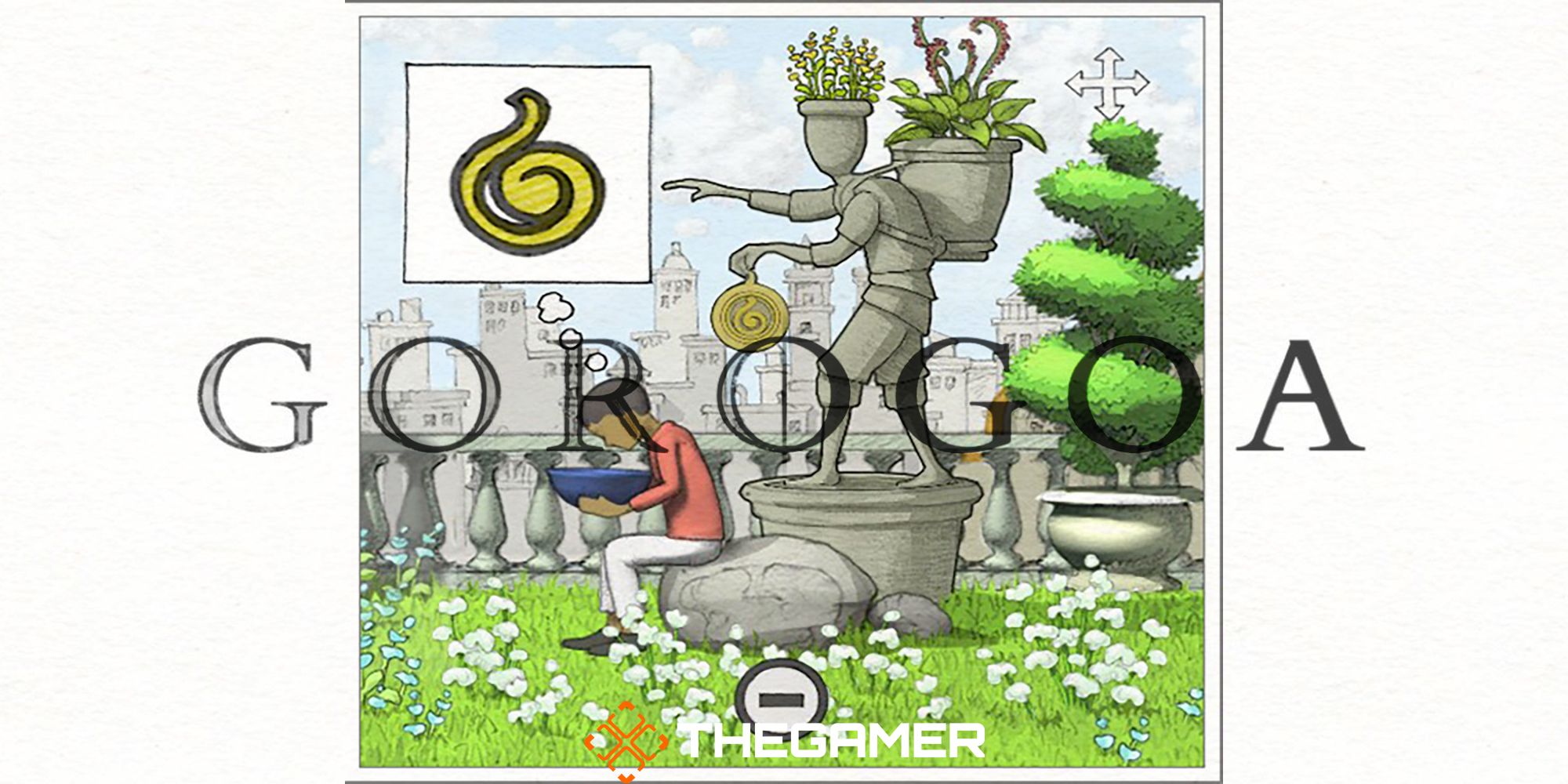
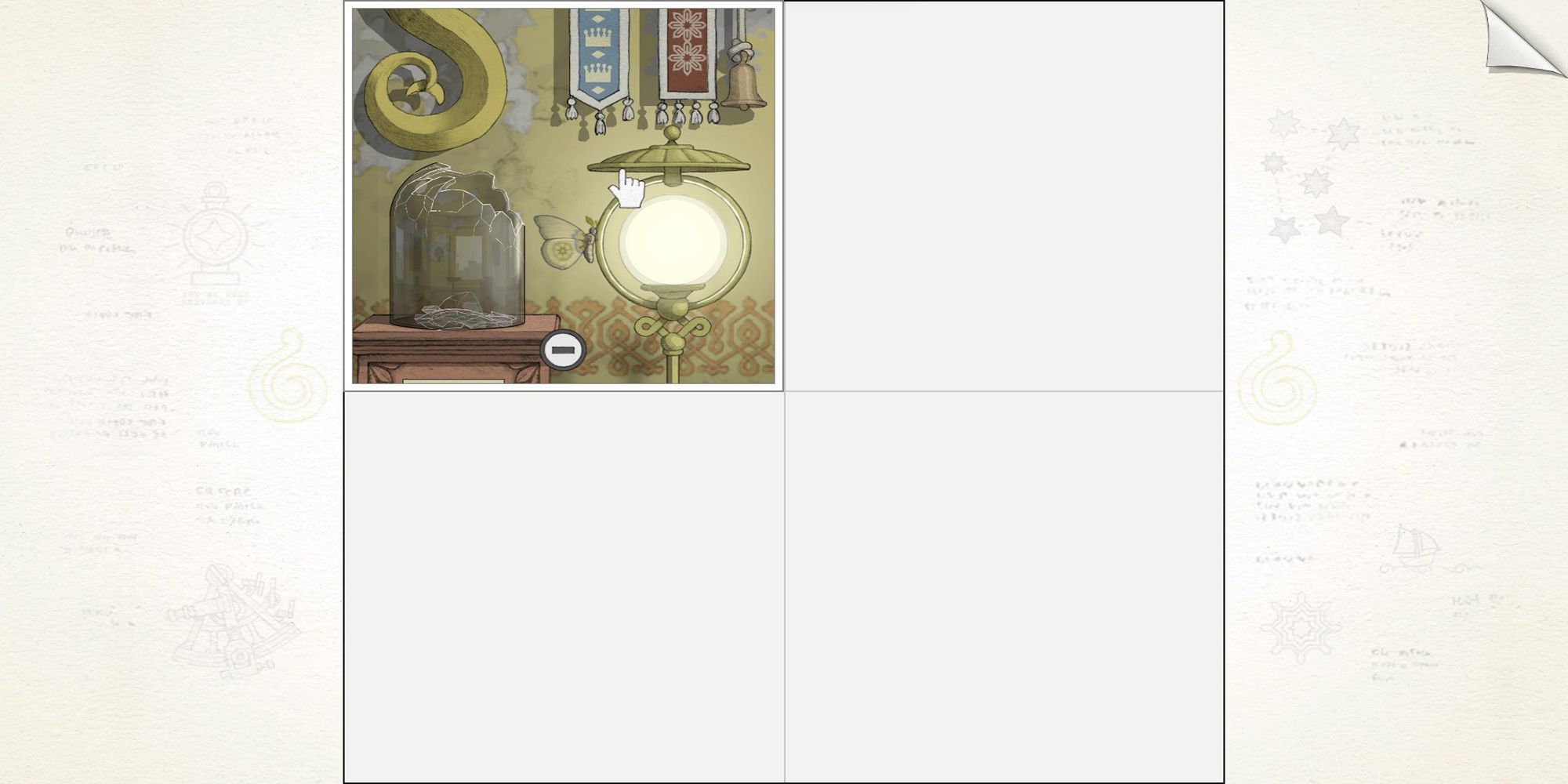
In the game Gorogoa, the unique movement mechanic involving the transfer of objects between panels is central to the gameplay experience. Here is a detailed guide on how to effectively move objects or characters across panels:
Step-by-Step Guide to Moving Objects Between Panels
1. Align Panels Precisely:
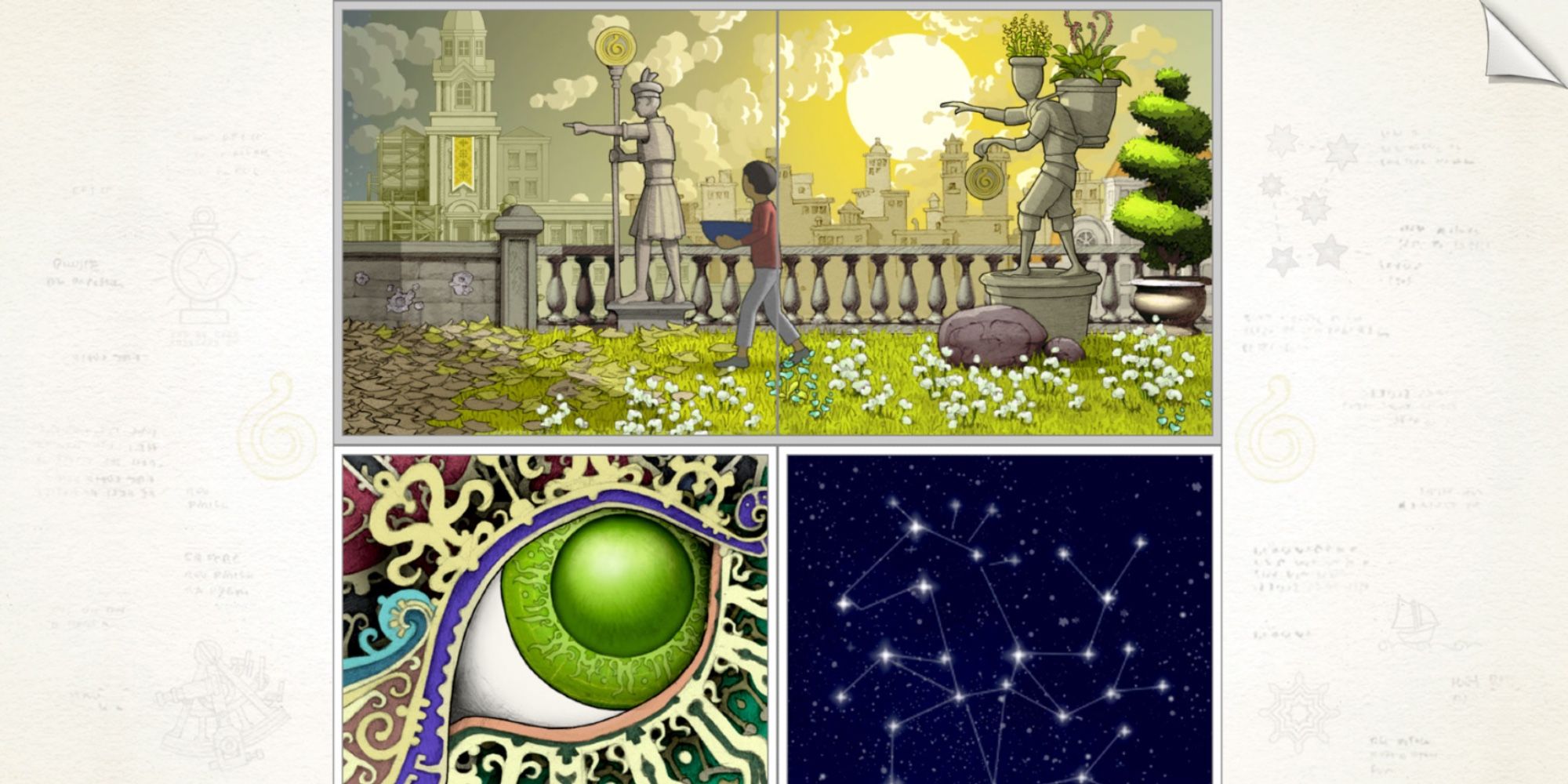
– The first and foremost requirement is to ensure that the edges of the panels are aligned seamlessly. This alignment is crucial because the game’s mechanics rely on a visual continuity that enables objects to transition between the juxtaposed scenes.
– For example, if you have a panel depicting a shelf and another depicting scaffolding below, ensure that they are positioned such that the shelf’s edge aligns with the top of the scaffolding seamlessly.
2. Zoom and Shift Panels:
– Utilize the zoom feature to focus on specific elements within a panel. This allows for a closer examination of details that may be integral to solving puzzles.
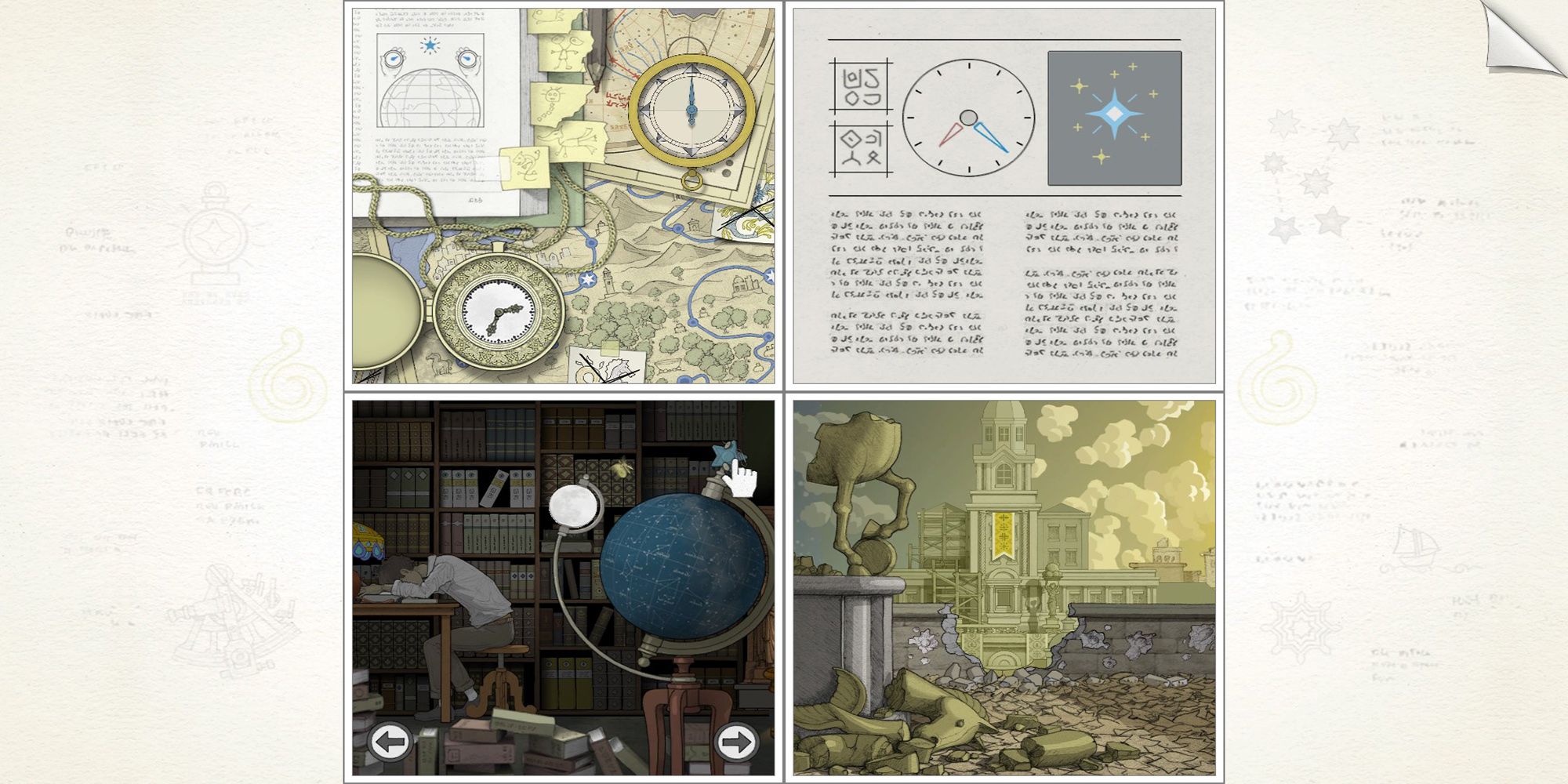
– Dragging or shifting panels enables you to reposition them on the screen. By doing so, you can overlay them strategically to facilitate the movement of objects across panel borders. This repositioning is critical when trying to create opportunities for interaction.
3. Interact with Objects:
– Engage with objects by tapping or clicking on them only after you have aligned the panels appropriately. For example, if you have zoomed in on a rock on a shelf, once the shelf is aligned with scaffolding in an adjacent panel, tapping the rock may initiate its fall, thereby moving it to the desired location.
– Timing and positioning are important; often, specific interactions are only effective when the panels have the correct alignment.
4. Use Panel Layers and Placement:
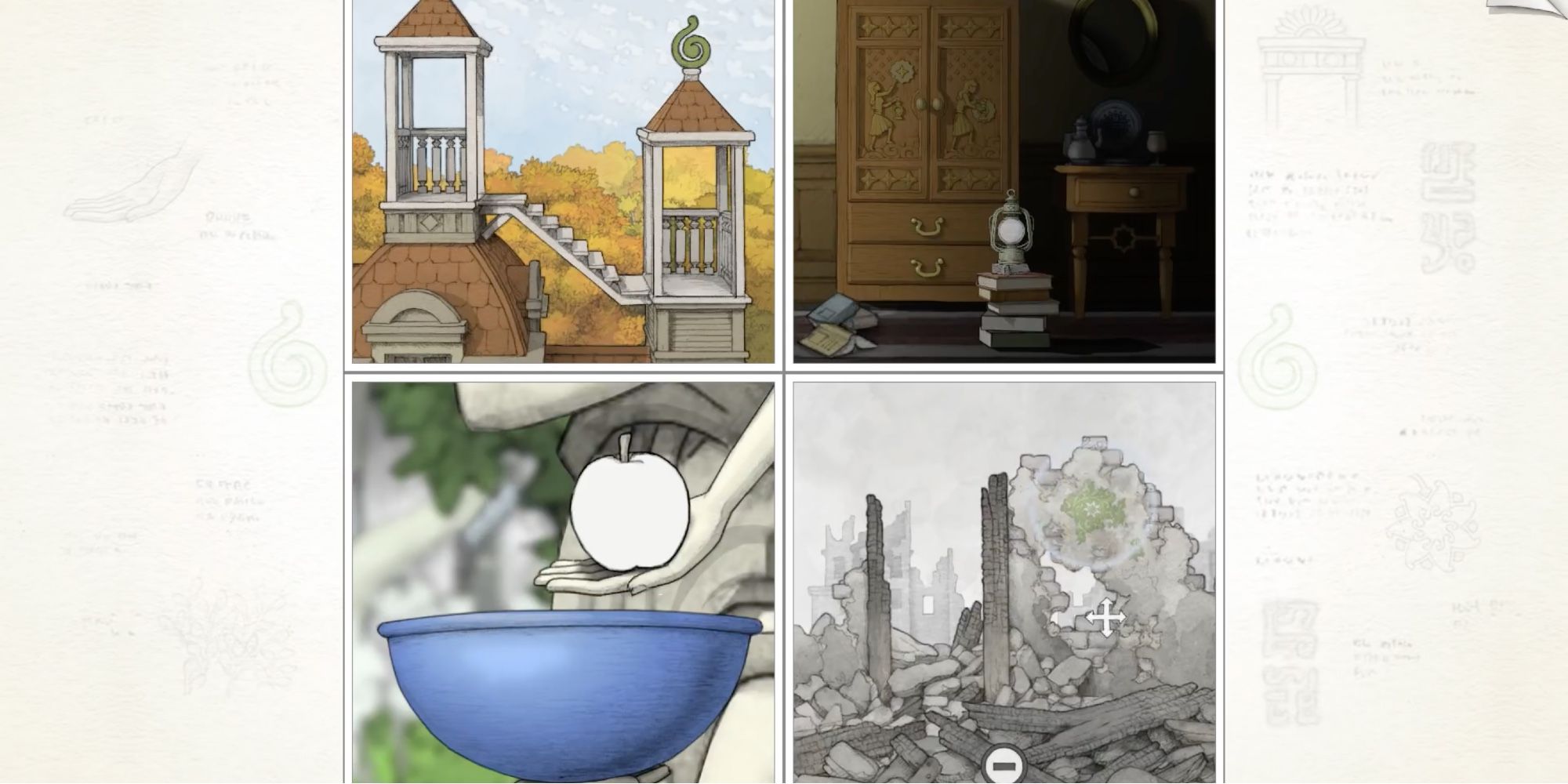
– The game allows for the layering of panels, which gives you the flexibility to manipulate how scenes interact visually. For instance, if you layer a panel containing a shelf over one showing a building, when you trigger a falling object, it can transition naturally from one scene to another.
– Decide whether to place a panel above or below another based on the thematic and spatial context of the scenes to create logical movement pathways for objects.
5. Narrative and Puzzle Progression:
– As you advance in Gorogoa, the complexity of the puzzles increases. You will need to combine multiple techniques—like zooming in on one panel while aligning it with another— to complete more intricate tasks.
– The interactions between objects may lead to new pathways or characters that can traverse between panels, pushing the narrative forward and revealing further gameplay mechanics.
Summary:
To successfully move objects or characters from one panel to another in Gorogoa, carefully zoom in on relevant details, drag and align the panels for smooth edges, and layer the panels strategically. Once aligned, objects can be interacted with to transition across the panels seamlessly. Mastering this mechanic is essential for solving the game’s engaging puzzles and progressing through its uniquely crafted narrative.
Leave a Reply