
In “Gorogoa,” the innovative “cut-out” or “portal” mechanic is a core gameplay element that empowers players to navigate and solve intricate puzzles by manipulating visual panels. This unique mechanic allows you to interact with different layers of images, creating pathways that characters and objects can traverse, ultimately advancing the storyline.
To effectively utilize the cut-out/portal mechanic, follow these steps:
1. Zoom In and Out:
– Carefully adjust your view by zooming in on various panels. This can unveil hidden details or interactive elements, such as cut-outs or pathways that might not be apparent at the standard zoom level. For instance, zooming in on a seemingly solid wall may reveal a subtle groove or opening that can become a portal when manipulated.
2. Move Panels or Objects:
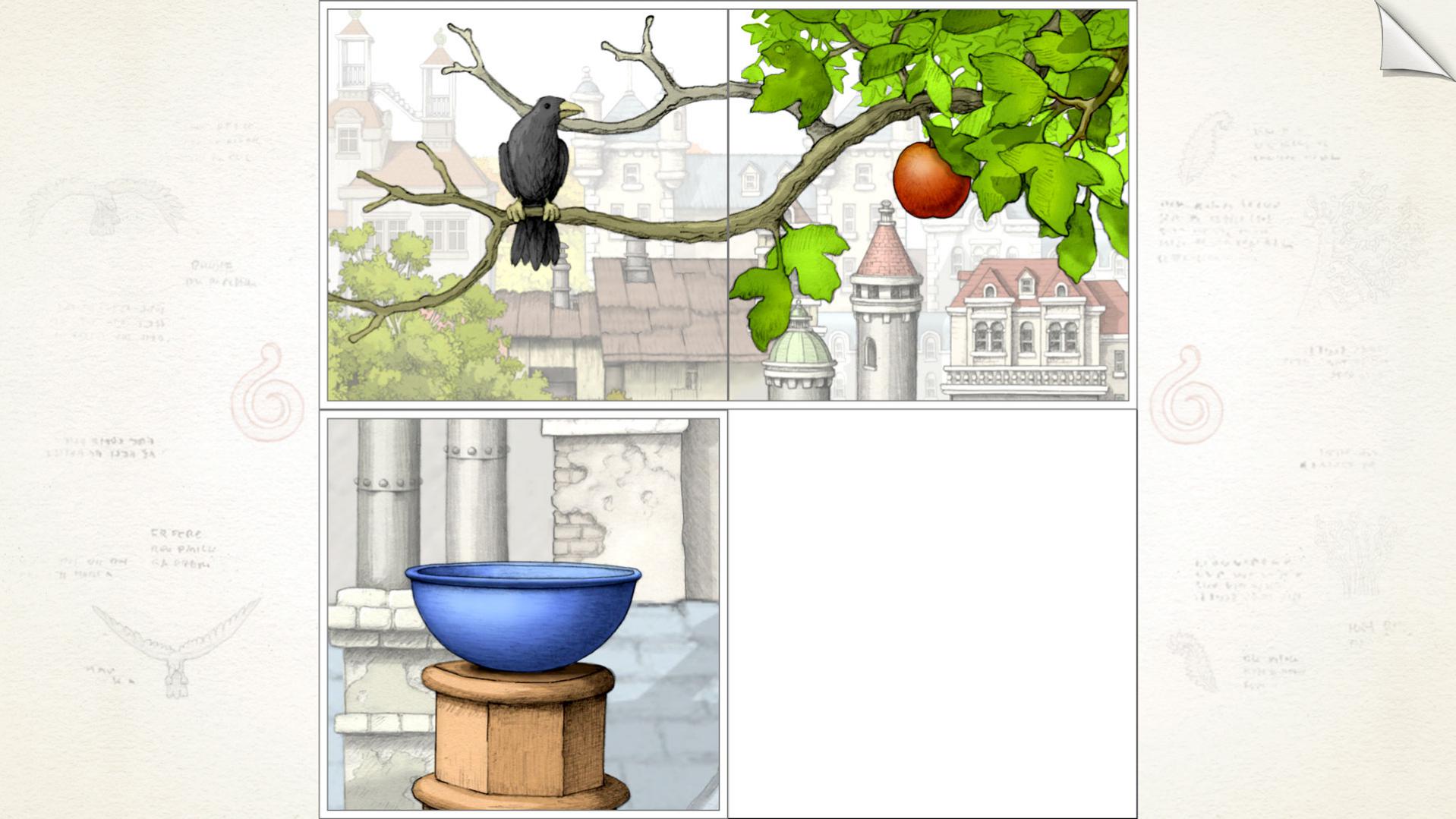
– Drag panels or specific objects across the game space to create new connections. For example, if you find an object that resembles a doorway, you can move it onto another panel to bridge two scenes together. This action typically introduces new interactions or allows characters to pass through barriers that previously seemed impassable.
3. Align Layers and Images:
– The arrangement of panels is crucial. Place panels side by side or layer them in such a way that they visually align. This alignment can create the illusion of a larger, continuous space, allowing your character or items to move through what appears to be a doorway or cut-out. An effective use of this mechanic can result in a seamless transition from one scene to another.
Example from Chapter Two:
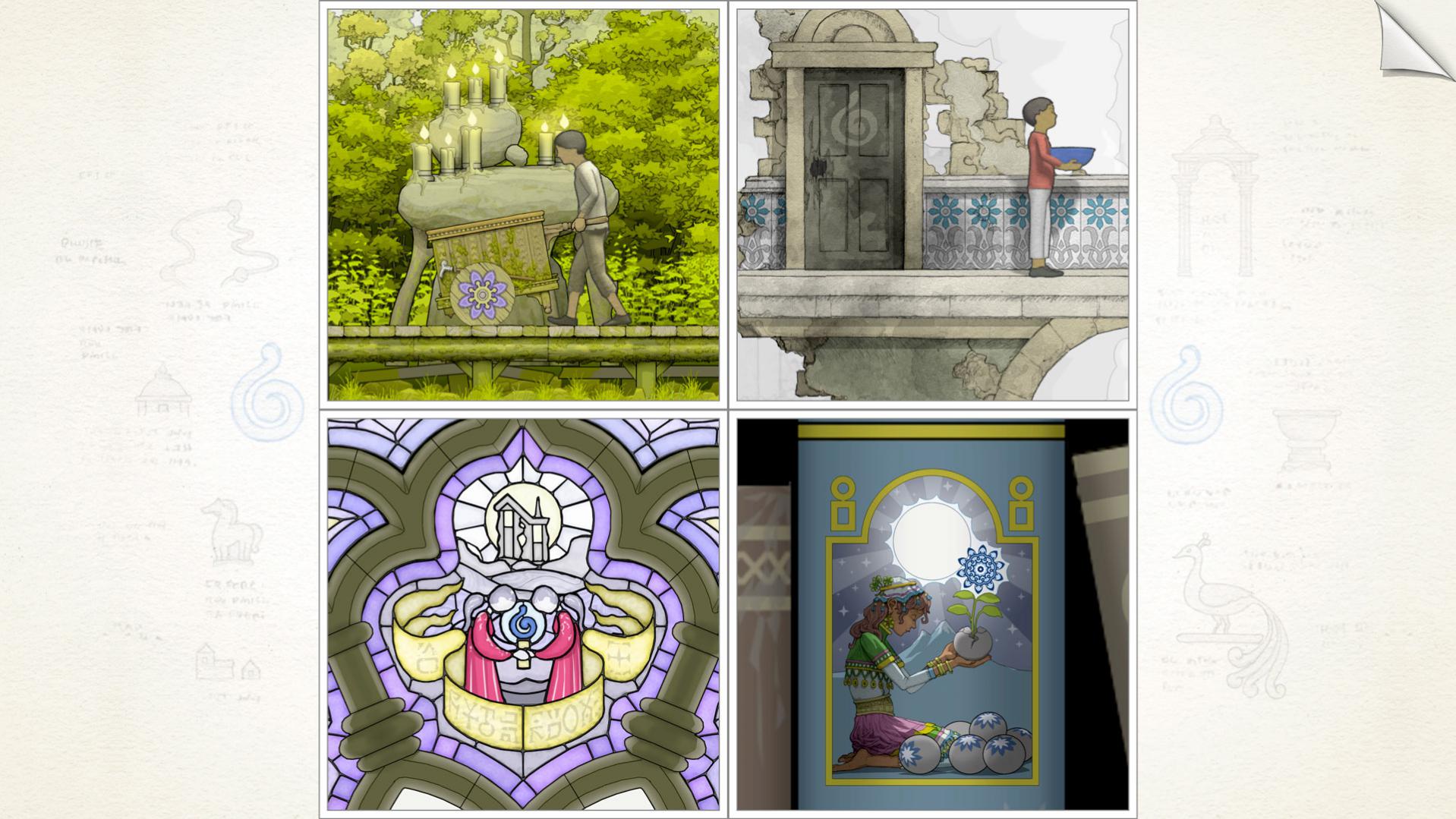
In Chapter Two, players encounter a scenario where they follow a boy to a green door that is disguised as a wall. By interacting with a sign next to the door and zooming in to manipulate the layer, players can create a functional portal. Positioning this cut-out over the wall allows the boy to access a garden that was previously unreachable—a perfect demonstration of how the cut-out mechanic can transform barriers into pathways.
Other Interactions:
The puzzles in “Gorogoa” are not limited to character movement. Objects like rocks or lanterns can also move across aligned panels, creating dynamic interactions and triggering puzzle elements. By adjusting these elements within the structured environment of the game, players can explore and unlock the deeper narrative.
Summary of Gameplay Mechanics:
To excel in “Gorogoa” using the cut-out/portal mechanic:
– Zoom into panels to uncover hidden layers or portals.
– Drag and position panels so that they align properly, forming new connections.
– Utilize created portals to maneuver characters or objects, facilitating progression through the story and puzzles.
This cut-out/portal mechanic not only enriches the gameplay experience but also enhances the visual and narrative cohesion of “Gorogoa,” producing a uniquely interconnected world where observation and creativity are rewarded. The fluidity of the gameplay fosters a deeper appreciation of the art style and storytelling intricacies that the game has to offer.


Leave a Reply