
Using blueprints and community content in Planet Zoo can significantly elevate your gameplay experience by allowing for creative freedom, efficiency, and collaboration. Here’s a detailed guide on how to effectively utilize these features:
Creating Blueprints
1. Select Items for Blueprint:
– Identify the group of structures or items you want to consolidate. This could be an animal habitat, a visitor facility, or a decorative area.
2. Save the Selection:
– Navigate to the build menu and select the option “Save Selection as Blueprint”.
3. Organize Your Blueprint:
– Assign a unique name to your blueprint along with a brief description and relevant tags. This will help you easily retrieve your creation from your collection later.
Placing Blueprints
1. Accessing Saved Blueprints:
– During build mode, access your collection through the blueprint menu to locate your saved designs.
2. Positioning:
– Carefully place the blueprint in your desired location. You may need to adjust the height and ground alignment to make sure everything aligns correctly without glitches, such as floating items. Tutorials suggest placing blueprints near existing paths or properly adjusted terrain to avoid issues.
3. Unlocking Elements:
– Be mindful that certain blueprints may contain elements that are locked or require special in-game achievements for placement. This includes specific reward statues or customization items that you may have yet to unlock.
Utilizing Community Content
– Accessing Community Creations:
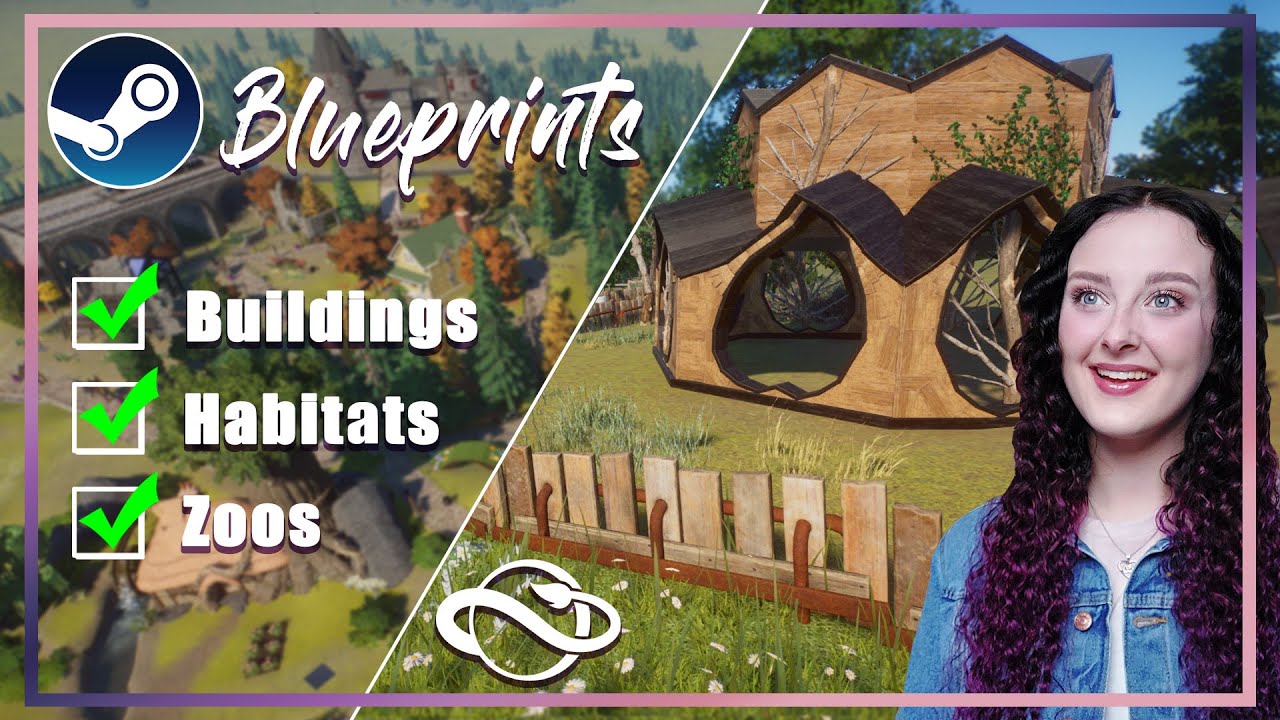
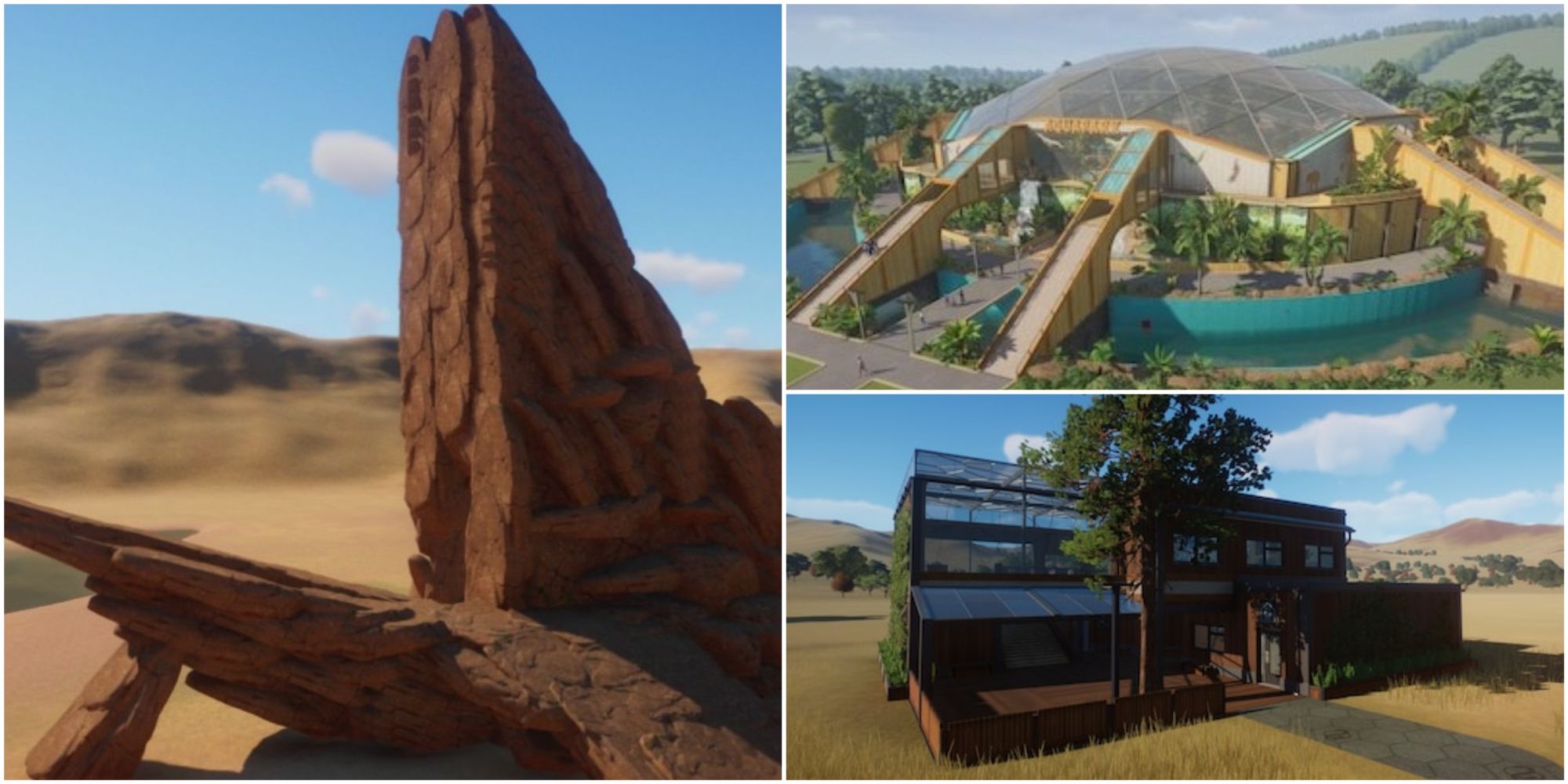
– Explore the Steam Workshop or the Frontier Workshop (for console users). Here, you can find a wide range of community-created blueprints, buildings, decorations, and complete zoo designs.
– Subscribing and Downloading:
– Browse available content, and simply subscribe to any blueprint you find interesting. This will automatically add it to your in-game blueprint library, ready for immediate use.
– Inspiration and Efficiency:
– Using community content allows you to quickly implement beautifully designed habitats or themed areas, enhancing your zoo without the need to build everything from the ground up.
Benefits of Using Blueprints and Community Content
1. Time Efficiency:
– Save significant time by getting complex structures up and running quickly rather than painstakingly building each element individually.
2. Enhanced Creativity:
– Draw inspiration from a variety of designs shared by the community, which can help you think outside the box and incorporate new ideas into your zoo.
3. Customization Opportunities:
– Feel free to mix and match your blueprints and community content, allowing you to create a unique and personalized zoo experience.
4. Community Engagement:
– Contributing your own blueprints back to the community not only showcases your creativity but also aids fellow players in their zoo-building endeavors.
Conclusion
In conclusion, effectively using blueprints and community content in Planet Zoo not only boosts your efficiency and creativity but also enriches the overall experience of building and managing your zoo. Pay attention to placement and unlock requirements to ensure seamless integration. By leveraging both your own designs and those created by others, you can create a richly varied and engaging environment that stands out. Happy building!


Leave a Reply