
To successfully transfer Pokémon from Pokémon HOME to your Pokémon Sword or Shield game, please follow these structured steps:
Step-by-Step Transfer Process:
1. Launch Pokémon HOME:
– Open the Pokémon HOME app on your Nintendo Switch.
2. Access the Pokémon Menu:
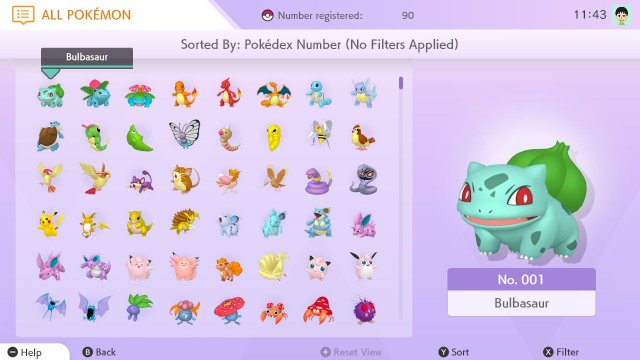
– From the main menu, select the Pokémon option to view your online Pokémon storage.
3. Connect to Your Game:
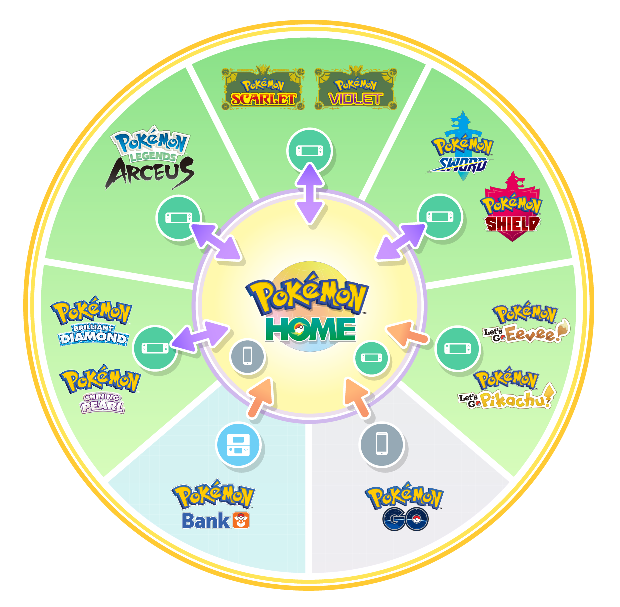
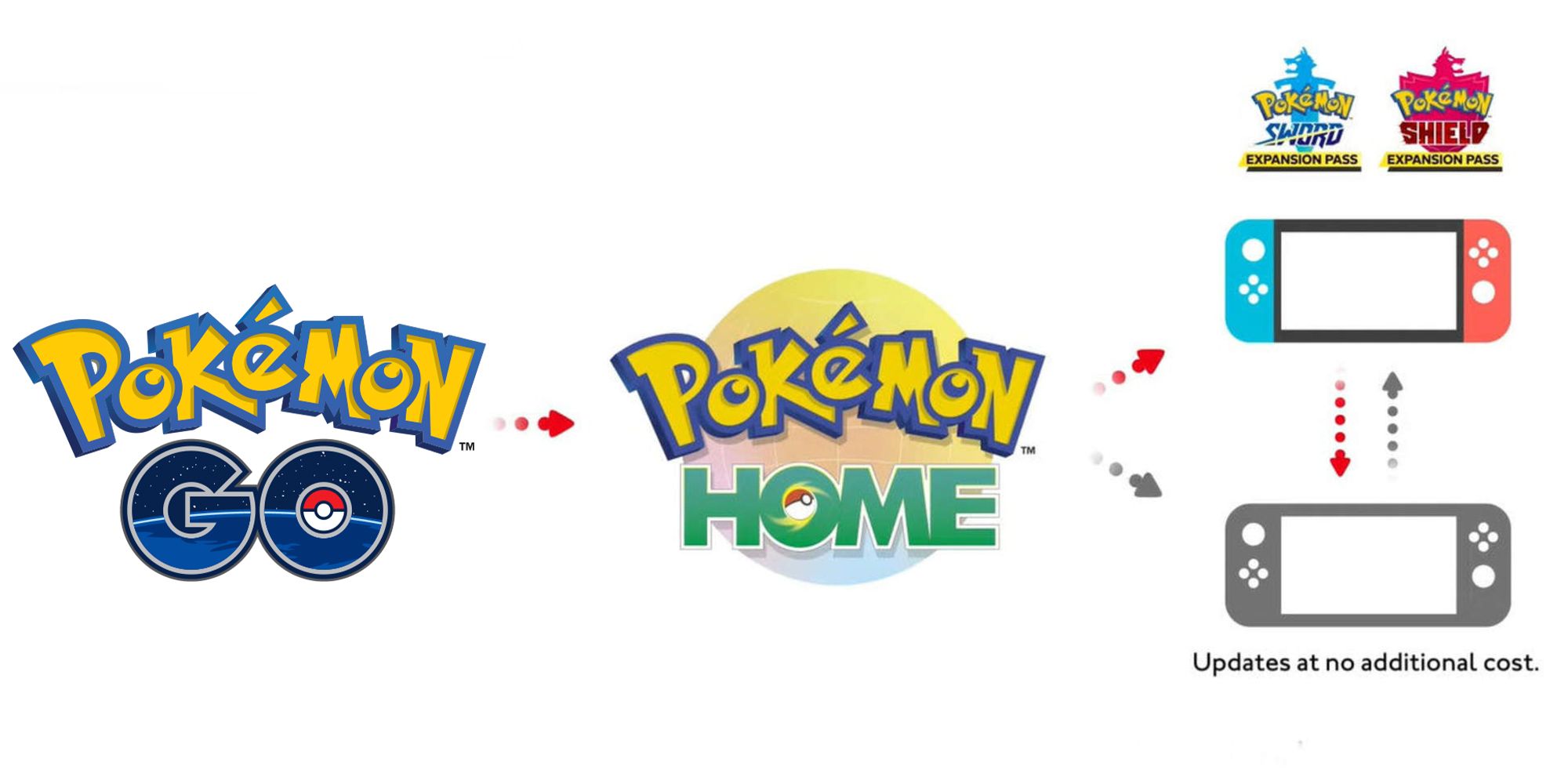
– In the Pokémon HOME interface, choose either Pokémon Sword or Pokémon Shield from the list to establish a connection between HOME and your game.
4. Viewing Your Pokémon:
– You will be presented with two panels: your Pokémon HOME boxes on the left side and your Sword/Shield boxes on the right side.
5. Select Pokémon for Transfer:
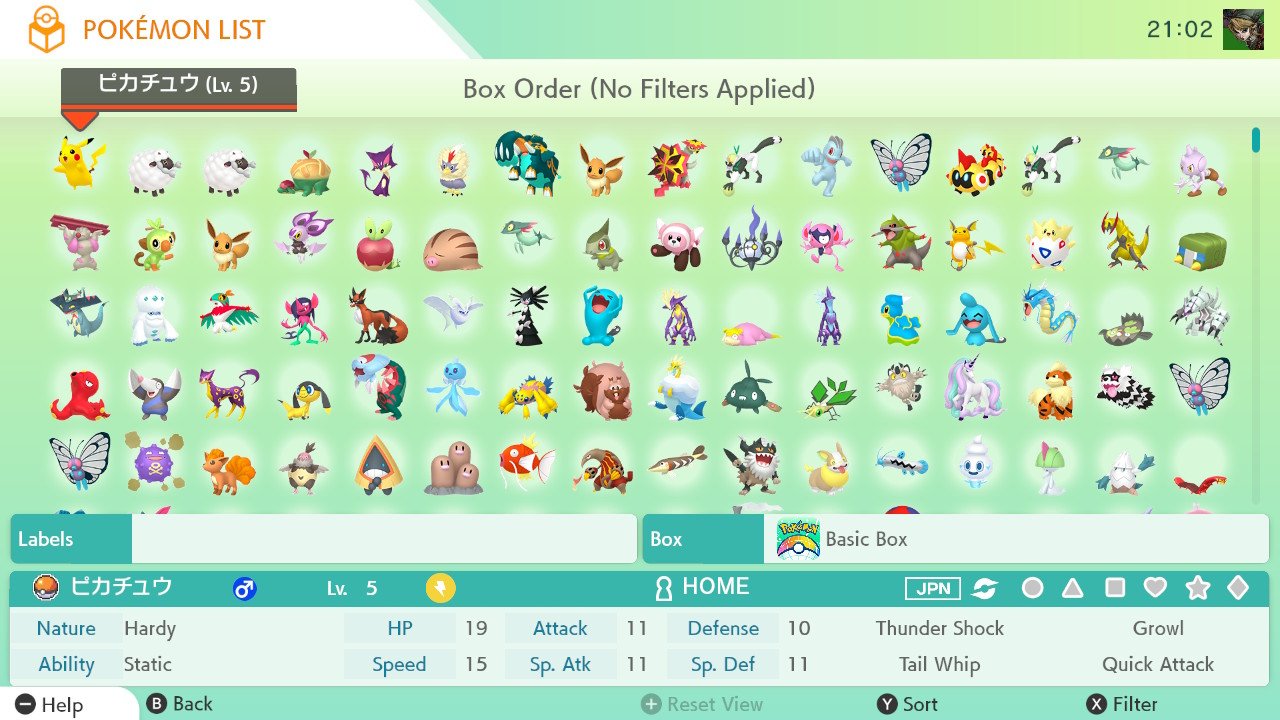
– Navigate through your HOME boxes and select the Pokémon you wish to transfer.
6. Move Pokémon to Sword/Shield:
– Drag and drop (or select and move) the chosen Pokémon from your HOME box into one of your Sword or Shield boxes on the right.
7. Finalize the Transfer:
– Once you have placed the Pokémon into the desired Sword/Shield box, exit the transfer interface and save your game. This step is crucial to ensure the transfer is complete.
Important Notes:
– Transfer Availability: Only Pokémon that can be obtained in Pokémon Sword or Shield, or those that you have previously registered in your Pokédex, can be successfully transferred.
– Account Linking: Ensure that the Nintendo Switch account you are using has the game save data for Sword or Shield linked to the same Nintendo account registered in Pokémon HOME.
This method provides a convenient and user-friendly drag-and-drop interface for quickly moving your Pokémon from the cloud storage of Pokémon HOME directly into your game. Make sure to double-check which Pokémon you are transferring to avoid any unintentional moves!

Leave a Reply