
In Super Smash Bros. Ultimate, practicing combos effectively in Training Mode involves leveraging a variety of tools and settings that enhance your training experience. Here’s a structured guide to make the most out of your practice sessions:
1. Select the Training Stage with Grid
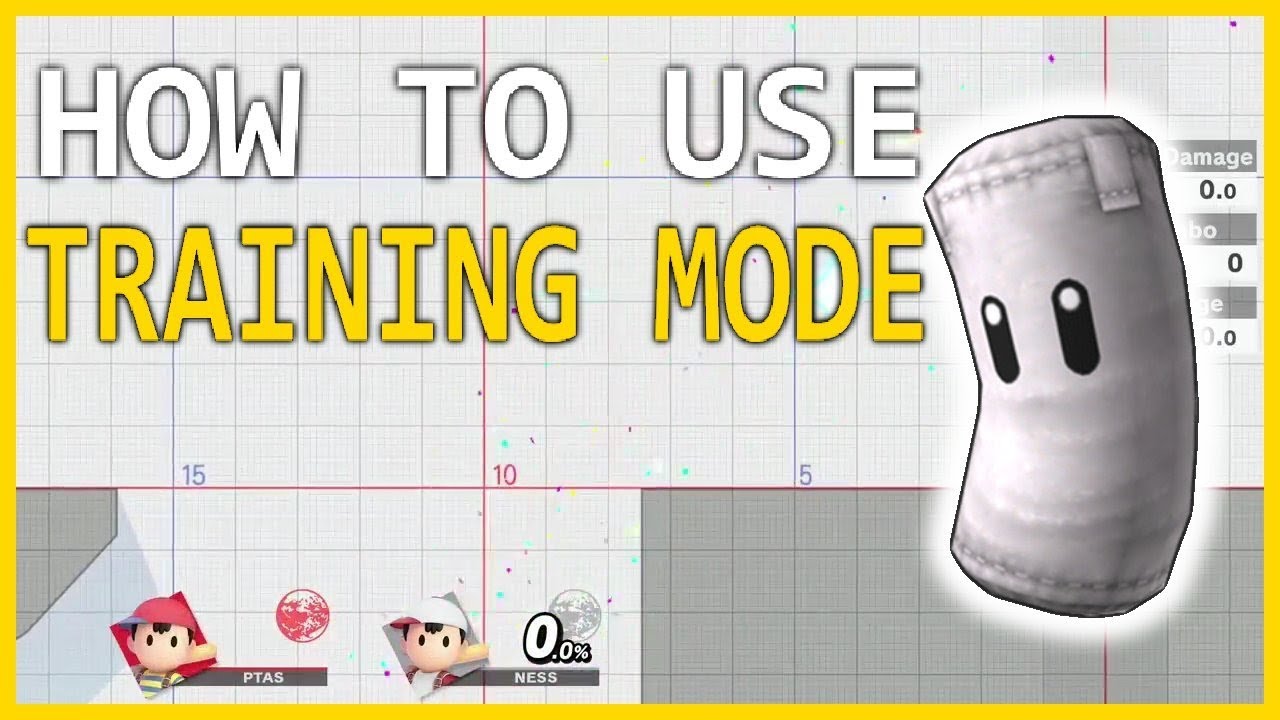
Start by choosing the Training Stage that features a visible grid. This grid is invaluable for measuring distances between characters, allowing you to maintain precise spacing while practicing various combos. Understanding the spatial dimensions on this grid helps ensure you’re positioned correctly for your moves.
2. Set Opponent Percentage
A critical step in combo practice is to manually adjust the CPU opponent’s damage percentage. Set the percentage to values where specific combos become viable. Knowing that combo effectiveness often varies with the opponent’s damage allows you to practice at different thresholds—evaluating how combos change as the opponent’s damage increases.
3. Enable “Stun” and “Hitstun Shuffle” Options
Activating the stun and hitstun options enhances the realism of your practice. With these settings enabled, you’ll simulate how the opponent reacts during actual matches, allowing you to see how your combos work against an opponent experiencing hitstun. This will help you learn the timing and flow of your attacks better, mirroring real gameplay scenarios.
4. Use Reset Input
Familiarizing yourself with the reset input (pressing both triggers and the A button simultaneously) is crucial. This feature allows you to reset the match quickly without altering the previously set damage percentages. This convenience lets you practice your combos repeatedly from consistent conditions, efficiently honing your skills.
5. Utilize the Combo Meter
The combo meter in Training Mode provides immediate feedback about the success of your combos against the default CPU DI (Directional Influence). This real-time analysis can help you identify which combos are “true,” meaning they won’t allow your opponent to escape, informing you about what works best in real matches.
6. Observe Visual Launch Trajectories
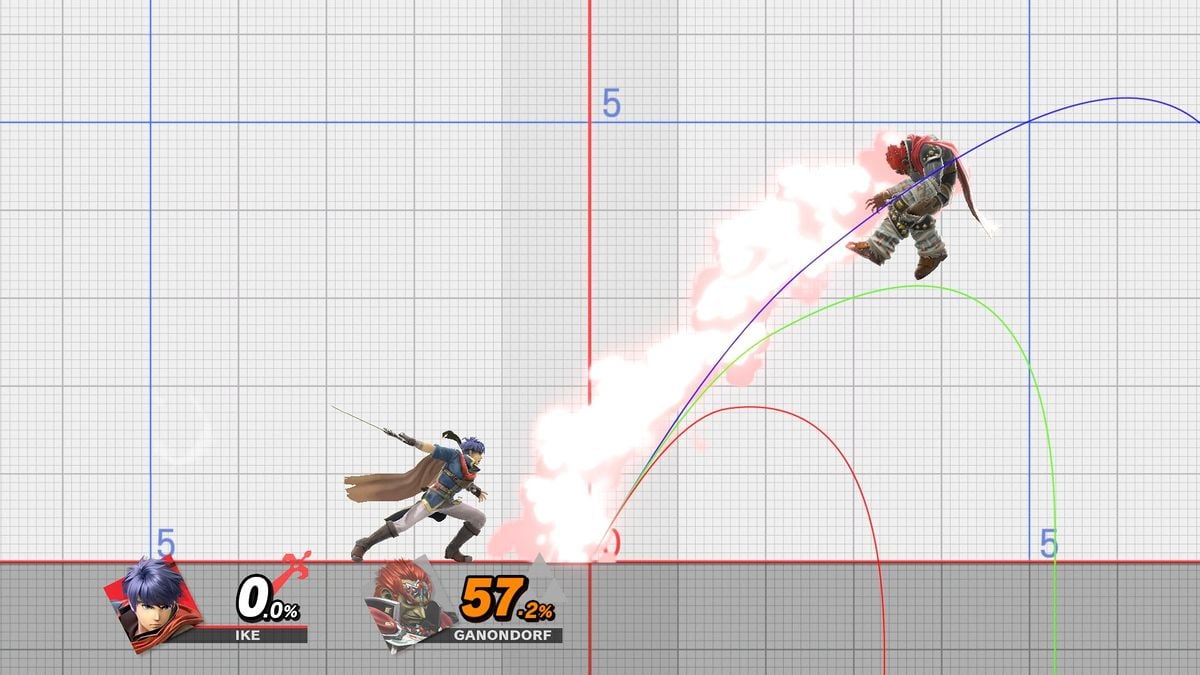
As you practice, pay attention to the visual launch trajectories indicated by colored arcs in Training Mode. These visuals represent the predicted launch distances and angles based on the opponent’s damage percentage (0%, 50%, and 100%). Understanding how your moves affect the opponent’s trajectory is vital for planning subsequent steps in a combo or adjusting your approach depending on your opponent’s state.
7. Practice Creativity and Variation
Take advantage of the flexibility provided by the grid and percentage settings to explore different moves, combinations, and spacing techniques. Experiment with extending combos or altering move sequences. This fosters creativity within your playstyle, encouraging you to discover new ways to initiate and continue combos with your character’s unique toolkit.
8. Recognize the Limitations
It’s important to acknowledge that while the CPU exhibits some level of realistic behavior, it cannot fully replicate human DI or defensive maneuvers. Therefore, be aware that certain combos you practice may not translate perfectly to real matches against human opponents. Consider pairing your training with matches against friends or online opponents to gain experience in dealing with actual player reactions.
By systematically utilizing the grid for spacing, setting specific percentages for practical combo application, confirming moves with the combo meter, and understanding launch trajectories, you can effectively refine your skills in Super Smash Bros. Ultimate’s Training Mode. This methodical approach not only enhances your timing and spacing but also optimizes your understanding of each character’s combo potential, significantly improving your overall gameplay.


Leave a Reply