
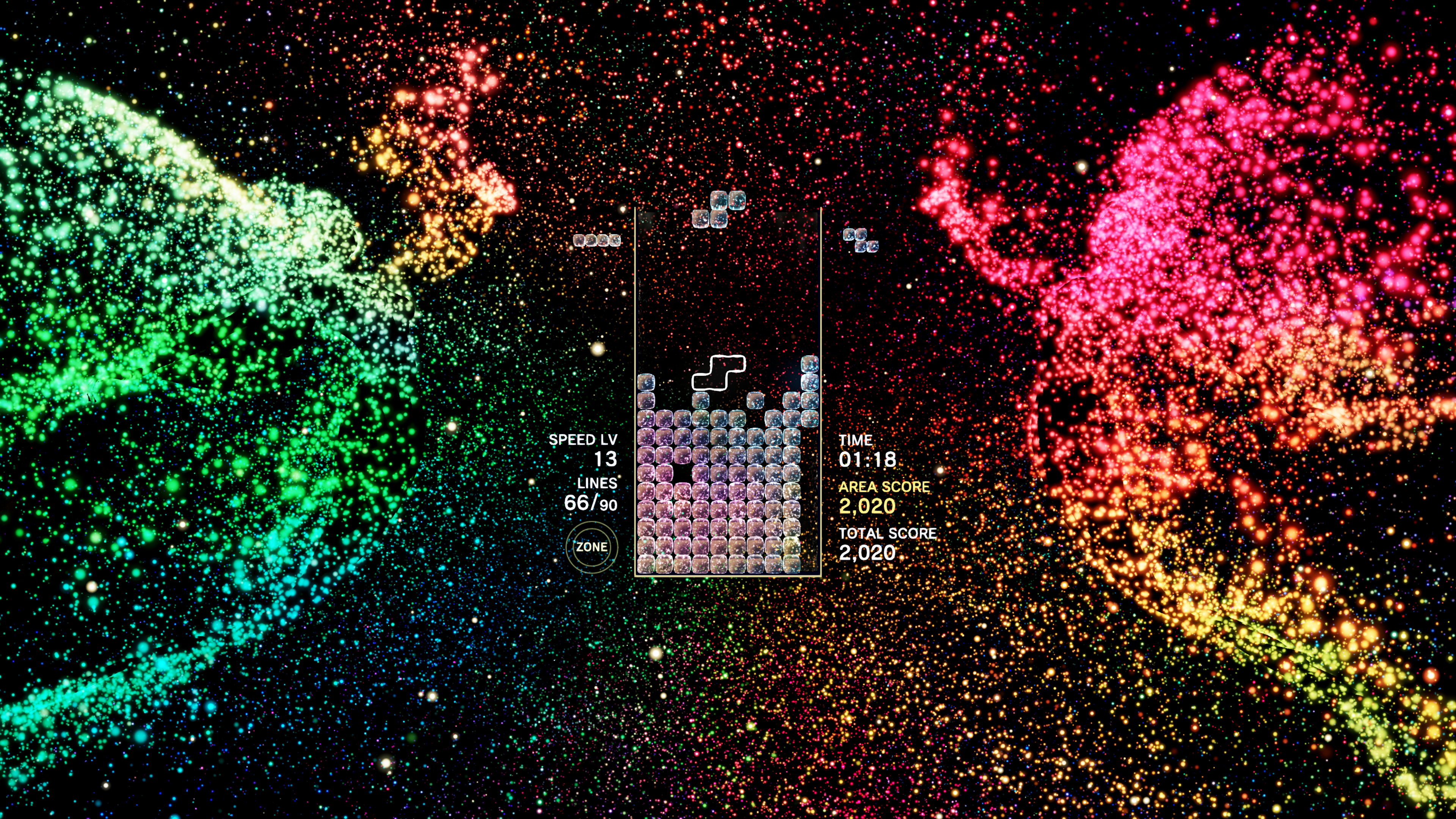
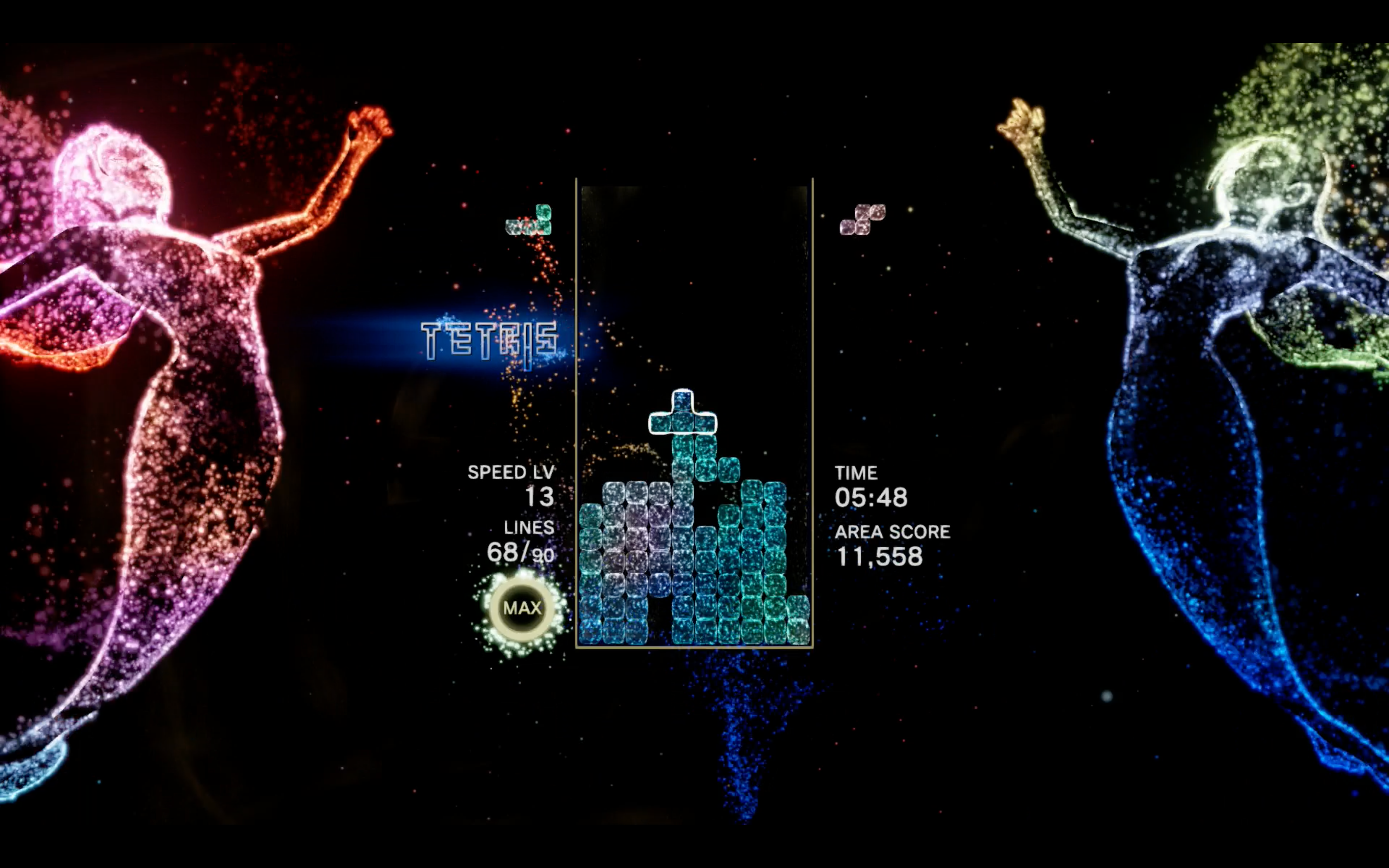
In Tetris Effect, the visual and audio experience is intricately designed to react dynamically to player actions, enhancing the synesthetic nature of the game. Here’s a breakdown of how visual themes work and the customization options available:
Dynamic Visual and Audio Themes
– Automatic Changes: Throughout a stage, the visual themes automatically transform based on gameplay factors, such as the number of lines cleared. This means that rather than selecting a theme or transitioning manually, players experience shifts that synchronize with their gameplay performance. This approach creates a uniquely immersive atmosphere where visuals and music evolve in harmony, deepening engagement and intensity.
Stage Selection
– Choosing a Stage: When beginning a game, players can select their preferred stage or “world” from the main menu. Each stage has its designated visuals and music themes. However, once gameplay starts, these themes cannot be changed on the fly, preserving the integrity of the game’s designed experience.
Customization Options
While you cannot set a single stage or theme as an overarching default across all gameplay, there are various features you can adjust to tailor your visual experience:
1. Visual Effects Adjustment:
– Brightness Control: Players can dim the visual effects to mitigate distractions.
– Effect Intensity: Options exist to reduce the prominence of pulsing blocks, allowing for a more focused experience.
2. Camera Settings:
– Zoom Levels: The game offers settings for different camera zoom levels (e.g., “Zoomed In” or “Zoomed Way In”), catering to player preferences for how much of the playfield they wish to see.
– Camera Rotation: Disabling camera rotation during gameplay can help prevent accidental angle shifts, providing a more stable viewing experience.
Conclusion
To succinctly summarize:
– Visual themes change dynamically based on your play, creating a living audiovisual experience that cannot be altered mid-game.
– You can select your favorite world or stage before gameplay begins to enjoy its specific aesthetic.
– While theme changes mid-game aren’t possible, various settings allow you to customize visual intensity to reduce distractions.
Utilizing these options helps maintain focus and comfort, enabling you to fully engage with the unique artistry of Tetris Effect while enjoying the breathtaking combination of sound and visuals the game has to offer. If you’re looking for a simpler visual experience, explore the in-game settings to adjust effects accordingly, rather than hoping to change themes within a session.

Leave a Reply