
Here’s a comprehensive guide on how to manage VR mode in Tetris Effect across both PS4 with PSVR and PC VR setups:
Tetris Effect VR Mode Management
On PSVR (PlayStation VR)
1. Entering VR Mode:
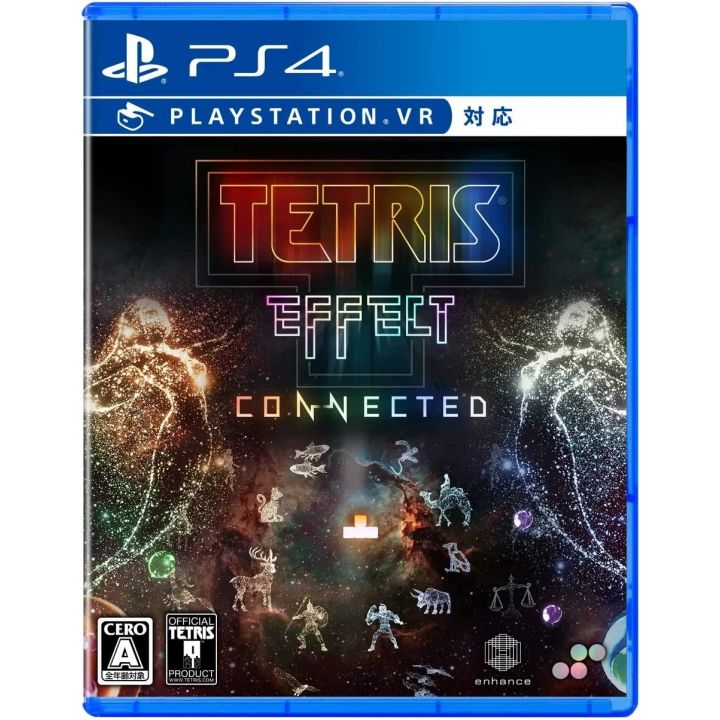
– Launch Tetris Effect on your PS4 with the PSVR headset connected. The game automatically detects the headset and launches in VR mode.
2. Exiting VR Mode:
– Simply remove the PSVR headset or quit the game to exit VR mode. The display will revert to the non-VR mode on your television.
– There is no need for any manual in-game toggling to switch between VR and non-VR modes, as the transition is managed automatically by the system.
On PC VR (Oculus Rift, HTC Vive, Valve Index)
1. Entering VR Mode:
– Ensure that SteamVR is installed and running on your PC, as it is essential for headset detection and VR streaming.
– Open the Epic Games Store launcher and navigate to your game library.
– Locate Tetris Effect, click on the cog (settings) icon next to the “Launch” button, and select “Launch on Steam VR” from the dropdown menu to start the game in VR mode.
2. Exiting VR Mode:
– To exit VR mode, either take off your headset and quit the game or use the standard exit options available.
– The game will close or revert to 2D if you restart it without the VR setup.
– Similar to the PSVR setup, Tetris Effect on PC does not feature an in-game toggle for VR mode; it relies solely on launching via SteamVR.
Summary Table
| Platform | Enter VR Mode | Exit VR Mode |
|—————|—————————————————–|—————————————|
| PS4 with PSVR | Launch game with PSVR connected | Remove headset or quit the game |
| PC VR | Launch via Epic Store → Settings → “Launch on Steam VR” (SteamVR running) | Quit the game or remove headset |
Additional Notes
– Make sure your VR headset is properly set up and recognized by the system before launching the game to avoid any issues with entry into VR mode on PC.
– The seamless experience offered by the PSVR makes it more user-friendly compared to the PC setup, where additional steps are required.
This structured approach allows players on either platform to fully immerse themselves in the captivating environment of Tetris Effect, ensuring a smooth transition into and out of VR.


Leave a Reply