
In The Last of Us Part II, accessibility options are integral to enhancing gameplay, as they cater to a diverse range of player needs, particularly those with motor, visual, and hearing impairments. With over 60 accessibility settings available, the game exemplifies a robust commitment to inclusivity, allowing players to engage with the experience in a way that aligns with their unique abilities and preferences.
How Accessibility Options Enhance Gameplay
1. Catering to Fine-Motor and Combat Challenges
The game features a variety of combat accessibility settings aimed at making gameplay smoother for players who may struggle with fine motor skills. Some notable options include:
– Combat Adjustments: Features like “Hostages Don’t Escape” and “Allies Don’t Get Grabbed” modify enemy interactions, ensuring that players can maintain control in high-pressure situations. This minimizes frustration and allows players to focus on strategy rather than execution.
– Aiming Assistance: The “Slow Motion” feature slows down the gameplay during aiming, providing players with additional time to make precise shots. Combined with options like “Invisible While Prone,” these mechanics enhance the stealth experience, making it easier for players to navigate encounters without feeling overwhelmed.
– Difficulty Customization: Players can also benefit from reduced enemy perception and accuracy, enhanced dodging abilities, and the option to disable weapon sway. This comprehensive approach to combat difficulty ensures that players can engage in a manner that suits their skill levels and preferences.
2. Vision and Hearing Adaptations
The game is equipped with settings specifically designed to support players with visual and hearing impairments:
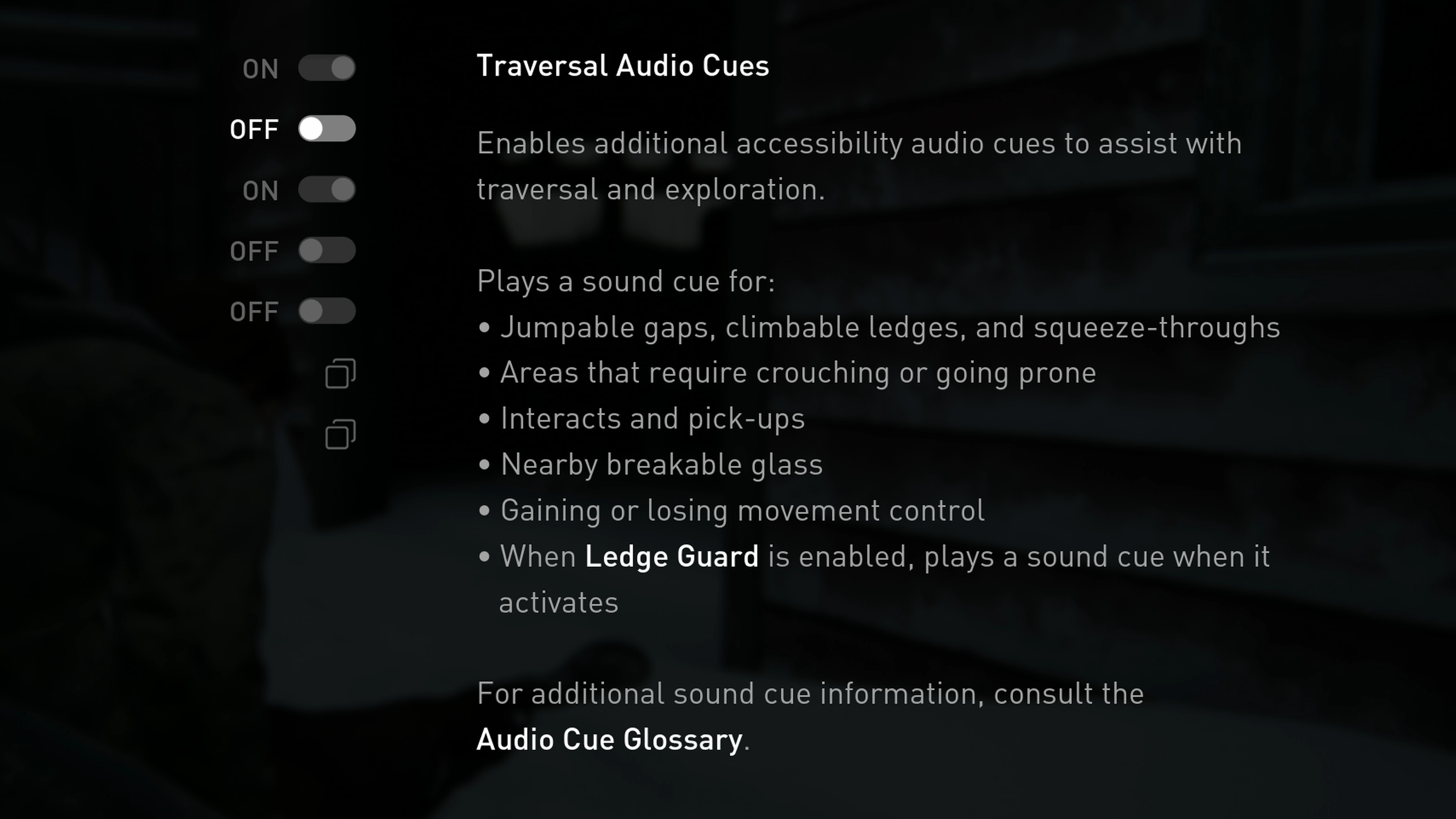
– Visual Aid Features: For those with low vision, high-contrast visuals, adjustable HUD scaling, and audio cues are implemented to aid navigation and enhance overall comprehension of the game environment. Additionally, audio descriptions in remastered versions of the game provide helpful context for visual elements.
– Hearing Accessibility: Players who are deaf or hard of hearing can take advantage of presets emphasizing visual feedback, including detailed subtitles and visual indicators for various sounds. This ensures that important auditory information is conveyed effectively through visual cues, enhancing overall immersion and understanding.
3. Preset Accessibility Profiles
To streamline the user experience, The Last of Us Part II offers three preset accessibility profiles—focusing on vision, hearing, and motor accessibility. These profiles:
– Automatically configure a suite of related settings tailored to specific disabilities.
– Allow for full customization, enabling players to make further adjustments based on individual preferences. This flexibility empowers players to create a gameplay experience that feels personalized and accessible.
4. Comprehensive and Customizable Settings
With a staggering array of over 60 settings, players can mix and match features to create a gameplay experience that truly resonates with their needs. This customization allows:
– Removal of barriers that often hinder engagement in gaming.
– Encouragement for all players—regardless of ability—to enjoy the game, thereby fostering a more inclusive gaming community.
In conclusion, The Last of Us Part II sets a new standard for accessibility in gaming through its extensive suite of customizable options. By focusing on adjusting combat mechanics, visual and audio feedback, and overall interactions, the game ensures that players with differing abilities can engage meaningfully within its world. Whether utilizing slowed combat, visual aids, or audio descriptions, these accessibility features make the game a benchmark for inclusivity, allowing everyone to experience the story and gameplay in a way that feels right for them.



Leave a Reply