
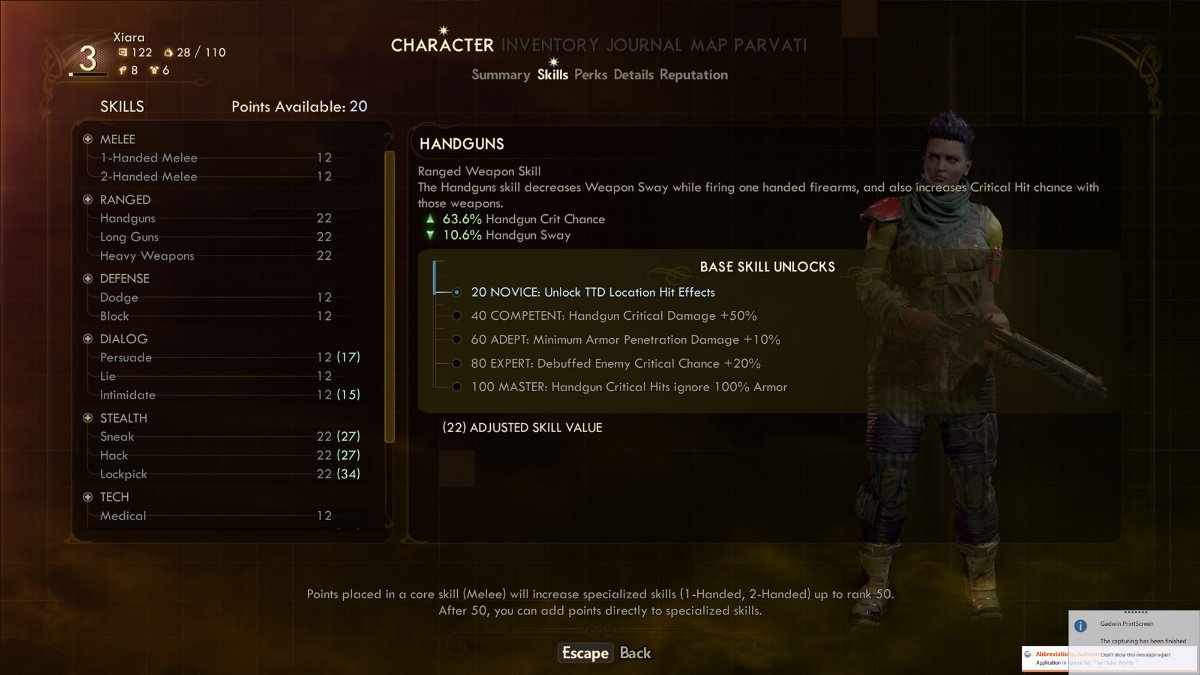
In The Outer Worlds, you have the ability to reset or respec your character’s skill points and perks using the Vocational Competence Respecification Machine. This feature allows players to refine their character builds by reallocating skill and perk points that have previously been assigned. Here’s how to effectively use this feature:
Location of the Respec Machine
– The Vocational Competence Respecification Machine is located aboard your ship, The Unreliable. Specifically, you can find it on the second floor, positioned on a catwalk above the workbench in the Cargo Hold area.
How to Use the Respec Machine
1. Access the Machine: Make your way to the catwalk above the Cargo Hold workbench to locate the Respecification Machine.
2. Refund Points: Upon using the machine, it will refund all the skill and perk points you have spent thus far. This allows you to redistribute them based on your current needs or preferences.
Cost and Considerations
– Respec Cost: The initial cost to respec is 500 Bits, but keep in mind that this fee doubles with each subsequent use. Therefore, frequent use of the machine can become quite expensive.
Tips for Effective Respec
– Allocate Points Wisely: After you receive your refunded points, ensure you spend them before using the machine again. The fee is billed each time you access the machine, regardless of whether you spend the points or not.
– Save Your Game: It is highly recommended to save your game before using the respec machine. This precaution allows you to revert to your previous state if you find that your changes do not work as intended.
Summary
To summarize, if you want to reset or respec your skill points in The Outer Worlds, follow these steps:
– Head to The Unreliable and find the Respecification Machine on the catwalk in the Cargo Hold area.
– Use the machine to receive a full refund of your skill and perk points for an initial fee of 500 Bits, which will increase with each use.
– Always remember to save your game beforehand to maintain flexibility in your character build.
By following these guidelines, you can optimize your character development and enhance your gameplay experience in The Outer Worlds.


Leave a Reply