
In Trials Fusion, Player Created Tracks are a hallmark of the game’s community engagement, allowing players to design and share their own custom courses using the intuitive Track Editor. This feature not only provides a fresh gameplay experience but also significantly broadens the variety of challenges available to players beyond the official tracks provided by the developers.
Accessing Player Created Tracks
To access these community-generated tracks, you can follow these steps:
1. Navigate to the In-Game Menu: Start by accessing the main menu of Trials Fusion. Here, you’ll find options that lead you to the Track Browser, where custom tracks are available.
2. Browse or Search Tracks: Within the Track Browser, you can either scroll through various categories or use the search function to find specific tracks. This allows for tailored discovery based on your interests or preferences.
3. Download and Play: After finding a track that piques your interest, you can easily download it. The interface facilitates immediate access to play these tracks once they’ve been added to your game library.
Ranking and Quality Assurance
To help streamline the experience, Trials Fusion includes a ranking system that automatically sorts user-created tracks based on quality. This system enables players to quickly locate highly-rated and popular tracks, ensuring that you spend less time searching and more time enjoying the best content the community has to offer.
Custom Track Restrictions and Purchases
It’s important to note that some player-created tracks may have restrictions. For instance, if a track uses props that are exclusive to certain DLCs, players will need to own that DLC to access the track. Understanding these limitations is essential for a seamless experience.
Moreover, while the majority of custom tracks are shared freely within the community, there are instances where custom tracks may be available for purchase, typically as bundles or individual pieces. This allows creators to monetize their hard work, although most of the community content remains accessible at no cost.
Enhancing the Experience
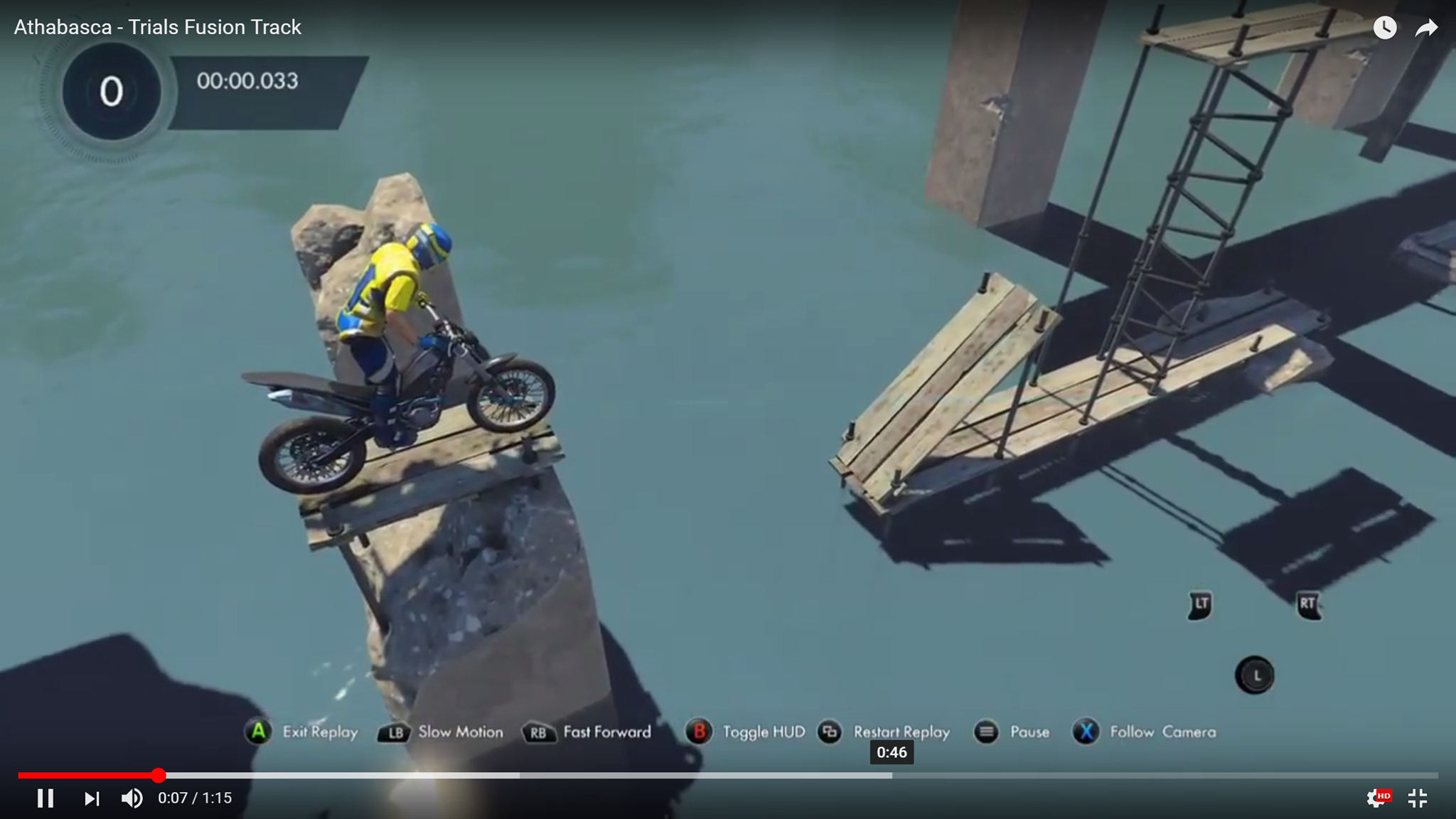
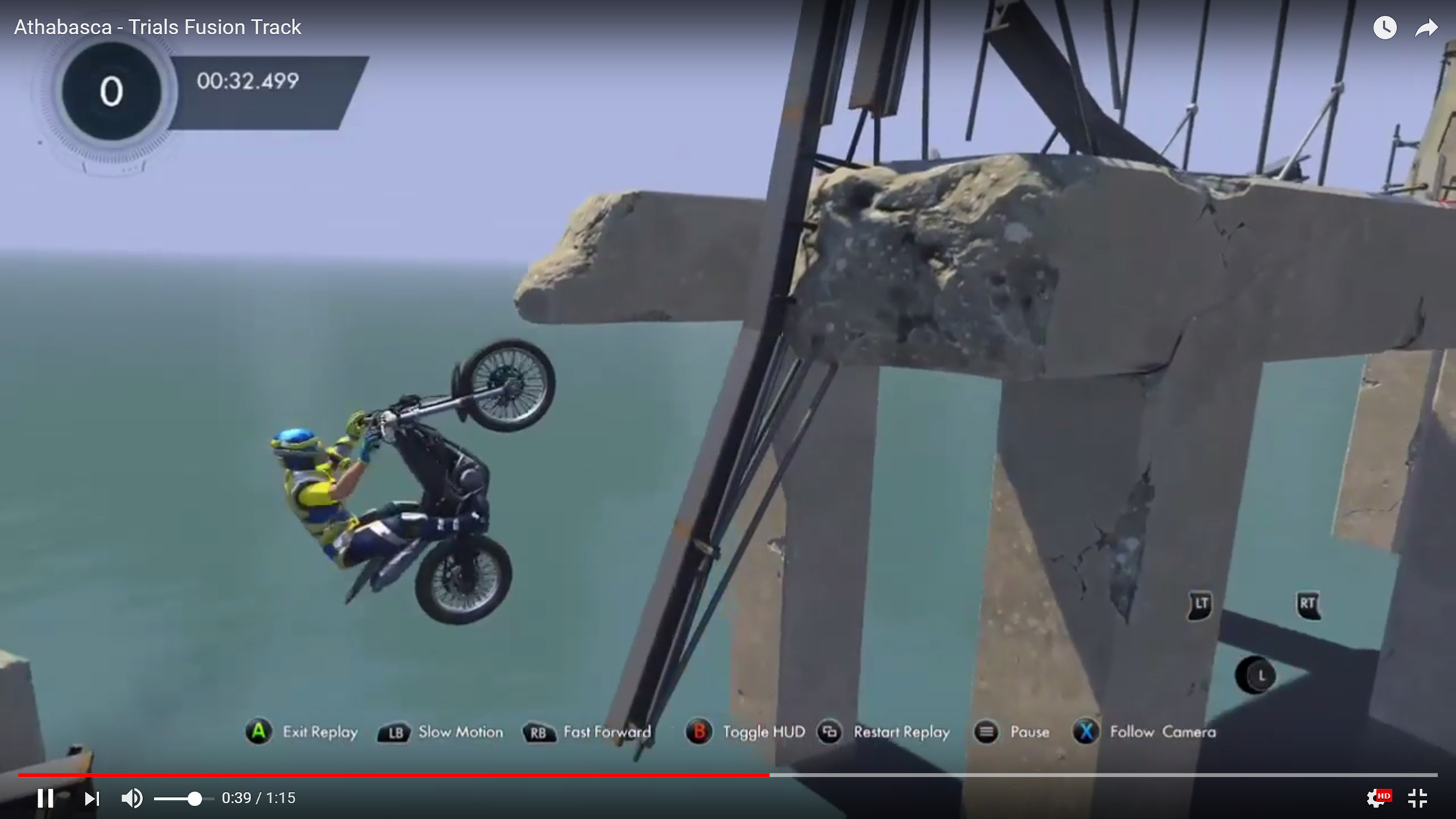
For those looking to expand their gameplay experience further, numerous videos and gameplay walkthroughs are available online. These can showcase various custom maps, demonstrating how they enhance the overall enjoyment and challenge of Trials Fusion. Watching others play can provide valuable insights into navigating difficult tracks and may inspire your own creations.
Conclusion
In summary, Player Created Tracks are an invaluable feature in Trials Fusion, offering players endless opportunities for creativity and challenge. By using the in-game track browser, players can easily discover, download, and enjoy community-made courses. The ranking system aids in finding high-quality content while being mindful of potential restrictions based on track design. Engaging with custom tracks not only extends gameplay but also fosters a vibrant community of creators and players alike.


Leave a Reply