
Game Progress and Switching in UFO 50
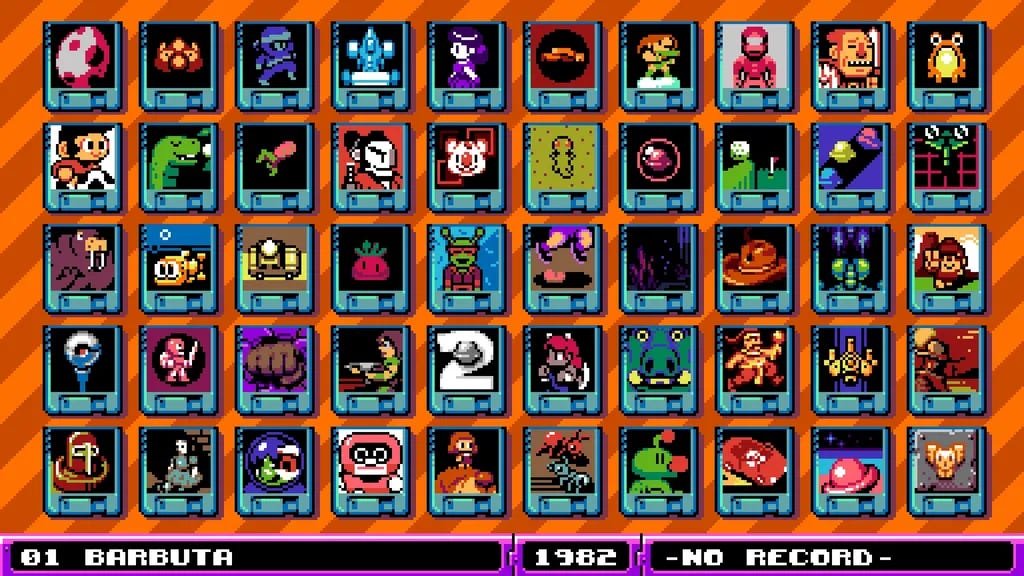
Based on the current understandings from player discussions and gameplay mechanics, UFO 50 does not feature a formal “quick-switch” option for transitioning between the 50 games included within the title. Here’s a detailed overview of how game progress is managed, how saving works, and suggestions for effectively switching between games.
Saving and Progress Retention
1. Per-Game Saves:
Each game within UFO 50 maintains its own save system. Players can track their progress independently across different titles. Completion rewards, such as gold borders, are granted for finishing a game or achieving certain challenges, indicating a structured approach to progress tracking for each individual game.
2. No Mid-Game Save States:
Players have noted the lack of a “quick save” or mid-run save feature, particularly with games that might demand longer play sessions, like Barbuta. This implies that if a player starts a game, they must complete it in one sitting, as there are no options for storing a save state mid-session.
3. Challenge-Based Persistence:
Certain titles, like Devilition, seem to require players to manage resources strategically over multiple rounds. This suggests that while players can track progress within a single game, there isn’t an overarching carry-through of achievements or resources across different games.
Switching Between Games
1. Individual Sessions:
When leaving a game to switch to another, progress is likely retained if the current game has a native save system. For example, progressing through levels or earning checkpoints would normally save that progress to resume later.
2. Risk of Session Loss:
However, for games that lack mid-run saving functionalities (like Seaside Drive or Waldorf’s Journey), there exists a significant risk—exiting the game prematurely could lead to a loss of progress, reverting back to the last saved checkpoint or the last completed level.
Workarounds for Effective Progress Management
1. Complete Objectives:
Players should aim to finish levels or challenges to activate autosaves before attempting to switch titles. This will ensure that progress is secured and they can safely return to that game later.
2. Check for In-Game Saves:
While it hasn’t been universally confirmed, some genres or titles within UFO 50 may possess built-in manual saves or checkpoints. Players should familiarize themselves with each game’s saving mechanism to optimize their playing experience.
3. Session Prioritization:
To minimize the risk of losing progress, players are encouraged to concentrate on shorter gaming experiences or those with clear breakpoints (such as puzzle games or those with defined levels). This strategy allows for easier transitions between titles without the anxiety of losing extensive progress.
Conclusion
While UFO 50 does not currently offer a streamlined “quick-switch” feature, understanding the inherent save systems and managing gameplay sessions allows players to navigate the collection more effectively. Each game is designed to be self-contained, and approaching them as distinct experiences can enhance enjoyment while minimizing progress-related frustrations. Should future updates introduce quality-of-life features, players can benefit further, but in the meantime, these strategies provide a solid framework for managing multiple gaming experiences within the collection.


Leave a Reply