
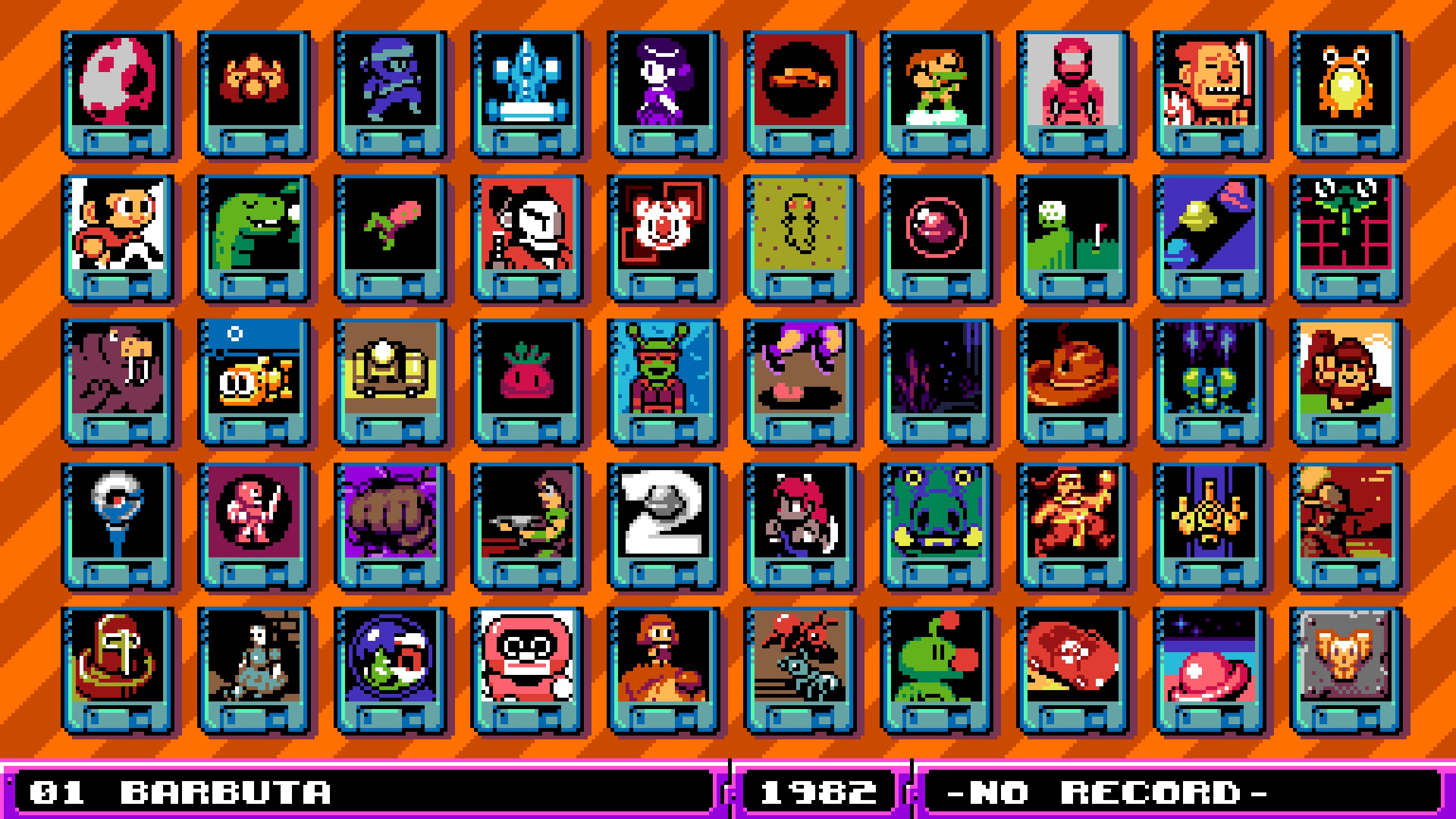
UFO 50 is an intriguing collection of 50 unique games that offers a variety of gaming experiences, including both single-player and multiplayer options. However, it’s important to note that the multiplayer capabilities are primarily limited to local gameplay, which means that players must share the same device to engage in co-op or versus modes. This limitation can affect how players enjoy the multiplayer aspects of these games, especially for those looking to connect with friends online.
Multiplayer Games in UFO 50
Approximately half of the titles in UFO 50 support some form of multiplayer, but access is constrained to local play. Here are two notable examples:
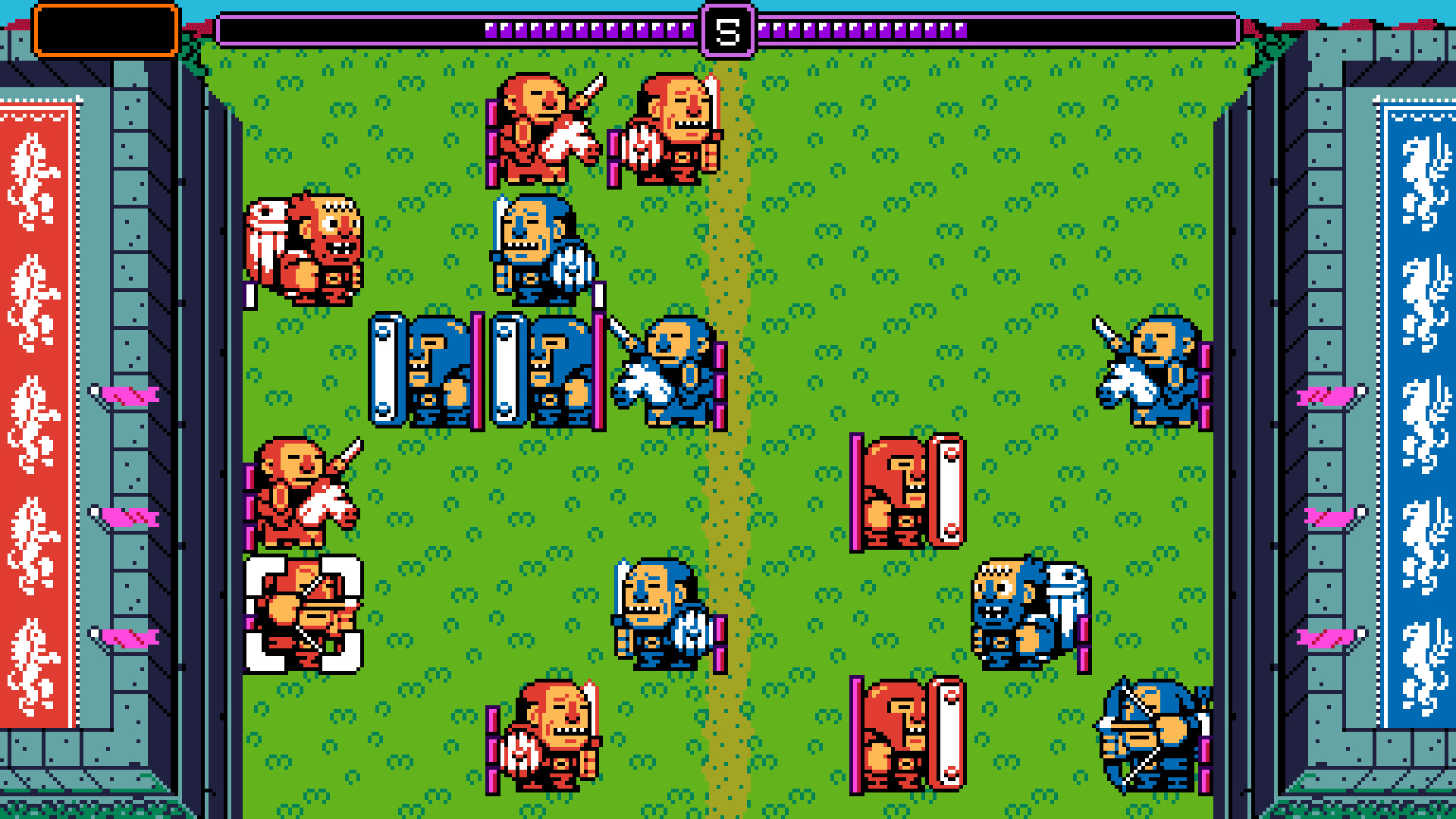
1. Bushido Ball: A dynamic multiplayer experience that many players have expressed interest in seeing translated to online gameplay. However, it remains strictly a local multiplayer title, requiring participants to gather in person.
2. Mortol: A unique puzzle-platformer that allows for two-player cooperative play. This game enables you to team up with a friend, working together to solve puzzles and navigate through levels.
Accessing Co-op or Versus Modes
To engage in the multiplayer features of UFO 50, follow these steps:
1. Select a Game: Begin by navigating the UFO 50 menu to choose a game that includes multiplayer support.
2. Enter Multiplayer Options: Upon entering the game, look for a section dedicated to local co-op or versus play, typically accessible from the main menu.
3. Connect Your Controllers: Make sure that multiple controllers are connected to your gaming device, as this is essential for local multiplayer participation.
4. Choose Your Mode: Select the specific co-op or versus mode that you wish to play, and get ready for multiplayer fun!
Online Multiplayer Limitations
Despite the enjoyable local multiplayer experience, it’s crucial to recognize that UFO 50 does not feature native online multiplayer capabilities. This means that players cannot directly connect and play these games with others via the internet through the collection. For those aiming for remote play with friends, using third-party software such as Steam Remote Play or Parsec may be an option. This approach allows for online multiplayer experiences, but it does require a stable internet connection and potentially a more involved setup process.
In summary, while UFO 50 provides a rich collection of games with local multiplayer functionality, players looking for online play will need to seek alternative methods to connect with others remotely.



Leave a Reply